

Install CopyQ Clipboard Manager on Ubuntu 18.04 Systems. CopyQ Clipboard Manager is an advanced clipboard manager with editing and scripting features for Linux Systems. CopyQ monitors system clipboard and saves its content in customized tabs. Saved clipboard can be later copied and pasted directly into any application. The CopyQ Clipboard Manager can store text, HTML, […]
Darktable 2.4.4 Released – Install Darktable On Ubuntu Linux
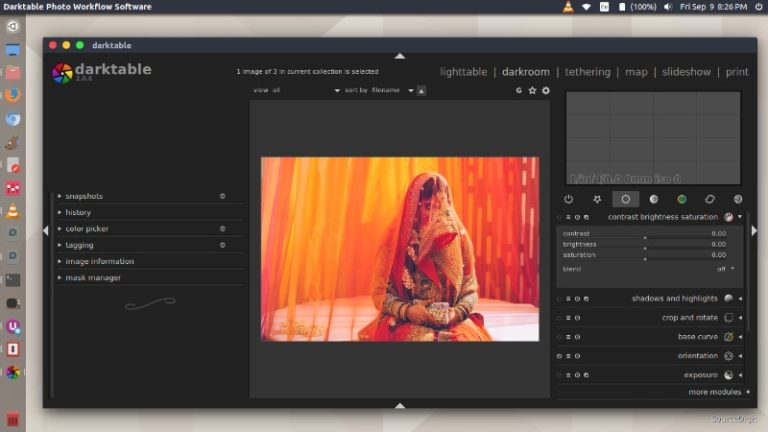
Darktable 2.4.4 released. How to install Darktable on Ubuntu Linux. Darktable is an open source photography workflow application and raw developer. A virtual lighttable and darkroom for photographers. It manages your digital negatives in a database, lets you view them through a zoomable lighttable and enables you to develop raw images and enhance them. Darktable […]
Free Resources For Beginner Writers & Bloggers

As a blogger or creative writer, you need to know your language. If you write or blog in English, you need to constantly improve your writing skills. There’s no doubt that writing skills and grammar is essential for writers working as professionals creating content, which can be blogging, content writing, freelance journalism, etc. Even non-writers need […]
How To Install Linux Kernel 4.17 In Ubuntu 18.04
How to install Linux Kernel 4.17 in Ubuntu 18.04. Linux Kernel 4.17 brings numerous updates and new drivers’ support coupled with hardware and network improvements. Announcing the release of Linux Kernel 4.17, Linus Torvalds wrote: So this last week was pretty calm, even if the pattern of most of the stuff coming in on a […]
6 Things To Know Before Procuring a Cloud Computing Service

The procurement of a cloud service isn’t the same as the traditional approach to purchasing technology. Traditional procurement is designed for the complete and permanent purchase of hardware or software. It therefore may not be cognizant of the dynamics of buying infrastructure as a service. A failure to adjust technology procurement procedures to accommodate the […]
Install Sublime Text 3 On Ubuntu Using Terminal
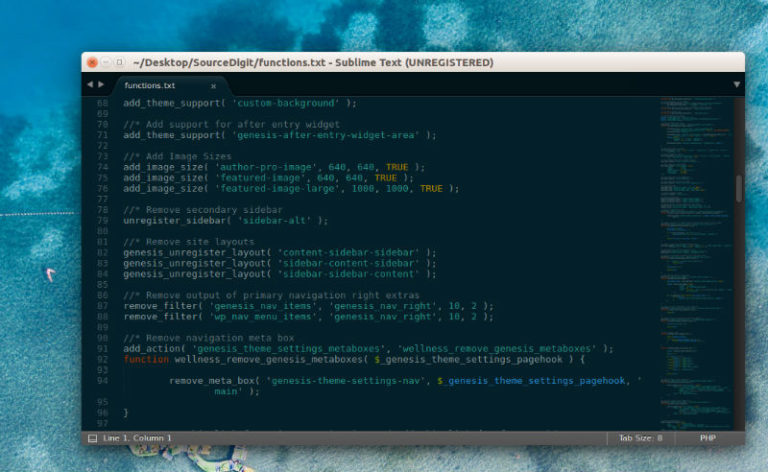
Install Sublime Text 3 Ubuntu using Terminal. Sublime Text Editor 3 brings a refreshed UI theme, new color schemes, and a new icon. Some of the other highlights are big syntax highlighting improvements, touch input support on Windows, Touch Bar support on macOS, and apt/yum/pacman repositories for Linux. Sublime Text 3 Features Refreshed UI theme, […]