
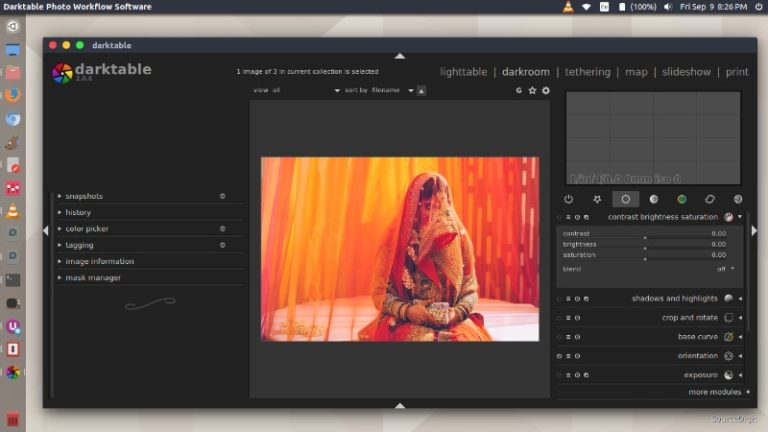
darktable 2.2.5 released. darktable 2.2.5 is the fifth bugfix release for the 2.2 series of darktable application. darktable is an open source photography workflow application and raw developer. A virtual lighttable and darkroom for photographers. It manages your digital negatives in a database, lets you view them through a zoomable lighttable and enables you to […]
How To Install Linux Kernel 4.12 In Ubuntu
How to install Linux Kernel 4.12 in Ubuntu? Linux Kernel 4.12 brings support for a USB Type-C port manager and advance support-functions for ARM 64 devices. Announcing the release, Linus Torvalds wrote: Things were quite calm this week, so I really didn’t have any real reason to delay the 4.12 release. As mentioned over the […]
How To Install LiVEs Video Editor 2.8.7 On Ubuntu
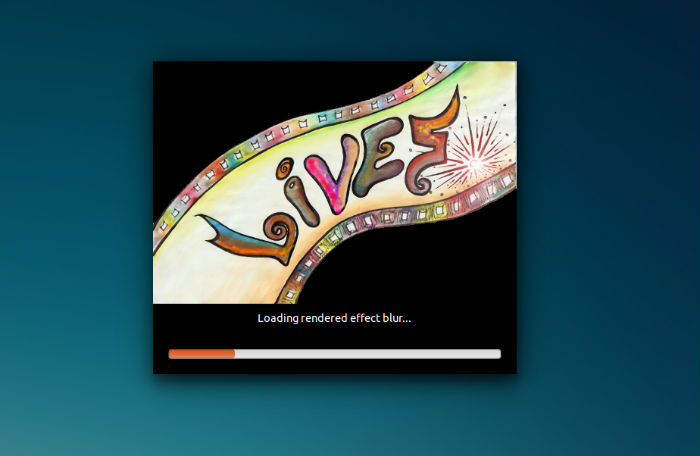
LiVES Video Editor 2.8.7 released. Install LiVES video editor and VJ tool on Linux Ubuntu Systems. LiVES mixes realtime video performance and non-linear editing in one professional quality application. It will let you start editing and making video right away, without having to worry about formats, frame sizes, or framerates. It is a very flexible […]
How To Craft Your Resume For Online Assignments (Or Any Job)

Looking for a job or freelance assignments online? Your resume is the first thing that your prospective employer will see, whether it is an online freelance writing job or a full-time job. Your resume, or CV, is your most powerful tool when applying for a job. Your resume is the first chance to make an […]
ScreenCloud – Ubuntu Screenshot Tool To Capture & Share Screenshot
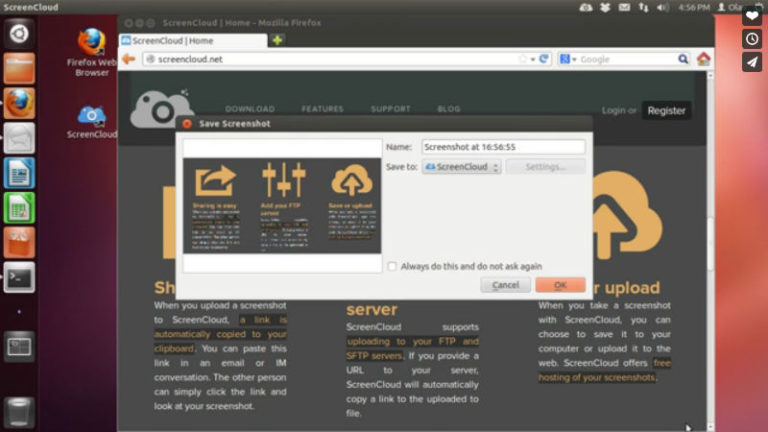
How to take screenshots on Ubuntu with ScreenCloud and share screenshots on Ubuntu. ScreenCloud for Ubuntu is an app that helps to capture screen on Ubuntu and share it. When you upload a screenshot to ScreenCloud, a link is automatically copied to your clipboard. You can paste this link in an email or IM conversation. […]
Install Phockup Linux Ubuntu Photo Organizer
Install phockup, Linux photo organizer. Phockup is a media sorting and backup tool to organize photos and videos from your camera in folders by year, month and day. This can also help you to find duplicate photos on Linux Ubuntu. Phockup is a media sorting and backup tool to organize photos and videos from your […]