
Install Flatpak on Ubuntu Linux Systems. Flatpak (XDG-APP) is an universal Linux Packaging Format. Flatpak is the next-generation technology for building and installing desktop applications. Flatpak allows the same app to be installed on different Linux distributions, including different versions. Flatpak has many features of the linux kernel (bind mounts, namespaces, seccomp, etc) to create […]
Install Skype 5.0 For Linux Beta On Ubuntu
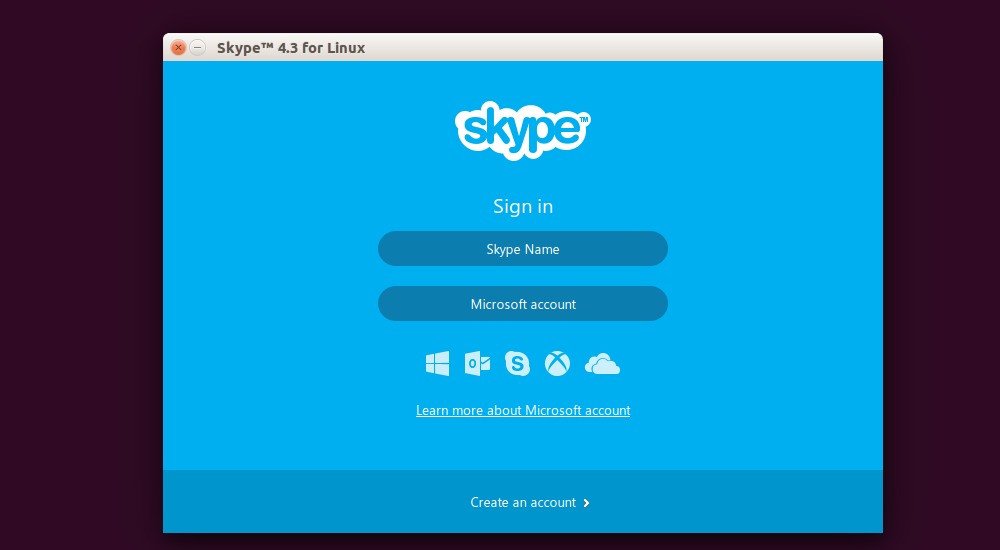
How to Install Skype 5.0 For Linux Beta in Ubuntu 16.10, Ubuntu 16.04. Skype 5.0 For Linux Beta brings one-to-one VIDEO CALLS support from Linux to Skype for Android, iOS, Windows, and Mac. This update includes features that make it easier for you to use Skype for Linux for your everyday communications needs. We have […]
Install Ubuntu Command Line Battery Status Indicator
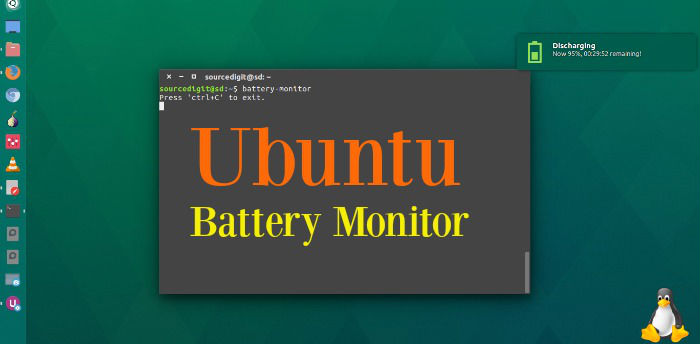
Battery Monitor is an Ubuntu Command Line Battery Status indicator for Ubuntu Systems. Learn how to install Ubuntu “Battery Indicator” in Ubuntu 16.04. Battery Monitor is a utility tool developed on Python3 and PyGtk3. It will notify user about charging, discharging and not charging state of the battery on Linux (Surely if battery is present). […]
Install Double Commander File Manager On Ubuntu, Via PPA

Double Commander file manager for Linux Ubuntu Systems. Install Double Commander file manager on Ubuntu, via PPA – on Ubuntu 15.04, Ubuntu 14.04 and Ubuntu Derivatives. Double Commander (DoubleCMD) is a cross platform open source file manager for Linux Ubuntu. It comes with two panels side by side. It is inspired by Total Commander file […]
Install Musique Audio Player On Ubuntu Linux

Install Musique audio player for Linux Ubuntu. Terminal commands to install Musique player on Ubuntu 16.10, Ubuntu 16.04, Ubuntu 15.04, Ubuntu 14.04 and other Ubuntu Derivatives. Musique has a clean and innovative interface that unclutters the music listening experience. Musique Player supports most audio formats, including: FLAC, OGG Vorbis, Monkey’s Audio (APE), Musepack (MPC), WavPack […]
Install GhostWriter Markdown Text Editor On Ubuntu

GhostWriter distraction-free text editor for Linux Ubuntu. Install GhostWriter markdown text editor on Ubuntu 16.10, Ubuntu 16.04, Ubuntu 15.04, Ubuntu 14.04, Ubuntu 15.10 and Ubuntu 14.10 Systems. GhostWriter 1.3.2 has many powerful features such as syntax highlighting, full-screen mode, built-in spell check, live word count and live HTML preview. features: navigation of document headings focus […]