

Terminal commands to update Linux Kernel on Ubuntu 16.04. How to install Linux Kernel 4.7-RC3 on Ubuntu 16.04 and Linux Mint Systems. Linux 4.7-RC3 is the third RC version for Linux kernel 4.7 development cycle. Although there is no such any major changes, Kernel 4.7 RC3 brings a fix for a pending NFS issue. Install […]
Install VideoLAN VLC Media Player On Ubuntu 16.04
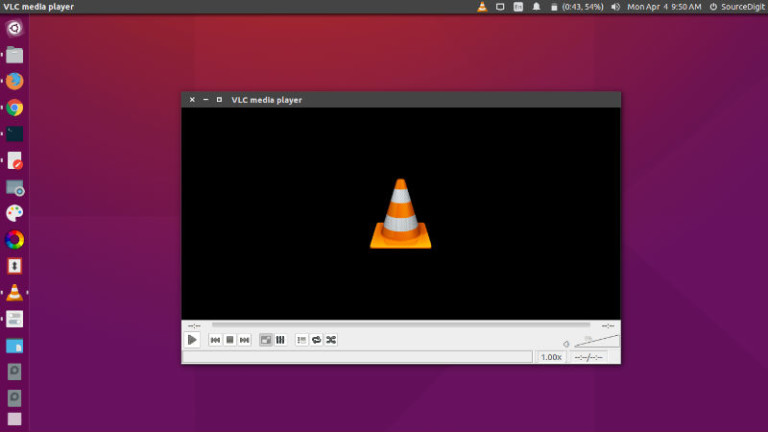
VideoLAN VLC media player for Ubuntu Linux. Install VLC Media Player 2.2.4 for Ubuntu 16.04 Systems. Install VLC on Ubuntu, via Terminal commands. VLC Media Player is the most popular open source multimedia player application for Linux Ubuntu Systems. VLC media player plays most multimedia files as well as DVDs, Audio CDs, VCDs, and various […]
Install Vivaldi 1.2 Web Browser On Ubuntu 16.04
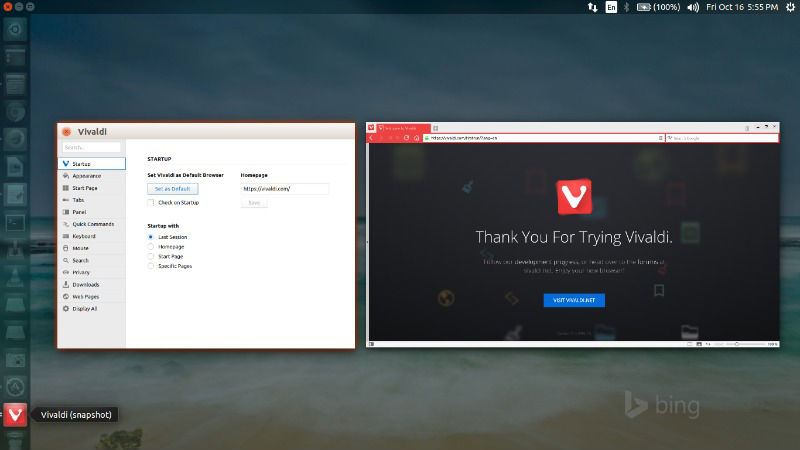
Install Vivaldi 1.2 on Ubuntu 16.04 Systems. The latest release of Vivaldi web browser introduces editable mouse gestures, new tab options, better zoom and more. Vivaldi 1.2 also brings a brand new feature – editable mouse gestures. It’s easy to do. Simply trace the path you’d like to use for a gesture and – presto! […]
Install WeeChat IRC Chat Client On Ubuntu 16.04

WeeChat IRC Chat Client for Linux Ubuntu. Install the latest WeeChat in Ubuntu 16.04 Systems. An IRC (Internet Relay Chat) client is a program that a user can install on their computer and it sends and receives messages to and from an IRC server. It simply connects you to a global network of IRC servers […]
Install Dropbox in Ubuntu 16.04, via Command Line
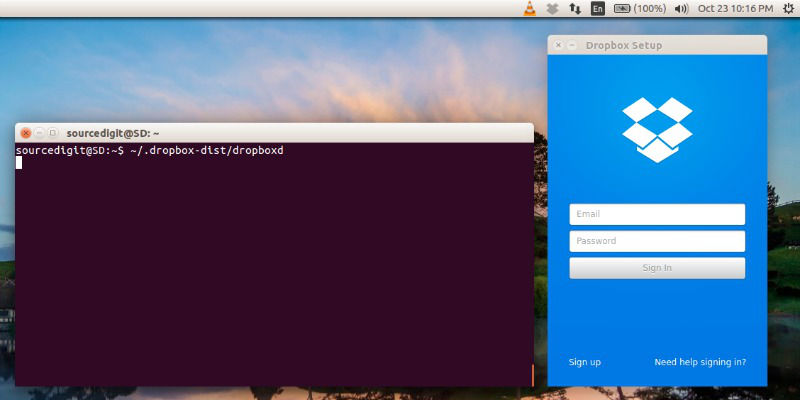
Install Dropbox in Linux Ubuntu via Terminal (Command Line) Install Dropbox in Ubuntu 16.04, Ubuntu 15.10, Ubuntu 15.04 and Ubuntu 14.04. Terminal commands to install Dropbox on Ubuntu, via Command Line. Install Dropbox in Ubuntu via command line The Dropbox daemon works fine on all 32-bit and 64-bit Linux servers. To install, run the following […]
Install Git 2.9 On Ubuntu 16.04 Systems

Update Git on Ubuntu. Git 2.9 Source Code Management System. Install Git on Ubuntu 16.04 Systems. Git version control system was developed by Linus Torvalds to support the development of the linux kernel. Git 2.9 brings various improvements and new features. It brings an experimental feature called “multiple worktree.” It brings various performance improvements, better […]