
How to Upgrade to Ubuntu 15.04 from Ubuntu 14.10/Ubuntu 14.04/Ubuntu 12.04. Install and upgrade to Ubuntu 15.04 from any Ubuntu version. Learn how to upgrade Ubuntu 15.04 via Terminal Command Line. How to Upgrade Ubuntu 15.04 Via GUI/Graphical Way Open “Dash” and type/search for “Update Manager” and open it. In update manager Click on “Settings” […]
Install These Essential Softwares After Fresh Install of Ubuntu 15.04
List of top 10 things to do after installing Ubuntu 15.04. After upgrade to Ubuntu 15.04, install these third-party applications/softwares on Ubuntu 15.04 Desktop PC. Customize Ubuntu 15.04. Install Multiple Essential Software At Once On Ubuntu 15.04 Selecting and Installing all the extra software on a new Ubuntu computer can be time consuming. To automate […]
Download Ubuntu 15.04 “Vivid Vervet” Desktop
Download Ubuntu 15.04. Learn how to upgrade to Ubuntu 15.04, how to install Ubuntu 15.04. Download Ubuntu 15.04 ISO CD Images and make a Ubuntu 15.04 Live USB. The Ubuntu 15.04 will be supported for 9 months for Ubuntu Desktop, Ubuntu Server, Ubuntu Core, Kubuntu, Ubuntu Kylin along with all other flavours. Images can be […]
New Features in Ubuntu 15.04 Desktop
New features in Ubuntu 15.04 Desktop. Look at what’s new in Ubuntu 15.04 – some of the most exciting changes and list of new features in Ubuntu 15.04. Ubuntu 15.04 will be supported for 9 months for Ubuntu Desktop, Ubuntu Server, Ubuntu Core, Kubuntu, Ubuntu Kylin along with all other flavours. Some of the most […]
Create a Bootable USB Stick on Ubuntu 15.04 “Vivid Vervet”

How to create a bootable USB stick on Ubuntu? Create a USB stick – bootable Ubuntu USB flash drive to install Ubuntu. On Ubuntu you can create bootable USB stick from ISO file. To create a USB stick from which you can install Ubuntu, you must first download Ubuntu. Once you have download the the […]
Ubuntu 15.04 Server Upgrade – How To Upgrade From Ubuntu 14.10 Server To Ubuntu 15.04 Server
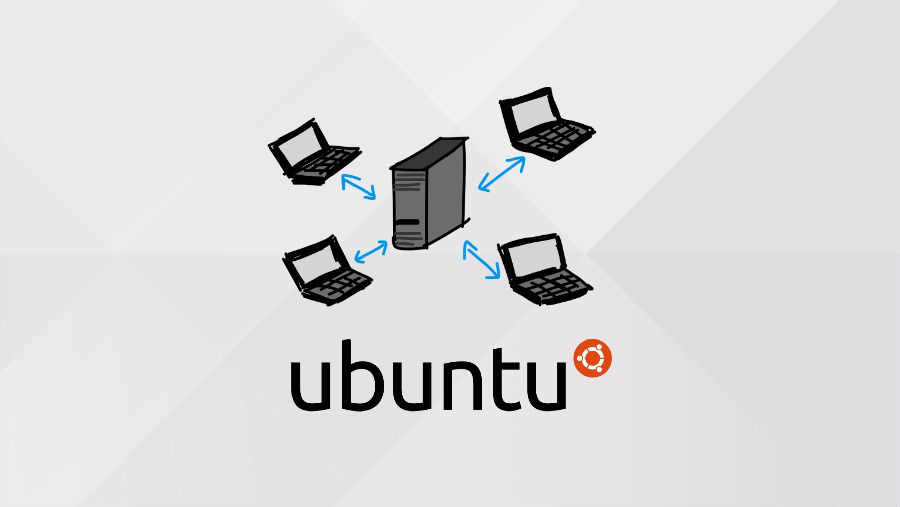
Ubuntu Server upgrade via Command Line. To upgrade from Ubuntu 14.10 server to Ubuntu 15.04 server, use the do-release-upgrade utility. To upgrade a Ubuntu Server Edition installation, follow the steps given below: Ubuntu 15.04 will be available to download from www.ubuntu.com/download from Thursday 23 April. Ubuntu Servers If you installed from 14.04 or 12.04 originally […]