
How to install Pragha Music Player on Ubuntu 14.10 and Ubuntu 14.04. Pragha 1.3.2 is a Lightweight Music Player for GNU/Linux. It is based on Gtk, sqlite, and completely written in C. The Pragha Music Player supports playback control with command line. Other features of Pragha Music Player are: Full integration with GTK+3, but always […]
How To Install Enlightenment E20 On Ubuntu 14.10, Ubuntu 14.04 & Ubuntu 12.04
Install Enlightenment E20 Desktop Environment for Ubuntu Systems. Here’s how to install Enlightenment Ubuntu Desktop Environment on Ubuntu 14.10, Ubuntu 14.04, Ubuntu 12.04, Linux Mint and other Ubuntu derivatives. The Enlightenment is an open-source desktop environment with dedicated animations, UI effects and applications. Enlightenment E20, the latest version comes with GTK+3 and Qt5 support and […]
Best Ubuntu 14.10 Unity Themes – Ubuntu 14.10 GTK Themes
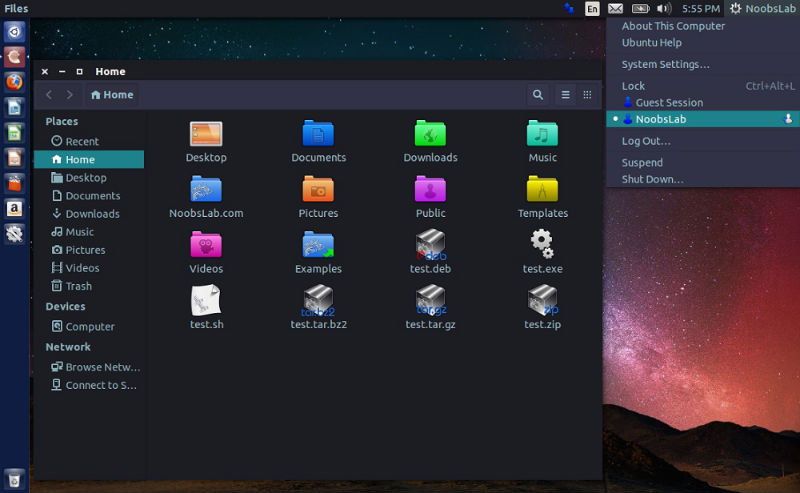
Top 10 Ubuntu 14.10 Utopic Unicorn Themes – Ubuntu 14.10 GTK Themes. Download and install these Ubuntu 14.10 Unity Themes. These custom themes for Ubuntu 14.10 Utopic Unicorn are great resource to customize the look and feel of the Ubuntu 14.10 Unity Desktop. Moka Gtk Theme Run the following commands in the Terminal to install […]
How to Install Metasploit on Linux Ubuntu 14.04
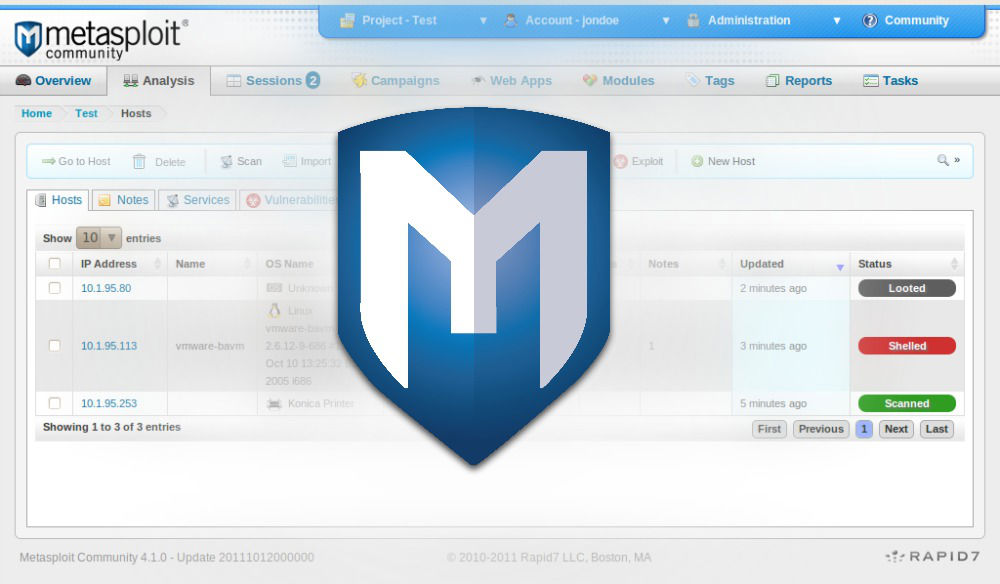
Install Metasploit Framework in Ubuntu 14.04. Here is how to download and install Metasploit on Linux Ubuntu 14.04 system. Metasploit is the world’s most used testing software. The Metasploit penetration testing software is a collaboration of the open source community and Rapid7. It helps verify vulnerabilities and manage security assessments for a system. The standard Metasploit installer uses […]
Add the Forget Button in Firefox 35 & Delete Browsing History Instantly
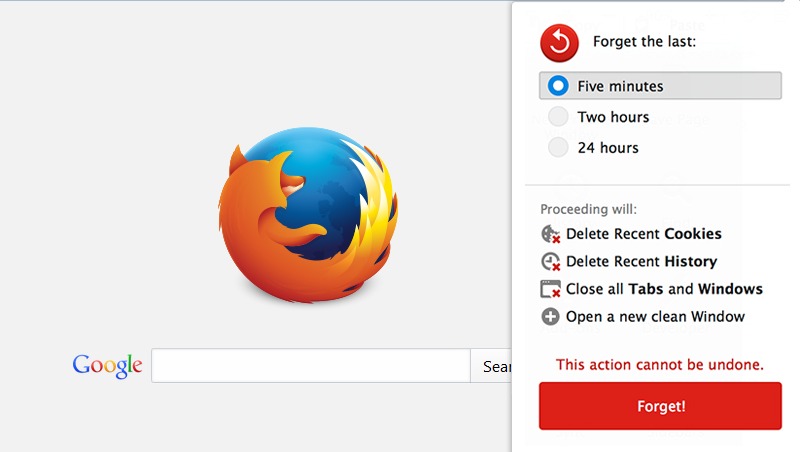
How to add the Forget Button in Firefox 35. Enable and use the Forget Button in Firefox 35 to delete (clear) the browsing history instantly. Firefox (33.1 onwards) comes with a new Forget button which quickly deletes the Firefox browsing history. The Forget button with the new version of Firefox wipes out the recent browsing history […]
How To Install Firefox 35 On Ubuntu 14.10, Ubuntu 14.04 & Ubuntu 12.04
How to install Firefox 35 on Ubuntu 14.10, Ubuntu 14.04 and Ubuntu 12.04. You can also install Firefox 35 on Linux Mint 17.1/17/13, Elementary OS 0.3/0.2, Deepin 2014, and other Ubuntu derivative systems. Firefox 35 has been added to Ubuntu’s default repository. To install Firefox 35 on Ubuntu systems, all you have to do is […]