
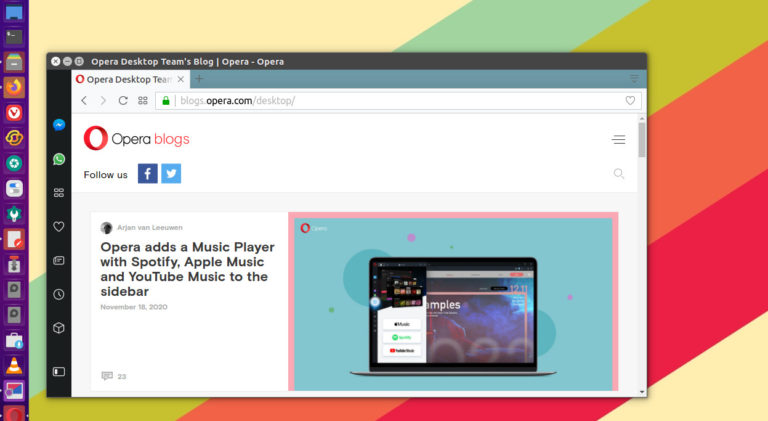
Opera Web Browser 72 released. Here is how to install Opera Web Browser 72 on Linux Ubuntu 20.10 and Ubuntu 20.10 Systems. Opera adds built-in music player for Spotify, Apple Music & YouTube Music. Opera Web Browser 72 The new Player in Opera lets you log into Spotify, Apple Music and YouTube Music directly from […]
Install KeePassXC 2.6.1 – Best Free Password Manager for Linux Ubuntu
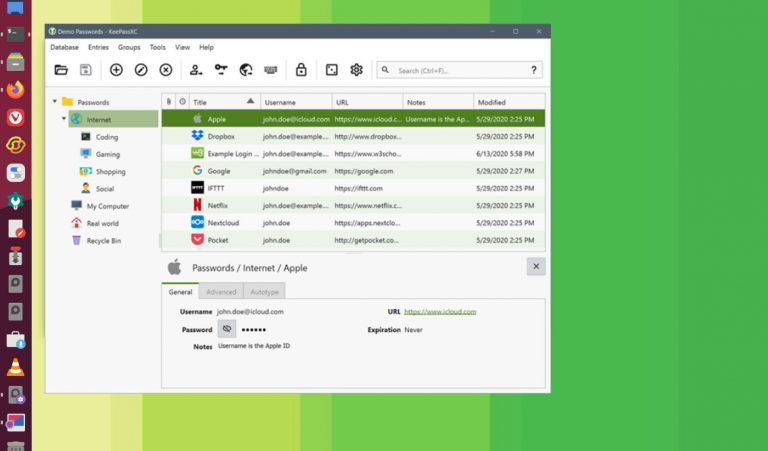
How to install KeePassXC 2.6.1 on Ubuntu Linux. KeePassXC is the best free password manager for Linux Ubuntu. KeePassXC stores and manages all kinds of sensitive information and personal data, such as usernames, passwords, URLs, attachments, and notes in an offline, encrypted file that can be stored in any location, including private and public cloud […]
Disable Gutenberg Block Editor & Revert To WordPress Classic Editor
How to disable Gutenberg and return to the Classic WordPress Editor. The WordPress Classic Editor Plugin replaces WordPress Gutenberg and is one of the best free WordPress Plugins for blogs, to disable Gutenberg and return to the Classic WordPress Editor. WordPress makes it easy to disable Gutenberg and return to using the classic editor (aka: […]
Linux Shutdown Command Example to Shutdown Ubuntu from Terminal
How to shutdown Ubuntu from terminal command line. Ubuntu shutdown command examples for using Ubuntu shutdown command immediately or Ubuntu shutdown command with 15 minute delay. Shutdown Command The shutdown command brings the system down in a secure way. All logged-in users are notified that the system is going down, and login operations are blocked. […]
How to Install Python 3.9 on Ubuntu 20.10 and Ubuntu 20.04
Python 3.9.0 released. How to install Python in Linux Ubuntu via command line. Here are the terminal commands to install Python 3.9 on Ubuntu 2010 and Ubuntu 20.04 Python 3.9.0 is the stable release of Python programming language, and it contains many new features and optimizations. Python 3.9.0 new features Some of the new major […]
Best WordPress Image Compression & Image Optimization Plugin
Wondering “how to optimize images for SEO in WordPress website?” Here are some of the best free image optimization plugins for WordPress. You can use these WordPress plugins for image optimization and image compression. 1. Smush – Compress, Optimize and Lazy Load Images Download: https://WordPress.org/plugins/wp-smushit/ Optimize your images turn on lazy load, resize, compress and […]