
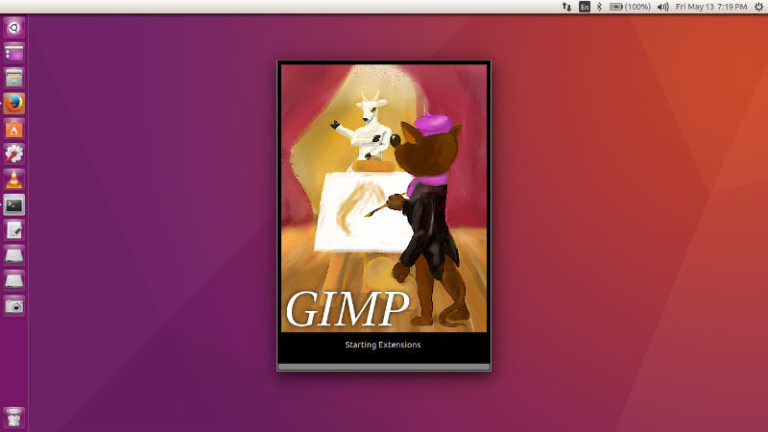
How to Install GIMP 2.10 in Ubuntu 18.04. Command to install GIMP via Ubuntu Terminal; this tutorial explains installing GIMP via terminal. GIMP 2.10 is released with na updated user interface and initial HiDPI support. The release announcement says: “GIMP 2.10 is the result of six years of work that originally focused on porting the […]
Install Gimp Ubuntu Terminal
GIMP 2.9.8 Released – Install GIMP Image Editor on Linux Ubuntu
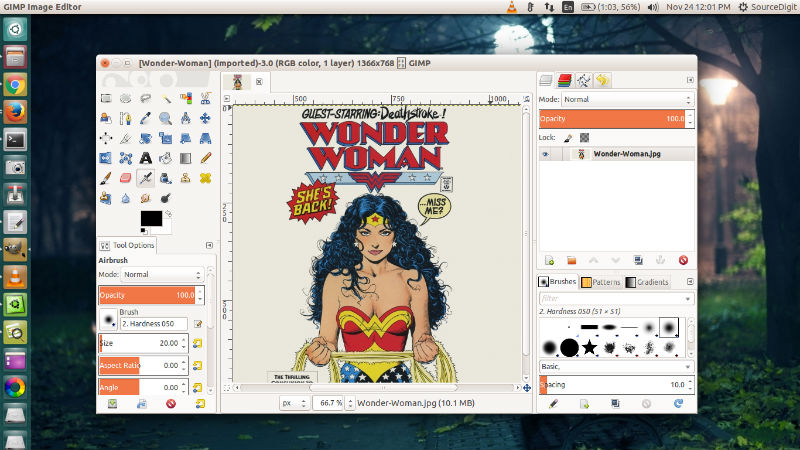
GIMP 2.9.8 Released. Install GIMP 2.9.8 image editor on Linux Ubuntu Systems. Newly released GIMP 2.9.8 introduces on-canvas gradient editing and various enhancements while focusing on bugfixing and stability. The most user-visible changes in 2.9.8 is the updated Blend tool. Secondly, default gradients are now “editable”. GIMP is a cross-platform image editor available for GNU/Linux, […]
GIMP 2.9.6 Released – Install GIMP via Ubuntu Terminal
GIMP 2.9.6 released. Install GIMP via Ubuntu Terminal; using GIMP Ubuntu PPA. GIMP 2.9.6 features many improvements, some new features, translation updates for 23 languages, and 204 bug fixes. GIMP is a high quality framework for scripted image manipulation, with multi-language support such as C, C++, Perl, Python, Scheme, and more. GIMP provides top-notch color […]
Gimp 2.8.22 Released – Install Gimp On Ubuntu 17.04
GIMP 2.8.22 released. Install GIMP on Linux Ubuntu Systems. GIMP 2.8.22 comes with an improved drawing performance in single window mode, especially with pixmap themes. It now prevent a crash in PDF plug-in if images or resolution are large. It brings various fixes related to plug-ins, performance and translations. GIMP 2.8.22 GUI: improve drawing performance […]
Install GIMP 2.8.20 On Ubuntu Using Terminal Commands
Install GIMP on Ubuntu using Terminal commands. GIMP 2.8.20 released. Install the current stable release of GIMP on Ubuntu Linux Systems. Update to the latest GIMP stable from older version. GIMP is the most popular open-source photo manipulation software for Linux Ubuntu Systems. It is one of the most powerful alternative to Adobe Photoshop. Changes […]
GIMP 2.8.18 Released – How To Install Gimp In Ubuntu Using Terminal
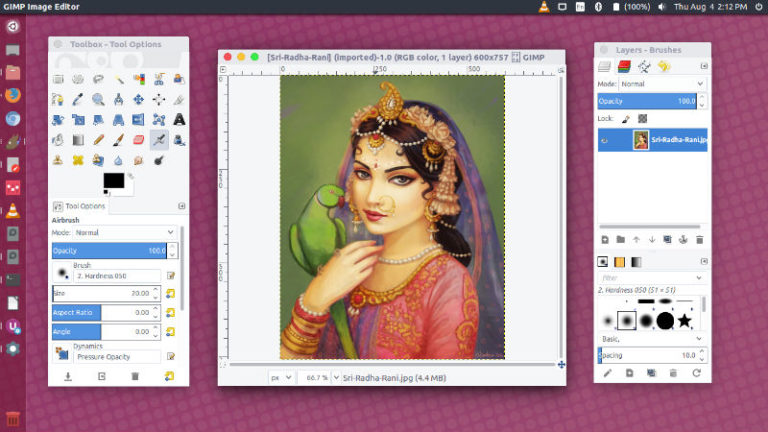
GIMP 2.8.18 released. Here’s how to install GIMP in Ubuntu using terminal. On Ubuntu 16.04, use “sudo apt-get install gimp” to install GIMP from Ubuntu terminal. GIMP is the most popular open-source photo manipulation software for Linux Ubuntu Systems. It is one of the most powerful alternative to Adobe Photoshop. GIMP 2.8.18 For Ubuntu Linux […]