
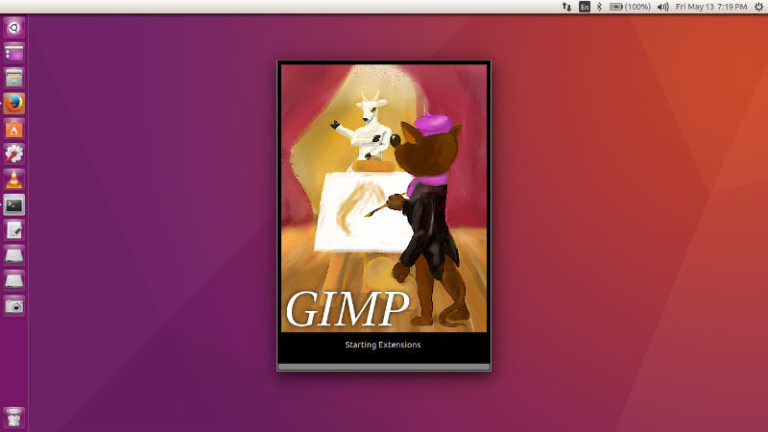
GIMP 2.10.8 released. Here’s how to install GIMP 2.10.8 image editor in Ubuntu and Linux Mint. GIMP 2.10.8 is mostly the result of dozens of bug fixes and optimizations. GIMP is a cross-platform image editor available for GNU/Linux, OS X, Windows and more operating systems. It is free software, you can change its source code […]
Install Gimp Ubuntu
Install GIMP 2.8.20 On Ubuntu Using Terminal Commands
Install GIMP on Ubuntu using Terminal commands. GIMP 2.8.20 released. Install the current stable release of GIMP on Ubuntu Linux Systems. Update to the latest GIMP stable from older version. GIMP is the most popular open-source photo manipulation software for Linux Ubuntu Systems. It is one of the most powerful alternative to Adobe Photoshop. Changes […]
GIMP 2.8.18 Released – How To Install Gimp In Ubuntu Using Terminal
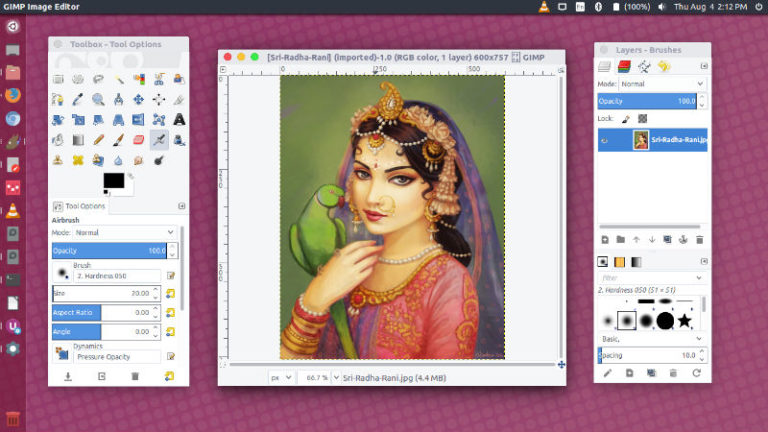
GIMP 2.8.18 released. Here’s how to install GIMP in Ubuntu using terminal. On Ubuntu 16.04, use “sudo apt-get install gimp” to install GIMP from Ubuntu terminal. GIMP is the most popular open-source photo manipulation software for Linux Ubuntu Systems. It is one of the most powerful alternative to Adobe Photoshop. GIMP 2.8.18 For Ubuntu Linux […]
How To Install Gimp In Ubuntu Using Terminal
How to install Gimp in Ubuntu using terminal commands. GNU Image Manipulation Program (GIMP), open source image editor for Linux Ubuntu Systems. The current stable release of GIMP is 2.8.18. GIMP features high quality photo manipulation tools. It can do everything – from retouching to restoring to creative composites. GIMP provides top-notch color management features […]