
• Skip to primary navigation
  • Skip to main content
  • Skip to primary sidebar
Source Digit

Source Digit

Linux, Ubuntu Tutorials & News, Technology, Gadgets & Gizmos

  • Home
  • How To
  • Ubuntu
  • Instagram
  • Blogging
  • Android
  • WordPress
  • +More
    • Cloud Computing
    • Gadgets
    • Social Media
    • Technology
  • Write for Us
Home / Archives for Install Markdown Editor On Ubuntu

Install Markdown Editor On Ubuntu

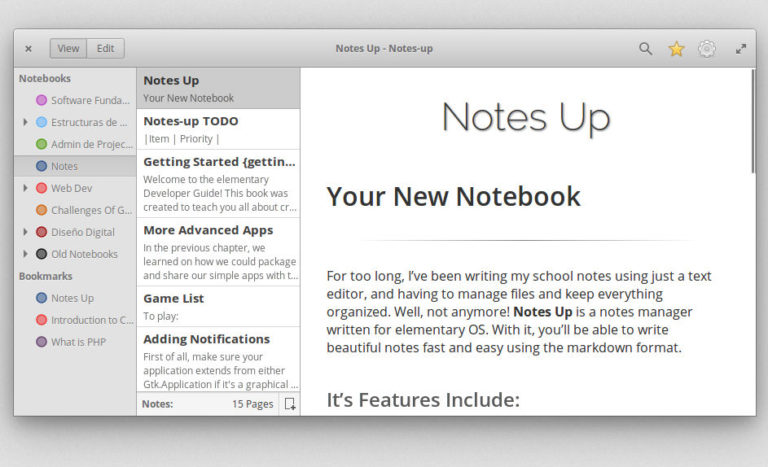
Install Notes Up Markdown Editor on Linux Ubuntu

Install Notes Up Markdown Editor on Ubuntu. Notes Up is one of the best markdown editor for Linux Ubuntu; Markdown editor on Linux with WYSIWYG function. Markdown notes and manager is written for elementary OS. With it, you’ll be able to write beautiful notes fast and easy using the markdown format. It’s Features Includes multiple […]

Install Typora Markdown Editor On Ubuntu 16.04 Linux
Typora Markdown Editor for Linux Ubuntu. Here’s how to install Typora Markdown Editor on Ubuntu 16.04 LTS. Typora will give you a seamless experience as both a reader and a writer. It removes the preview window, mode switcher, syntax symbols of markdown source code, and all other unnecessary distractions. Replace them with a real live […]

Install EME Elegant Markdown Editor On Ubuntu 16.04
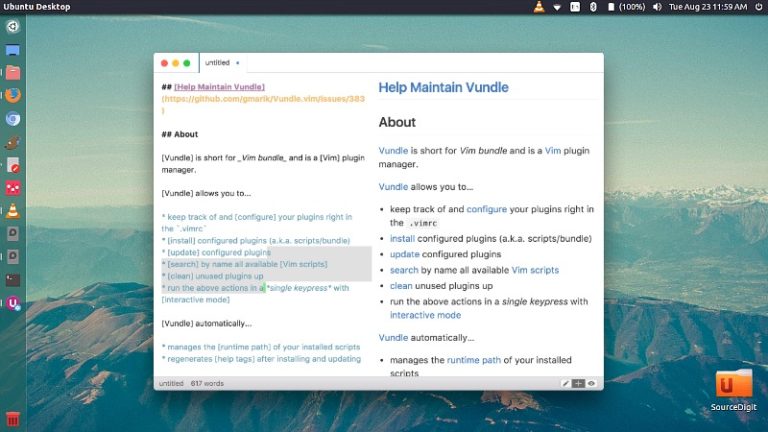
Install EME elegant markdown editor on Ubuntu 16.04. Elegant Markdown Editor is an open-source markdown editor developed with Node.js and Electron framework. Works on Linux, OS X, and Windows. EME Elegant Markdown Editor supports: Focus Mode – Focus right on the paragraph you are writing, get rid of all the noises. Vim Mode – With […]

Primary Sidebar

Latest Posts

How To Run Fsck Manually In Linux To Fix Unexpected Inconsistency

How To Fix Broken Packages On Ubuntu From Terminal

Re Execute The Previous Command In Linux Ubuntu Command Line

How Much RAM Is Needed For Ubuntu PC

How To Find Large Files And Directories In Linux Command Line

How To Use Clear Command History In Linux Terminal

Linux Command To Check RAM Size In Ubuntu Terminal In GB

How To Install Proprietary Drivers In Linux Ubuntu Using Terminal

How To Shutdown Linux With A 15 Minute Delay And Message

Free AI Courses With Certificate For Beginners In India

© 2026 Source Digit • Linux, Ubuntu Tutorials & News, Technology, Gadgets & Gizmos

  • Home
  • About
  • Privacy Policy
  • Terms & Conditions
  • Contact Us
  • Sitemap