
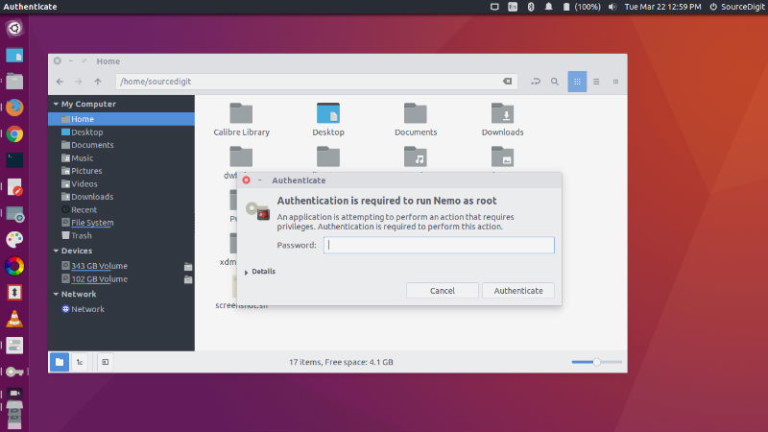
Install Nemo file manager on Ubuntu Linux. Also learn how to set Nemo as default file manager in Ubuntu. Nemo file manager patched for Unity (no Cinnamon dependencies except cinnamon-translations). One of the most striking feature of Nemo is its ability to “Open as root” and “Open in terminal”. Best of all, it displays an […]
Nemo file manager Ubuntu
Install Nemo File Manager On Ubuntu via ppa:webupd8team/nemo
Install Nemo file manager on Ubuntu via ppa:webupd8team/nemo. Update or install the Nemo 3.4 without cinnamon dependencies on Ubuntu 17.04 and other Ubuntu Derivatives. Nemo is the default file browser for Cinnamon which can also be installed on Ubuntu Linux Systems. Nemo is a powerful file manager application for Linux Ubuntu Systems which allows users […]
How To Set Nemo As Default File Manager On Ubuntu Linux
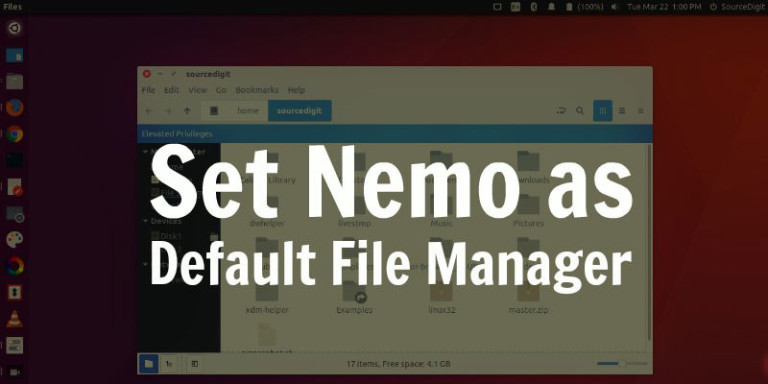
How to set Nemo as the default file manager on Ubuntu Linux Systems. Install and use the Nemo file manager for Ubuntu 16.10 and Ubuntu 16.04 Systems. Nemo is a powerful file manager application for Linux Ubuntu Systems which allows users to “open as root” and “open in terminal”. It comes with elevated privileges and […]
Install The Latest Nemo File Manager On Ubuntu, Via PPA
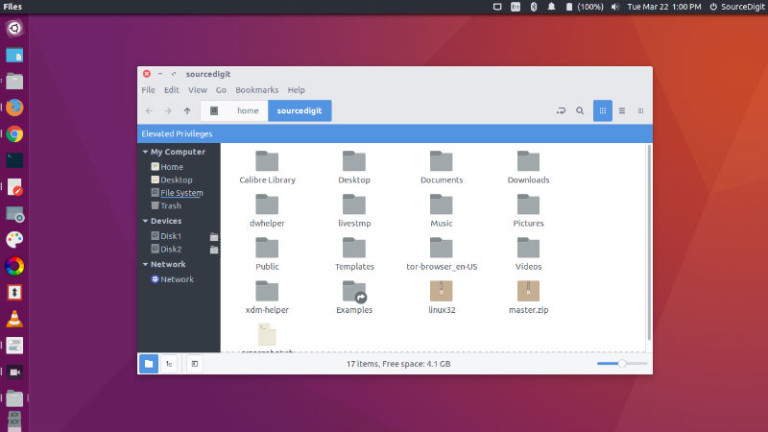
Install the latest Nemo file manager on Ubuntu, via PPA. Download and install Nemo with extensions and patches on Ubuntu Systems. Nemo lets you open as root/administrator in Ubuntu. Nemo file manager has a built in “open as root” context menu option. Best of all, it displays an “elevated privileges” banner (see screenshot below) when […]
Install Nemo File Manager in Ubuntu 15.10 (Unity Desktop)
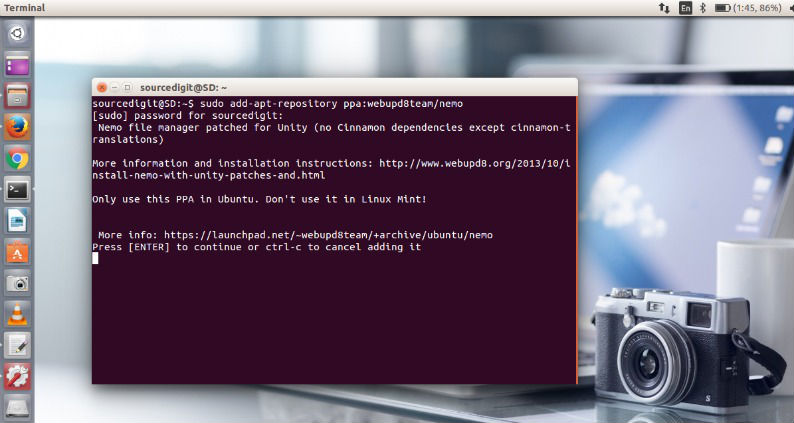
Nemo 2.8 for Ubuntu 15.10, Ubuntu 15.04 and Ubuntu 14.04. Install Nemo file manager in Ubuntu (Unity). Install Nemo with Unity patches in Ubuntu 15.10, Ubuntu 15.04 and Ubuntu 14.04. Set Nemo as the default file manager on Linux Ubuntu Systems. Nemo is the default file manager for the Cinnamon desktop environment (Linux Mint Systems). […]