
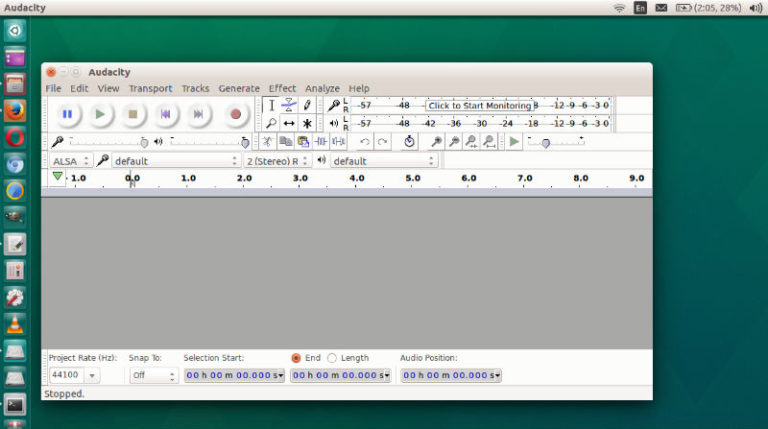
Audacity 2.3.0 released; install Audacity via Ubuntu Terminal. This post also explains how to uninstall Audacity in Ubuntu. Audacity 2.3.0 replaces all previous versions and it comes with over 90 bugs fixed since 2.2.2. The latest version of Audacity includes fixes to Timer Record, and to ‘Envelope Points’. It also brings a new feature – […]
Ubuntu 14.04 Audacity
Audacity 2.2.2 Released – How to Install Audacity 2.2.2 in Ubuntu
Audacity 2.2.2 brings various new features and improvements. Such as, dropout detection during recording, toggle zoom, vertical zooming changes and more. Audacity 2.2.2 Changes & Features Dropout detection – When this setting is “on” (default setting) Audacity will detect dropouts (brief gaps in the recording) and will insert zeroes into the recording to keep the […]
Audacity 2.2.0 Released – Install Audacity in Ubuntu via Terminal
Install Audacity in Ubuntu via Terminal; Here’s how to install Audacity 2.2.0 via PPA in Ubuntu 17.10 and Ubuntu 17.04. Audacity is free, open source, cross-platform audio software for multi-track recording and editing. Audacity can record live audio through a microphone or mixer, or digitize recordings from other media. It can easily import sound files, […]
How To Install Audacity On Linux Ubuntu Terminal
How to install Audacity on Linux; Install Audacity on Ubuntu via Terminal. Audacity is a free, open source, cross-platform audio software for multi-track recording and editing. Audacity is an open source, cross-platform audio editor and recorder that aims to process the most popular audio formats, podcasts included. Audacity will not disappoint if you need a […]