
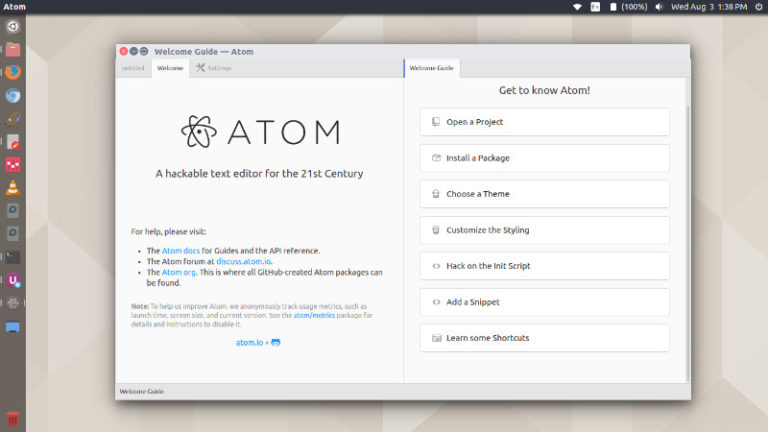
Atom 1.22 released. Install Atom Text Editor on Linux Ubuntu using the command “sudo add-apt-repository ppa:webupd8team/atom”. Atom is a desktop application built with HTML, JavaScript, CSS, and Node.js integration. It runs on Electron, a framework for building cross platform apps using web technologies. Atom 1.22 Atom 1.22 includes a number of fixes to performance and […]
Ubuntu Text Editor
Install Atom 1.0.9 Text Editor (via PPA) on Ubuntu 15.04 & Ubuntu 14.04
Atom Text Editor for Linux Ubuntu Systems. Install Atom 1.0.9 Text Editor (via PPA) on Ubuntu 15.04 and Ubuntu 14.04. Atom is a popular text editor developed by GitHub, for Linux Ubuntu Systems. Atom is specially designed for web programming languages – CSS, HTML, JavaScript and others. Atom Text Editor comes with HTML, JavaScript, CSS, […]
Install Latest Release of Brackets Text Editor in Ubuntu 14.10, Ubuntu 14.04 & Ubuntu 12.04
How To Install Brackets Text Editor On Ubuntu Systems. Install Brackets Text Editor on Ubuntu 14.10, Ubuntu 14.04, Ubuntu 12.04 and Ubuntu Derivative Systems. Brackets Text Editor is created by Adobe for Linux Ubuntu. This tutorial explains how to install Brackets Editor on Ubuntu systems. The Brackets Text Editor can be installed via webupd8 PPA […]