
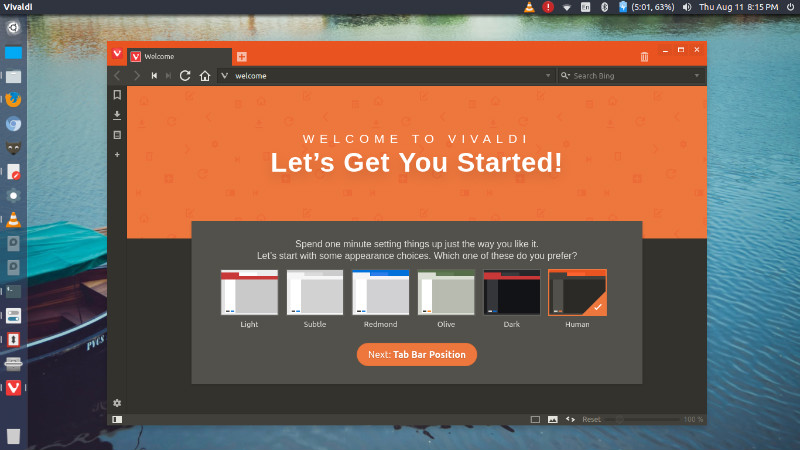
Vivaldi 1.14 web browser released. How to Install Vivaldi 1.14 in Ubuntu Linux. Vivaldi 1.14 brings vertical reader mode, Markdown support to Notes, rearrangeable Web Panels and reordering of search engines. Vertical reader mode A vertical display is one of the default ways to view written text in East Asian languages. We are confident that […]
Vivaldi Web Browser Ubuntu
Vivaldi 1.11 Released – Install Vivaldi Web Browser In Ubuntu
Install Vivaldi web browser in Ubuntu. Vivaldi 1.11 has been released with improved accessibility features – advanced Reader Mode, an ability to easily turn off GIF animations and more control over Mouse Gestures. We have also rolled out a new application icon to freshen up the browser’s look. Prominent new features: Advanced Reader Mode – […]
Vivaldi 1.8 Released – Install Vivaldi Web Browser On Ubuntu
Vivaldi 1.8 released. Install the latest release of Vivaldi web browser on Ubuntu 16.10 and Ubuntu 16.04 Systems. Vivaldi 1.8 comes with an impressive history feature. Vivaldi’s new History feature lets users explore their browsing patterns, backed by statistics and visual clues. “We want to make browsing history more useful than ever before,” says Jon […]
Vivaldi 1.6 Released; Install The Latest Release Of Vivaldi Web Browser On Ubuntu
Install the latest release of Vivaldi web browser on Ubuntu. How to install Vivaldi 1.6 on Ubuntu 16.04 and Ubuntu 16.10. Vivaldi 1.6 is updated to Chromium 55.0.2883.92 and released with Tab notifications and Tab stacks/rename feature. Users can now rename the Tab Stacks. This can come in especially handy when you are browsing websites […]
Vivaldi 1.5 Released; Install Vivaldi Web Browser On Ubuntu Linux
Vivaldi 1.5, the latest version of Vivaldi web browser for Linux Ubuntu includes a number of new features. It brings a new and improved tab functionality, reader mode and a smart-home lighting integration. Users can now select multiple tabs, apply commands to them in bulk, and drag the selected tabs into stacks. They can even […]
Install Vivaldi Snapshot 1.3.582.3 On Ubuntu – Released With A New Snapshot Logo
Install the latest Vivaldi web browser on Linux Ubuntu Systems. Snapshot 1.3.582.3 is released with web panel improvements and a new Snapshot logo. Vivaldi comes with an adaptive interface. Vivaldi ’s color scheme will adapt as you browse the web, much like a chameleon adapts to its surroundings. A clean and modern look complements the […]