
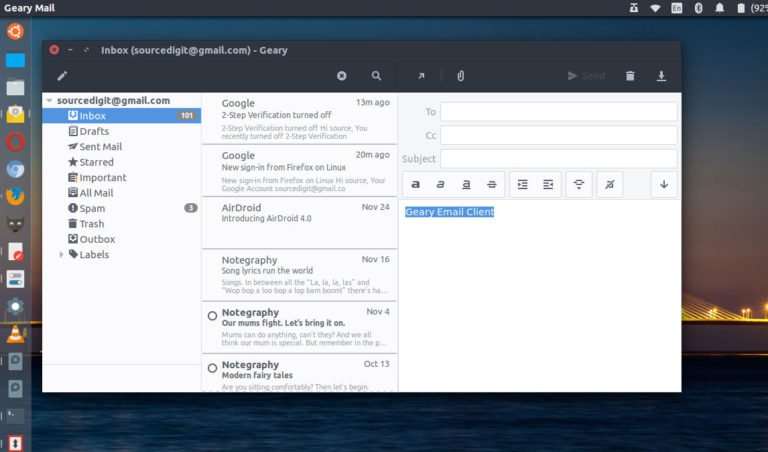
Install Geary Email Client in Ubuntu Linux. Geary is an email application built around conversations, for the GNOME 3 desktop. It allows you to read, find and send email with a straightforward, modern interface. Geary email client collects related messages together into conversations, making it easy to find and follow your discussions. Geary’s fast, full-text […]
Ubuntu
Latest Ubuntu news updates, Ubuntu tutorials and tips for Ubuntu Linux. Learn to use one the most popular Linux distros. Get the updates and latest releases for Ubuntu.
Install Atom Text Editor 1.38.1 on Ubuntu Linux
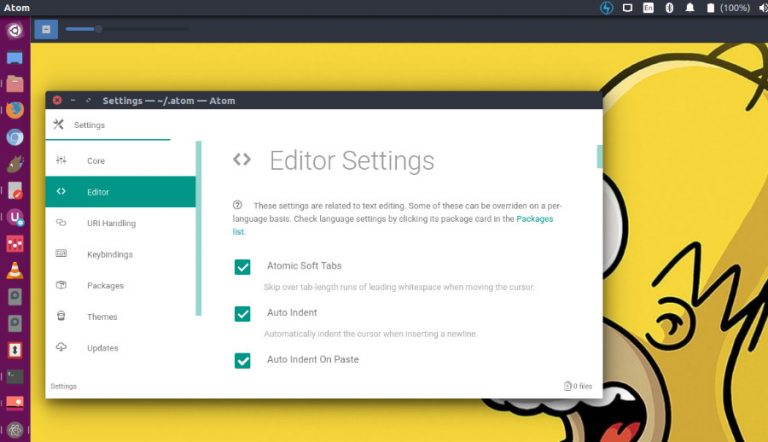
Install Atom Text Editor 1.38.1 on Ubuntu Linux. Atom Text Editor v1.38.1 (2019-06-13). The latest version has fixed a crash when using Tree Sitter grammars on versions on macOS versions before 10.12 and has fixed a regression in JSON syntax highlighting that applied hyperlink styling to non-hyperlinks atom/language-json#76 Atom Atom is a desktop application built […]
How to Check Kernel Version in Ubuntu
How to check Kernel version Ubuntu. Terminal commands to find the latest Linux Kernel version. Kernel commands in Linux Ubuntu. Learn how to check Kernel version Ubuntu. Which is the terminal command to check Kernel version in Linux Ubuntu. 1. uname ‘uname’ prints information about the machine and operating system it is run on. If […]
Install Vivaldi 2.8 Web Browser on Ubuntu Linux
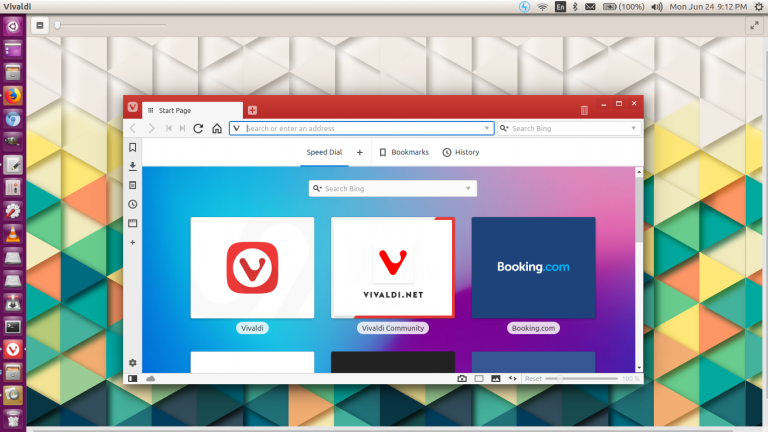
Here is how to install Vivaldi 2.8 web browser on Ubuntu Linux Systems. Vivaldi 2.8 web browser has been upgraded Chromium to 77.0.3865.78 and comes with simpler UI for crash recovery. Vivaldi 2.8 release announcement reads: “The biggest news, of course, is that you can now take Vivaldi – and your Bookmarks and Speed Dials, […]
Set Nemo As The Default File Manager On Ubuntu Linux
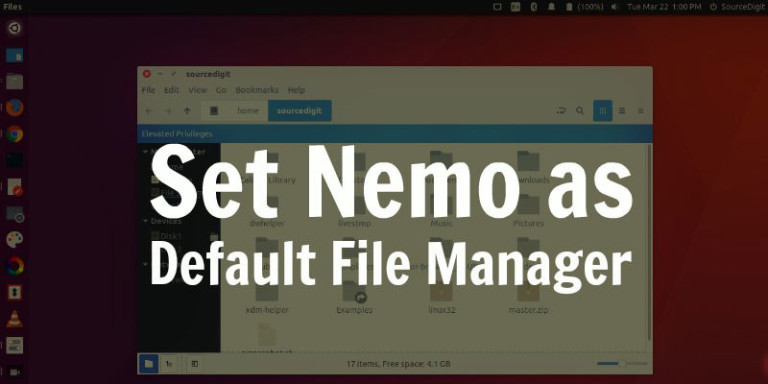
Set Nemo as the default file manager on Ubuntu Linux Systems. On Ubuntu 17.04, make Nemo default file manager. Install Nemo 3.4 without Cinnamon dependencies and with Unity patches in Ubuntu 17.04 and Ubuntu 16.04. Set Nemo As Default File Manager Now comes the important part, to set Nemo as the default file manager for […]
Install Nemo File Manager On Ubuntu Linux
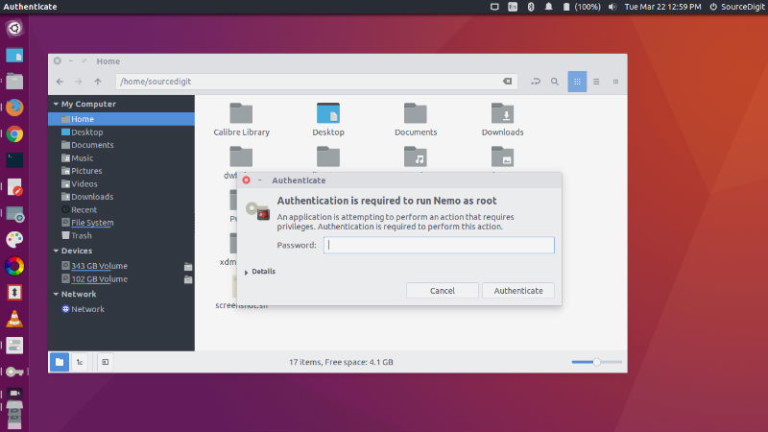
Install Nemo file manager on Ubuntu Linux. Also learn how to set Nemo as default file manager in Ubuntu. Nemo file manager patched for Unity (no Cinnamon dependencies except cinnamon-translations). One of the most striking feature of Nemo is its ability to “Open as root” and “Open in terminal”. Best of all, it displays an […]