
How to install WINE in Ubuntu 20.04 using Terminal. Learn to install and use wine in Ubuntu. Wine (originally an acronym for “Wine Is Not an Emulator”) is a compatibility layer capable of running Windows applications on several POSIX-compliant operating systems, such as Linux, macOS, & BSD. Instead of simulating internal Windows logic like a […]
Ubuntu
Latest Ubuntu news updates, Ubuntu tutorials and tips for Ubuntu Linux. Learn to use one the most popular Linux distros. Get the updates and latest releases for Ubuntu.
How to Delete a File in Linux Terminal Command Line
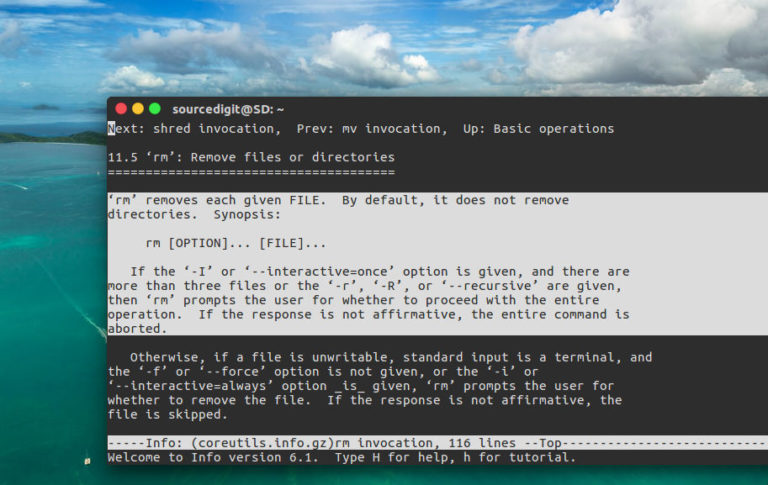
How to delete a file in Linux terminal command line. How to use rm command in Linux with options and examples to find and delete a file in Linux Ubuntu. rm Command in Linux To remove files you can use the rm command. The rm (remove) command is used to delete files and directories. rm […]
How To Check Free Disk Space In Linux Ubuntu
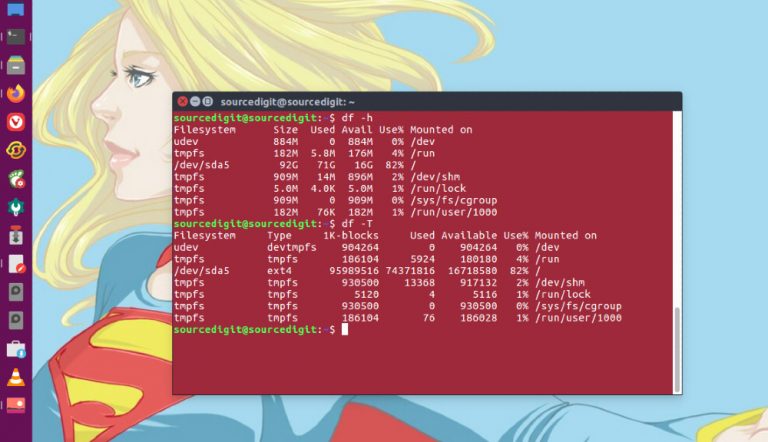
How to check free disk space in Linux Ubuntu. How to use df and du commands in Ubuntu Linux to check disk space in gb. Use these commands to check hard disk space via Ubuntu command line. Using df Command ‘df’ reports the amount of disk space used and available on file systems. With no […]
How To Take Screenshot In Ubuntu Terminal
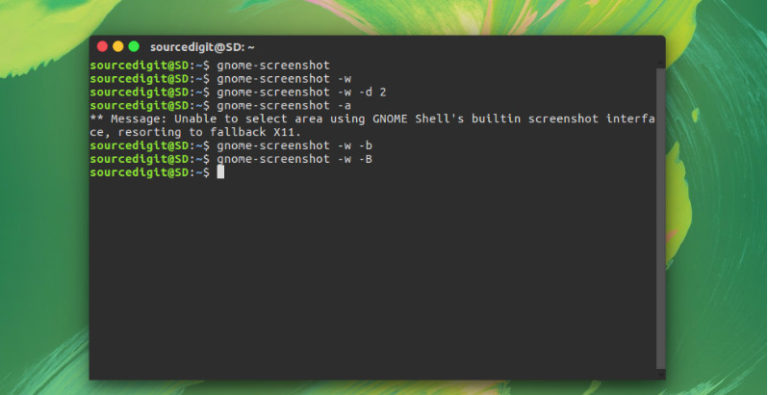
How to take screenshot in Ubuntu Terminal. Learn about Ubuntu screenshot shortcut and Ubuntu screenshot command. Shortcut key to take screenshot in Ubuntu – How to print screen in Ubuntu. Ubuntu screenshot shortcut and command to capture screen in Ubuntu. How to take a screenshot in Linux Ubuntu? Go to the Dash and open the […]
Install KeePass Linux Password Manager on Ubuntu

KeePassXC 2.5.0 password manager released. Install KeePass password manager on Ubuntu Linux Systems. KeePassXC 2.5.0 mainly features user interface and integration enhancements. KeePassXC is a community fork of KeePassX, the cross-platform port of KeePass for Windows. Every feature works cross-platform and was thoroughly tested on multiple systems to provide users with the same look and […]
Install Audacity 2.4.1 – Audacity Audio Editor For Linux Ubuntu
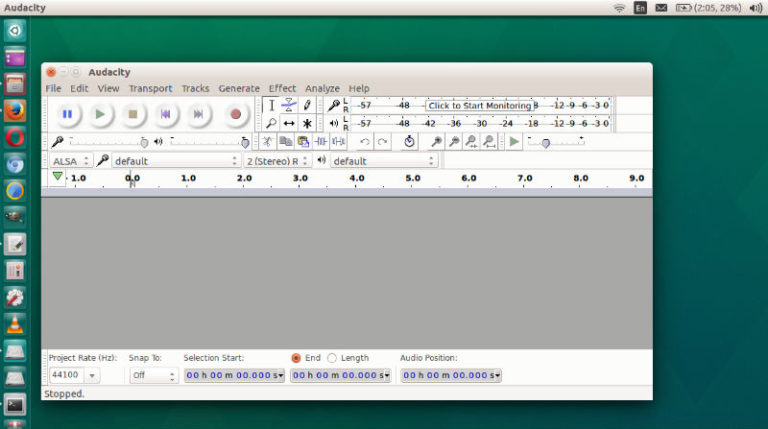
Audacity audio editor 2.4.1 released. Here is how to install Audacity 2.4.1 – Audacity audio editor for Linux Ubuntu. Audacity 2.4.1 fixes a serious bug in the briefly available Audacity 2.4.0. Audacity 2.4.1 – New Features Time Toolbar: We have split the recording/playing time off from the selection toolbar and it can now be dragged […]