
• Skip to primary navigation
  • Skip to main content
  • Skip to primary sidebar
Source Digit

Source Digit

Linux, Ubuntu Tutorials & News, Technology, Gadgets & Gizmos

  • Home
  • How To
  • Ubuntu
  • Instagram
  • Blogging
  • Android
  • WordPress
  • +More
    • Cloud Computing
    • Gadgets
    • Social Media
    • Technology
  • Write for Us
Home / How To / How To Install Skype In Ubuntu 14.04/14.10 via Software Center

How To Install Skype In Ubuntu 14.04/14.10 via Software Center

By Sourabh / March 5, 2015 Category: How To, Ubuntu

How To Install Skype In Ubuntu 14.04/14.10 via Ubuntu Software Center. You can also install Skype via Ubuntu Terminal. Skype is the most popular video messaging/instant messaging software worldwide.

You can do some great things using Skype for Linux. You can make free Skype to Skype calls, video call your contacts. Enjoy low cost calls and text messages to mobiles and landlines. You can also send free instant messages via Skype.

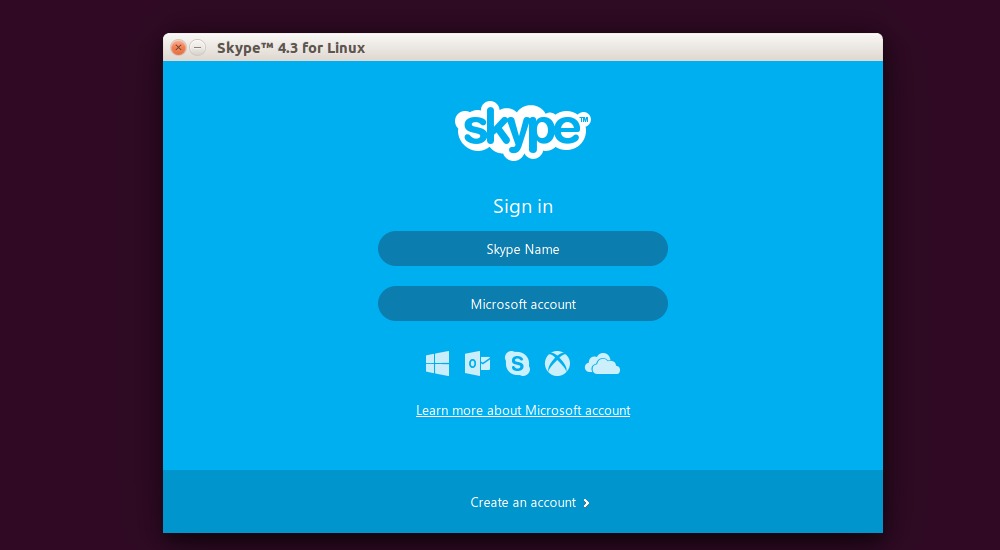
Using Skype on Linux Ubuntu Systems is super easy. All you need to get started is Skype for Linux version 4.3, a webcam for video calls and a microphone.

Install Skype on Linux Ubuntu
Skype--Ubuntu-02

Follow the steps given below to install Skype in Ubuntu 14.04/14.10 via Ubuntu Software Center. Skype 4.3 is now available in Ubuntu Software Center, in Canonical Partners repository. You can easily install Skype 4.3 from there, but you must have enabled Canonical Partners repository.

Here is how to enable Canonical Partners repository to install Skype 4.3 in Ubuntu:

  • Open Software & Updates from Unity Dash.
  • Under Other Software tab, enable Canonical Partners.
  • Close and reopen the Software & Updates window. It will then refresh the available software list.

Now open Ubuntu Software Center and search for Skype and install it from there. If you are having trouble installing Skype, you can run the following command in terminal to install Skype:

sudo apt-get install skype

Once installed, open Skype from Ubuntu Dash:

Skype--Ubuntu

Tags: Download Install Skype on Linux Ubuntu, Download Skype for Linux, Download Skype on Linux Ubuntu, Download Skype on Ubuntu 12.04, Download Skype on Ubuntu 14.04, Download Skype on Ubuntu 14.10, How to Install Skype on Ubuntu, Install Skype 4.3 in Ubuntu, Install Skype on Ubuntu, Install Skype on Ubuntu 14.04, Install Skype on Ubuntu 14.10, Skype (Ubuntu) - Download, Skype For Ubuntu, Skype for Ubuntu (32-bit), Skype for Ubuntu (64-bit), Ubuntu 14.04, Ubuntu 14.10, Ubuntu Download Skype

Primary Sidebar

Latest Posts

Re Execute The Previous Command In Linux Ubuntu Command Line

How Much RAM Is Needed For Ubuntu PC

How To Find Large Files And Directories In Linux Command Line

How To Use Clear Command History In Linux Terminal

Linux Command To Check RAM Size In Ubuntu Terminal In GB

How To Install Proprietary Drivers In Linux Ubuntu Using Terminal

How To Shutdown Linux With A 15 Minute Delay And Message

Free AI Courses With Certificate For Beginners In India

Best AI Plugins For WordPress To Use In 2026

3 Commands To Check USB Connection In Linux Terminal

© 2026 Source Digit • Linux, Ubuntu Tutorials & News, Technology, Gadgets & Gizmos

  • Home
  • About
  • Privacy Policy
  • Terms & Conditions
  • Contact Us
  • Sitemap