
• Skip to primary navigation
  • Skip to main content
  • Skip to primary sidebar
Source Digit

Source Digit

Linux, Ubuntu Tutorials & News, Technology, Gadgets & Gizmos

  • Home
  • How To
  • Ubuntu
  • Instagram
  • Blogging
  • Android
  • WordPress
  • +More
    • Cloud Computing
    • Gadgets
    • Social Media
    • Technology
  • Write for Us
Home / How To / How to Upgrade to Ubuntu 15.04 From Ubuntu 14.10

How to Upgrade to Ubuntu 15.04 From Ubuntu 14.10

By Sourabh / March 27, 2015 Category: How To, Ubuntu

Upgrading from Ubuntu 14.10 to Ubuntu 15.04. Here’s how to upgrade/update to Ubuntu 15.04 from Ubuntu 14.10/14.04 system. To upgrade, follow the steps given below:

Upgrading from Ubuntu 14.10
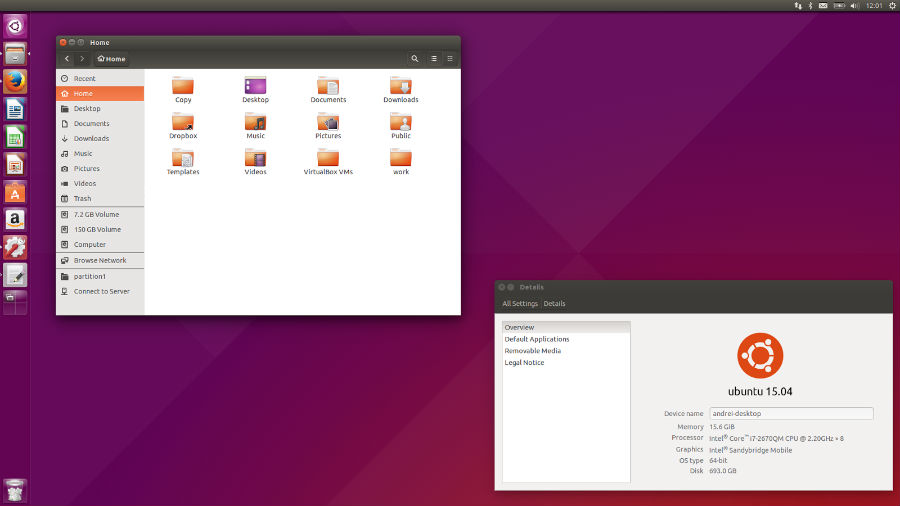
ubuntu1504vividvervet

Image via WebUpd8

To upgrade on a desktop system:

  • Open the “Software & Updates” Setting in Systemsettings.

  • Select the 3rd Tab called “Updates”.
  • Set the “Notify me of a new Ubuntu version” dropdown menu to “For any new version”.
  • Press Alt+F2 and type in “update-manager” (without the quotes) into the command box.
  • Update Manager should open up and tell you: New distribution release ‘14.10’ is available.
  • Click Upgrade and follow the on-screen instructions.

To upgrade on a server system:

  • Install the update-manager-core package if it is not already installed.
  • Make sure the /etc/update-manager/release-upgrades is set to normal.
  • Launch the upgrade tool with the command sudo do-release-upgrade.
  • Follow the on-screen instructions.

Note that the server upgrade will use GNU screen and automatically re-attach in case of dropped connection problems.

There are no offline upgrade options for Ubuntu Desktop and Ubuntu Server. Please ensure you have network connectivity to one of the official mirrors or to a locally accessible mirror and follow the instructions above.

Via Ubuntu Release Note

Tags: e Upgrade to Ubuntu 15.04 From Ubuntu 14.10, How to Upgrade to Ubuntu 15.04 From Ubuntu 14.10, Ubuntu 15.04, Update Ubuntu 14.10 to Ubuntu 15.04, Update Ubuntu 15.04 From Ubuntu 14.04, Update Ubuntu 15.04 From Ubuntu 14.10, Upgrade to Ubuntu 15.04 From Ubuntu 14.04, Upgrade to Ubuntu 15.04 From Ubuntu 14.10, Upgrade Ubuntu 14.04 to Ubuntu 15.04, Upgrade Ubuntu 14.10 to Ubuntu 15.04

Primary Sidebar

Latest Posts

Delete Directory And Contents Recursively Without Prompt On Linux

Check User Login History In Ubuntu Linux Command Line

Use Locate Command To Find File In Linux Terminal By Name

How To Change Terminal Color In Ubuntu Command Line

How To Run Fsck Manually In Linux To Fix Unexpected Inconsistency

How To Fix Broken Packages On Ubuntu From Terminal

Re Execute The Previous Command In Linux Ubuntu Command Line

How Much RAM Is Needed For Ubuntu PC

How To Find Large Files And Directories In Linux Command Line

How To Use Clear Command History In Linux Terminal

© 2026 Source Digit • Linux, Ubuntu Tutorials & News, Technology, Gadgets & Gizmos

  • Home
  • About
  • Privacy Policy
  • Terms & Conditions
  • Contact Us
  • Sitemap