
Install BitTorrent Client on Linux Ubuntu Systems. Install Deluge 1.3.12 (BitTorrent Client) on Ubuntu 15.10, Ubuntu 14.04, Ubuntu 15.04 and Derivatives.
Deluge is a popular BitTorrent Client for Linux Ubuntu Systems. Deluge BitTorrent is a powerful, multi-platform BitTorrent client based on libtorrent-rasterbar. The Deluge BitTorrent client supports 3 UI – Web UI, Console UI and GTK+ UI. Deluge has a wide-array of features, including BitTorrent Protocol Encryption, local peer discovery (aka LSD), fast protocol extension, µTorrent peer exchange, password protection and proxy support.
Install Deluge BitTorrent Client in Ubuntu
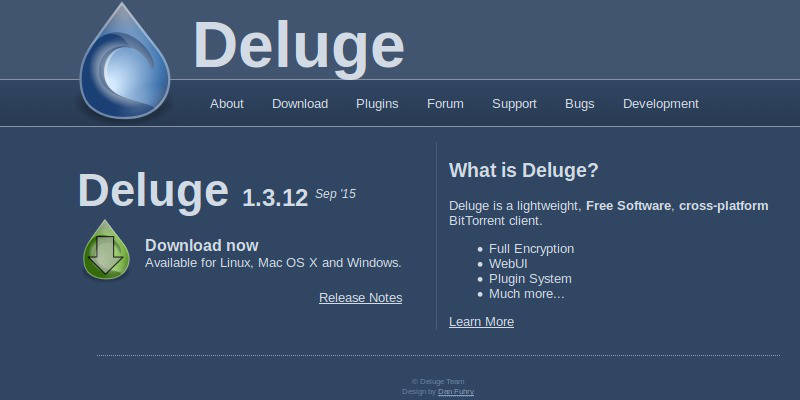
Deluge 1.3.12 is the latest version available of the Deluge BitTorrent Client. It has been released with the following changes:
- Fix potential AttributeError? in is_on_active_workspace
- Include fix for Twisted 15.0 URI class rename
- Fix AttributeError? in set_trackers with lt 1.0
- Enable lt extension bindings again for versions >=0.16.7 (this disables Tracker Exchange by default)
- Backport atomic fastresume and state file saving fixes as another attempt to prevent data loss on unclean exits
- Fixed i18n issue in Connection Manager which left users unable to connect
- Increase cookie lifespan for display settings
- Fixed ‘set and then get’ in config command
- Show current speed limit in statusbar
Deluge 1.3.12 can be installed (via PPA) on Ubuntu 15.10, Ubuntu 15.04, Ubuntu 14.04, Linux Mint and other Ubuntu Derivatives:
$ sudo add-apt-repository ppa:deluge-team/ppa

$ sudo apt-get update

$ sudo apt-get install deluge
Alongside the standard client, you can also install the web UI:
$ sudo apt-get install deluge-web deluged
If you get ‘add-apt-repository: command not found’ error, run the command given below to fix it:
Install add-apt-repository on Ubuntu 13.04 or Higher
sudo apt-get install python-software-properties
Install add-apt-repository on Ubuntu 12.10
sudo apt-get install software-properties-common
Uninstall Deluge Bit Torrent
If you wish to uninstall and remove the Deluge BitTorrent application, run the command given below:
sudo apt-get remove deluge