
FFmpeg 3.2.3 “Hypatia” released. FFmpeg is an open-source multimedia framework for Ubuntu Systems that can record, convert and stream audio and video.
FFmpeg is the leading multimedia framework, able to decode, encode, transcode, mux, demux, stream, filter and play pretty much anything that humans and machines have created. FFmpeg contains libavcodec, libavutil, libavformat, libavfilter, libavdevice, libswscale and libswresample which can be used by applications. As well as ffmpeg, ffserver, ffplay and ffprobe which can be used by end users for transcoding, streaming and playing.
FFmpeg is the leading multimedia framework, able to decode, encode, transcode, mux, demux, stream, filter and play pretty much anything that humans and machines have created. FFmpeg contains libavcodec, libavutil, libavformat, libavfilter, libavdevice, libswscale and libswresample which can be used by applications. As well as ffmpeg, ffserver, ffplay and ffprobe which can be used by end users for transcoding, streaming and playing.
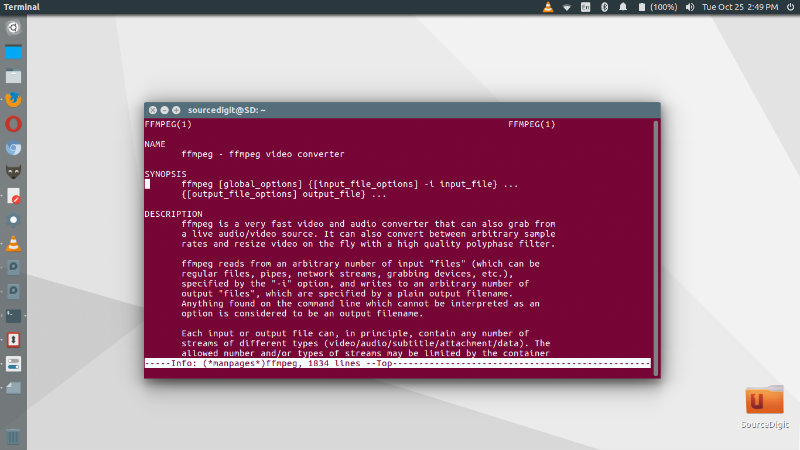
FFmpeg command line tool is a very fast video and audio converter that can also grab from a live audio/video source. It can also convert between arbitrary sample rates and resize video on the fly with a high quality polyphase filter.
Install FFmpeg on Ubuntu
Run the following commands in Terminal to install FFmpeg 3.1.3 on Ubuntu Systems:
Method 1
sudo add-apt-repository ppa:jonathonf/ffmpeg-3

sudo apt update

sudo apt install ffmpeg libav-tools x264 x265
Method 2
sudo add-apt-repository ppa:djcj/hybrid

sudo apt-get update

sudo apt-get install ffmpeg
Once installed use the FFmpeg to convert audio and video files on Linux Ubuntu Systems.