
Here is way to check which directory is taking more space in Linux. You can sort directories by size in Linux Ubuntu command line to find which is the largest directory by size.
List Directories In Linux
du -h --max-depth=1
NOTE:
- The du command by default lists all the directories and subdirectories recursively.
- -h option signifies ‘Human Readable’.
List Directories In Linux Sort By Size
To list all directories and sort them by size, you can pipe the output of this command and pass it through the sort utility like this :
du -h --max-depth=1 | sort -h
Similarly you can specify any directory using the following command:
du -h --max-depth=1 /path/to/directory
List 10 Biggest Directories In Linux Sort By Size
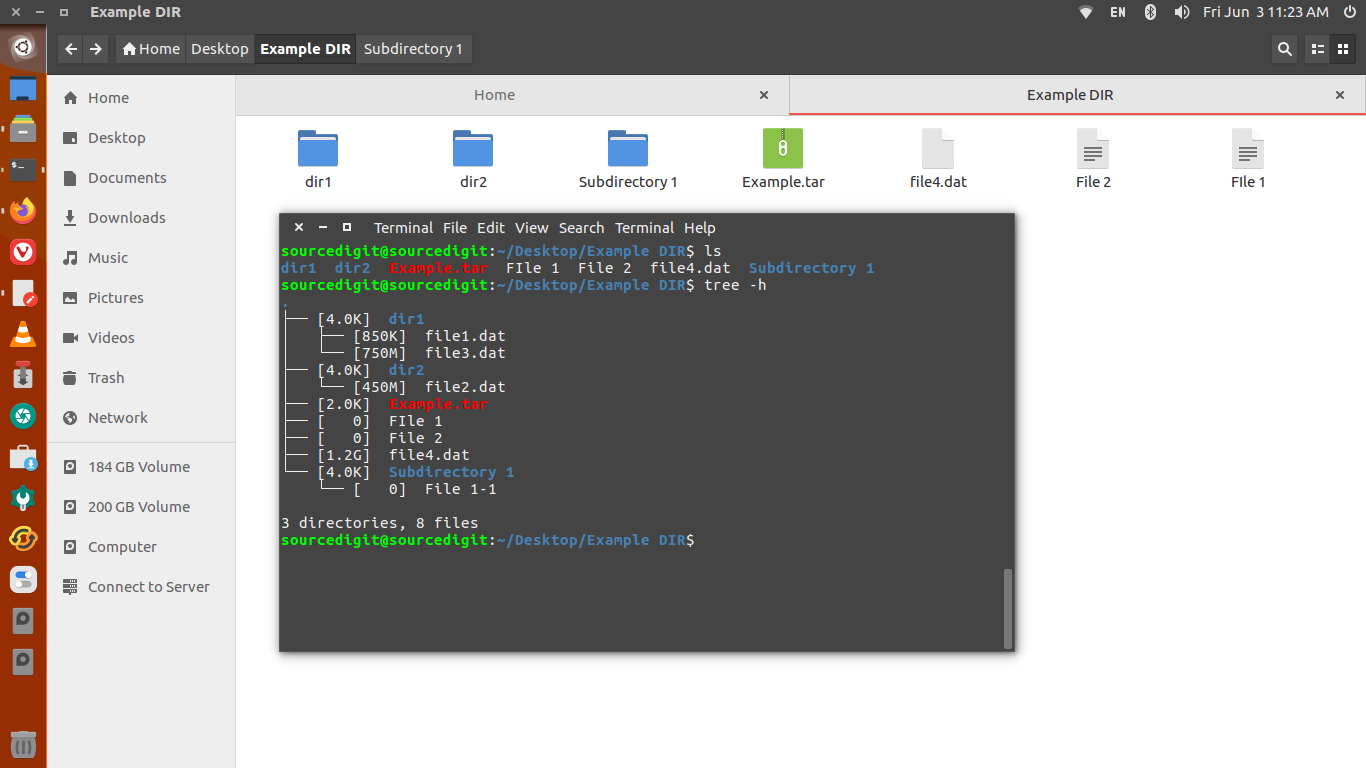
To only list, let’s say, the 10 biggest directories, you can use the du command along with the head command. We will also use the tail command to avoid listing the size of the current directory like this :
du -h --max-depth=1 2> /dev/null | sort -hr | tail -n +2 | head
NOTE: Command Arguments
- -h, –human-readable: print sizes in human readable format (e.g., 1K 234M 2G)
- -d, –max-depth=N: print the total for a directory (or file, with –all) only if it is N or fewer levels below the command line argument.
The ‘sort’ command is used to sorts, merges, or compares all the lines from the given files, or
standard input if none are given or for a FILE of ‘-’.
- ‘-h’ is used to sort numerically, first by numeric sign (negative, zero, or positive); then by SI suffix and finally by numeric value.
For example, ‘1023M’ sorts before ‘1G’ because ‘M’ (mega) precedes ‘G’ (giga) as an SI suffix.