

Fix a 404 Error when using a PPA or updating package lists. Solve PPA “404 Not Found” error when running “apt-get update”. This tutorial explains how to fix 404 Error using the Ubuntu archives? What are 404 errors The 404 or Not Found error message is a HTTP standard response code indicating that the client […]
How To
How-to tutorials for Ubuntu, Linux, Android, WordPress, websites and more. Learn about Ubuntu Linux how to solve problems, errors, manage updates, fix issues and add functions & features.
How To Install GNOME 3.14 In Ubuntu 14.04/14.10
This tutorial explains how to install GNOME 3.14 in Ubuntu GNOME 14.10. Ubuntu GNOME 14.10 (Utopic Unicorn) ships with GNOME 3.12. Luckily, you can install the latest GNOME (3.14) in Ubuntu 14.10 using a PPA. The latest GNOME 3.14 comes with a system-wide multitouch gestures (for touchscreen devices), new animations for the Activities Overview, new […]
Download and Install Papyrus Note Manager on Ubuntu 14.10 and Ubuntu 14.04

How to install Papyrus Note Manager on Ubuntu 14.10 and Ubuntu 14.04. Papyrus is an open source note manager, a fork of Kaqaz note manager and is built on QT5. Papyrus is a different note manager which is focusing on Security, Better user interface. Papyrus are trying to provide an easy to use and smart […]
How to Uninstall & Remove Mate Desktop From Ubuntu 14.04 LTS?
Let us learn how to uninstall and remove Mate from Ubuntu 14.04 LTS. To uninstall Mate desktop environment from Ubuntu 14.04, we will use PPA Purge command. Also Read: How To Install Mate Desktop Envirotment in Ubuntu Systems To remove Mate desktop, we will have to install PPA Purge. Open the Terminal and run the […]
How To Install Mate Desktop Envirotment in Ubuntu Systems
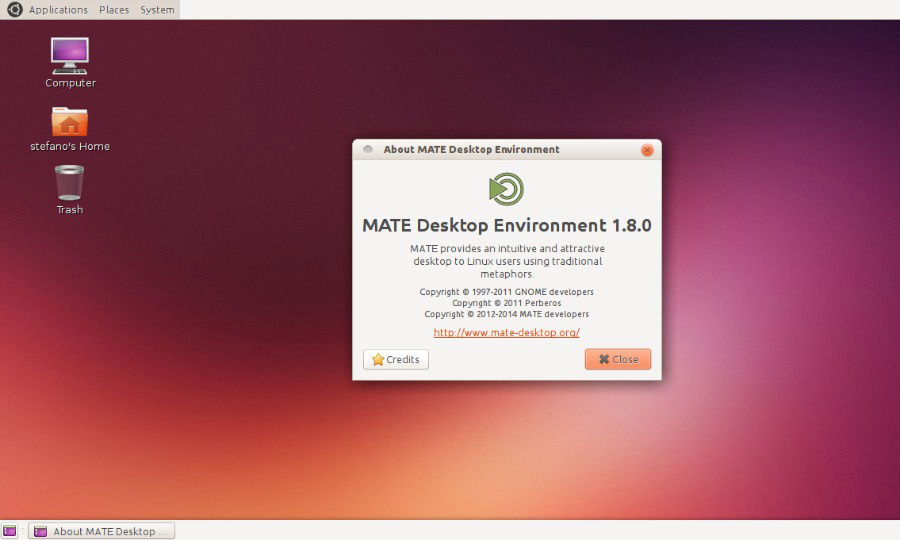
How to install Mate 1.8.2 Desktop Environment on Ubuntu 14.10, Ubuntu 14.04, Ubuntu Mate 14.10 and Ubuntu Mate 14.04. The MATE Desktop Environment is the continuation of GNOME 2. It provides an intuitive and attractive desktop environment using traditional metaphors for Linux and other Unix-like operating systems. MATE is under active development to add support […]
Install Kernel 3.19.2 on 32 bit & 64 bit Ubuntu 14.10, Ubuntu 14.04 and Derivatives
How to install Kernel 3.19.2 on 32 bit and 64 bit Ubuntu 14.10, Ubuntu 14.04 and Derivatives. Linux Kernel 3.19.2 has been released with ARM updates, architecture improvements and networking fixes. You can install Kernel 3.19.2 on Ubuntu 15.04/14.10/14.04, Linux Mint 17 and other Ubuntu derivative systems. To install Linux Kernel 3.19.2, download the deb […]