

How to install Kodi 14.1 (XBMC) media player on Linux Ubuntu systems. You can install Kodi 14.1 via the official PPA on Ubuntu 14.10, Ubuntu 14.04, Ubuntu 12.04 and other Ubuntu Derivatives. The Kodi Media Center, formerly known as XBMC, has released its latest version (Kodi 14.1) codename ‘Helix’. The latest version, Kodi 14.1 uses […]
How To
How-to tutorials for Ubuntu, Linux, Android, WordPress, websites and more. Learn about Ubuntu Linux how to solve problems, errors, manage updates, fix issues and add functions & features.
How to Install Nemo File Manager in Linux Ubuntu 14.04
How to install Nemo File Manager in Linux Ubuntu 14.04. You can install Nemo File Manager in Ubuntu 14.04 with Unity patches and without Cinnamon dependencies In Ubuntu 14.04. Install Nemo File Manager (With Unity Patches) In Ubuntu 14.04 By default, if you want to install and use the Nemo, the default Cinnamon file manager, […]
How to Convert Videos to GIF Online?
How to convert videos to GIF. Imgur lets you to make GIF from videos (online). Imgur Video to GIF Converter Tool can be used to convert videos to GIF online using Imgur. Imgur is a popular image sharing website used to share photos with social networks and on-line communities. It is very easy to make […]
Upgrade / Install LibreOffice 4.4, The Most Beautiful LibreOffice Ever
How to download, install/upgrade LibreOffice 4.4 on Linux Ubuntu systems. LibreOffice 4.4 is the most beautiful LibreOffice ever. LibreOffice 4.4 has been released with major UI revamps. The LibreOffice 4.4 user interface has been improved in a significant way and the interoperability with OOXML file formats has been extended. the LibreOffice 4.4 now comes with […]
Install & Upgrade Plank Dock 0.8.1, OS X-style Dock Launcher on Ubuntu Systems
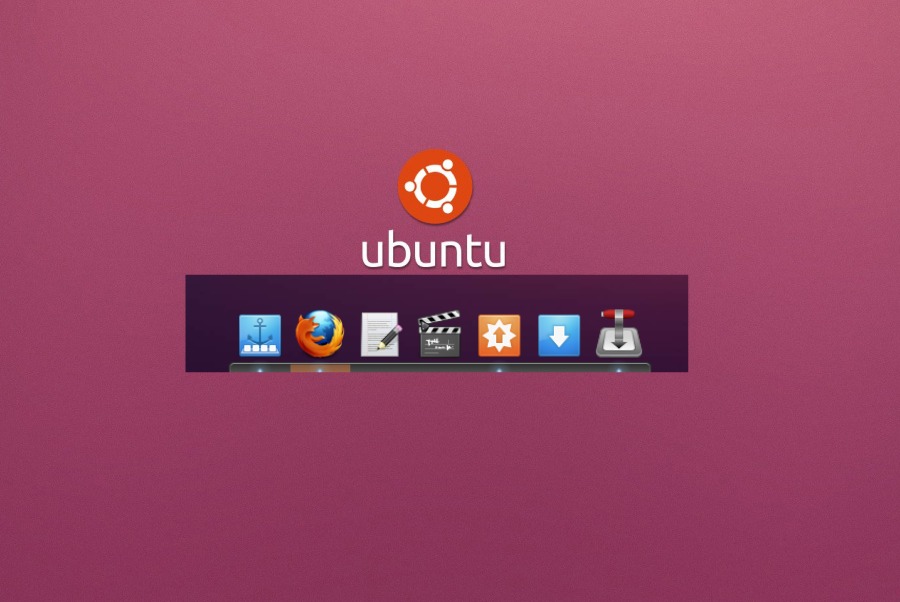
How to install Plank Dock, OS X-style Dock Launcher for Ubuntu 14.10, Ubuntu 14.04 & Linux Mint Systems. Upgrade Plank Dock 0.8.1 in Ubuntu 14.10/14.04/Linux Mint via PPA. Once installed, learn how to configure Plank Dock in in Ubuntu /14.10/14.04/Linux Mint Systems. You can install or upgrade Plank Dock 0.8.1 for Ubuntu 14.10/14.04 & Linux […]
How To Install Twitter Client Choqok 1.5 on Ubuntu 14.10, Ubuntu 14.04 & Derivatives
How to install Twitter Client Choqok 1.5 on Ubuntu 14.10, Ubuntu 14.04. Twitter Client Choqok 1.5 is an open source instant messaging client (Twitter) for Linux Ubuntu systems. Twitter Client Choqok allows to use multiple Twitter accounts simultaneously. Users can reply, send, retweet and receive Twitter messages, automatic shortening support of URLs, and work on […]