
Install latest release of Atom Text Editor – Atom 0.169.0 on Linux Ubuntu systems. How to Install Atom Text Editor on Ubuntu 14.10, Ubuntu 14.04, Ubuntu 12.04 and Ubuntu derivatives. Atom is an open-source, multi-platform text editor developed by GitHub. Atom Text Editor have a simple graphical user interface with lots of interesting features for […]
How To
How-to tutorials for Ubuntu, Linux, Android, WordPress, websites and more. Learn about Ubuntu Linux how to solve problems, errors, manage updates, fix issues and add functions & features.
How to Upgrade Linux Mint 17 to 17.1 Rebecca
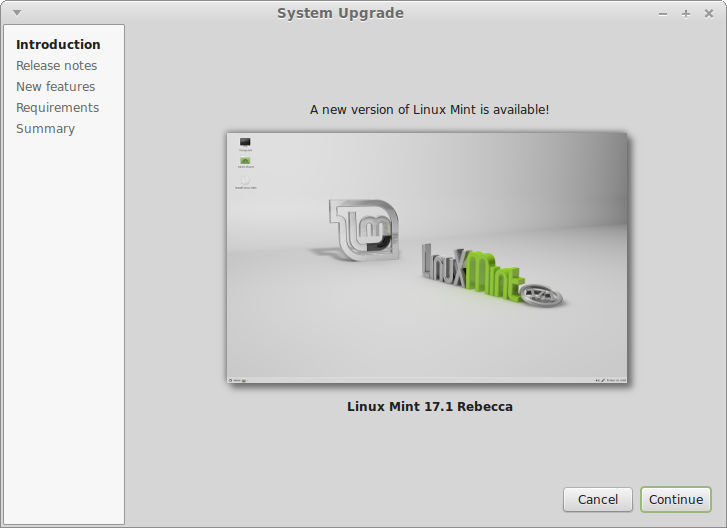
Download and upgrade Linux Mint 17.1 Rebecca or Linux Mint 17.1 Xfce. How to upgrade from Linux Mint 17 to 17.1. Cinnamon, MATE, KDE and Xfce editions, can upgrade from Linux Mint 17 to Linux Mint 17.1 via Update Manager. Linux Mint 17.1 features Xfce 4.10, MDM 1.8, a Linux kernel 3.13 and an Ubuntu […]
How to Use Facebook Video Calling in Ubuntu & Linux Distros

Use Facebook Video Calling in Ubuntu & Linux Distros. How to start a Facebook video call in Linux Ubuntu. Facebook video chat now works in Ubuntu and other Linux distros and that too without any plugin or extra package download. The best part is that you can still use Facebook video calling even if you […]
Install Evernote Client Everpad On Ubuntu 14.10, Ubuntu 14.04 & Derivatives
Install Everpad, the unofficial Evernote client on Linux Ubuntu systems. How to install Everpad 2.15.8 on Ubuntu 14.10, Ubuntu 14.04 and Derivatives. Install Evernote Client Everpad On Ubuntu Systems Run the following commands in Terminal to install Everpad, an unofficial Evernote Client on Linux Ubuntu systems – Ubuntu 14.10, Ubuntu 14.04 and Derivatives. sudo add-apt-repository […]
How To Install Frogr 0.10 On Ubuntu 14.10, Ubuntu 14.04, Ubuntu 12.04 & Derivatives
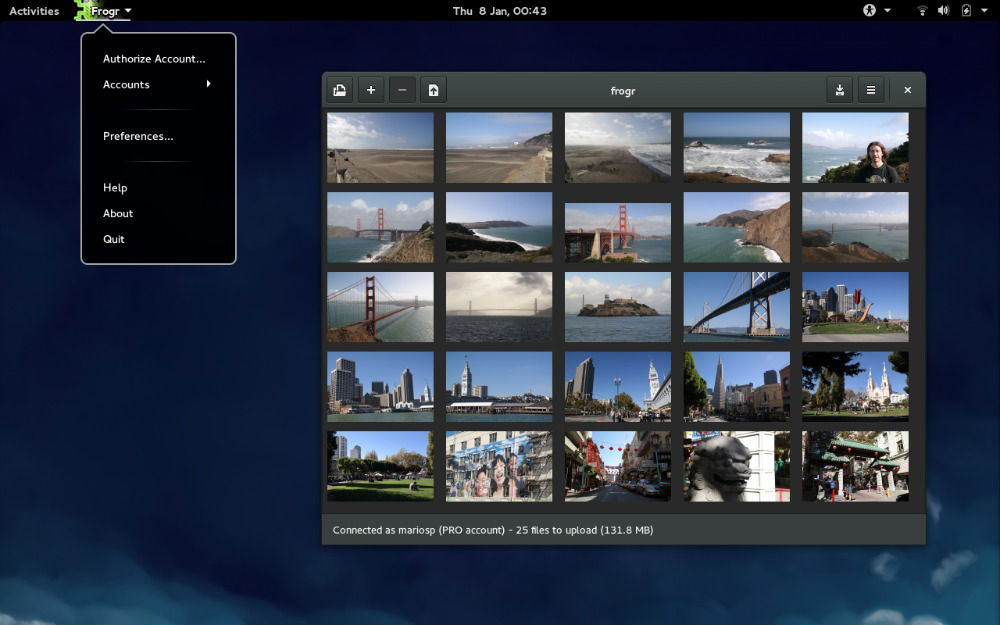
Upload photos/videos on Flickr from Linux Ubuntu Desktop using Frogr app. How to install Frogr 0.10 on Ubuntu 14.04, Ubuntu 14.10 & Ubuntu 12.04 system. Frogr is an open source program that enables the users to upload pictures and videos to flickr, specifying details such as title, description, tags, visibility, content type, safety level and […]
How to Install iTunes in Ubuntu 14.10 and Ubuntu 14.04
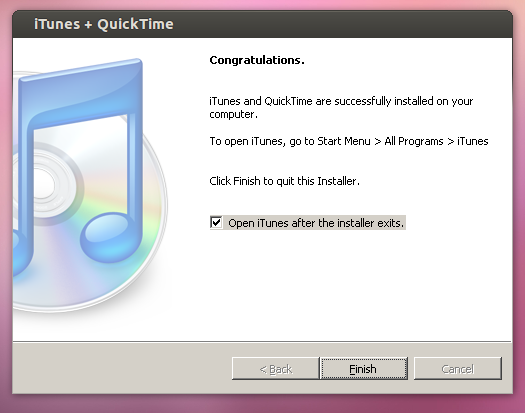
How to Install iTunes in Linux Ubuntu 14.10 and Ubuntu 14.04. You can install iTunes in Ubuntu system using playonlinux. Follow the steps below to install iTune in Linux Ubuntu system. Install PlayonLinux on Ubuntu Open the terminal and run the following command to install PlayonLinux: sudo apt-get install playonlinux Once you have installed playonlinx, […]