

On Ubuntu Linux check CPU usage in Terminal. Here are the 5 useful commands to check CPU information in Linux Ubuntu. Using these commands one can check CPU and memory in Linux System. Learn about these commands: lscpu lscpu command displays information about the CPU architecture. lscpu gathers CPU architecture information from sysfs and /proc/cpuinfo. […]
Install Krita – Ms Paint Alternative For Linux Ubuntu
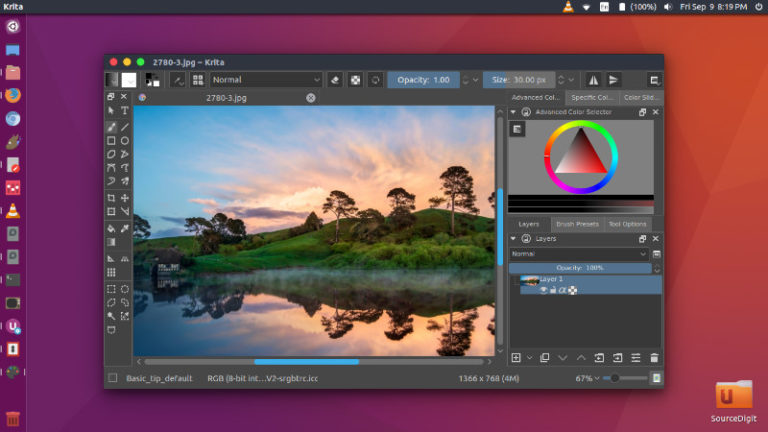
How to Install Krita 4.2.5 in Ubuntu; Krita is a powerful MS Paint alternative for Linux Ubuntu; Windows Paint alternative for Linux Systems. Krita is a professional FREE and open source painting program. It is made by artists that want to see affordable art tools for everyone. Krita 4.2.5 Announcing the release of Krita 4.2.5, […]
How to Improve Battery Life in Ubuntu Linux
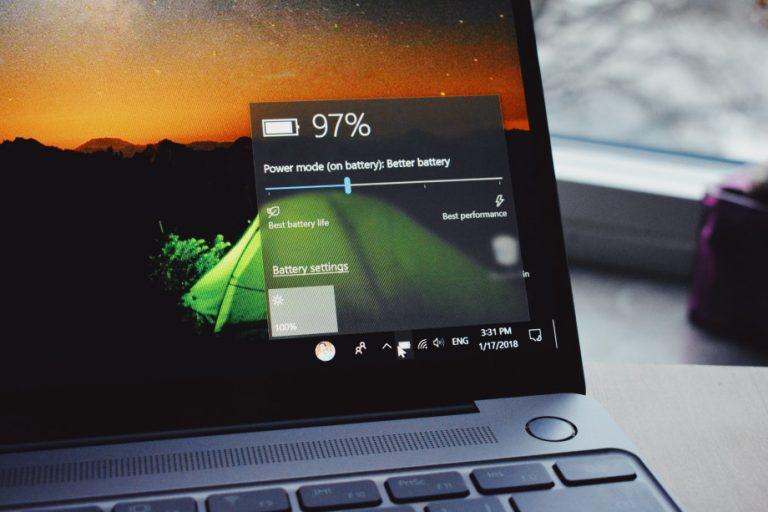
Ubuntu using too much battery? Here is how to increase laptop battery life in Ubuntu Linux. Users can install TLP Ubuntu power management and Slimbook battery app in Ubuntu Linux and save battery usage in Ubuntu system. 1.Install TLP in Ubuntu TLP comes with a default configuration already optimized for battery life, so you may […]
What Education Does a Marketing Assistant Need?

Marketing professions are extremely in demand today. Consumers became central figures in any market, whether it is fashion or food products. That is why companies should hold advertising campaigns, collect information on their needs to create a solid clientele and keep it as long as possible. All this work is done by marketers. They are […]
Audacious 4.0.5 Released – Install Audacious Music Player in Ubuntu Linux
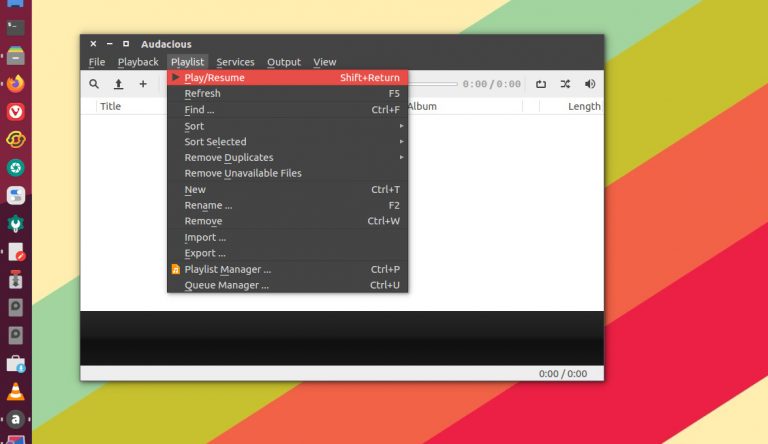
Audacious Audio Player 4.0.5 is released. How to install Audacious Audio Player 4.0.5 in Ubuntu Linux via PPA. Audacious is a free advanced audio player for Linux Ubuntu and many other UNIX-compatible systems. It focuses on low resource usage, high audio quality, and support for a wide range of audio formats. It was originally based […]
Install CopyQ Clipboard Manager 3.12.0 on Linux Ubuntu
CopyQ Clipboard Manager 3.12.0 is released. How to install Copyq 3.12.0 in Ubuntu via PPA. CopyQ is advanced clipboard manager with editing and scripting features. CopyQ monitors system clipboard and saves its content in customized tabs. Saved clipboard can be later copied and pasted directly into any application. Features Support for Linux, Windows and OS […]