
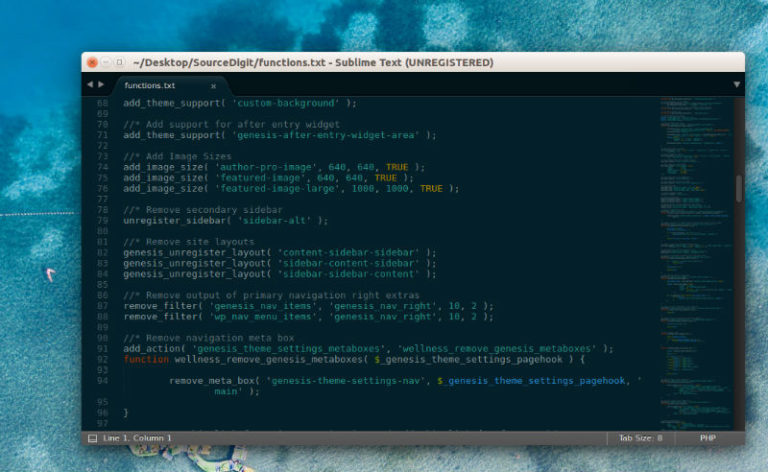
Here is how to install Sublime Text 3 in Ubuntu using terminal. This post explains to install Sublime Text Linux Ubuntu and also how to use Sublime Text. Sublime Text is a powerful text editor built from custom components, providing for unmatched responsiveness. From a powerful, custom cross-platform UI toolkit, to an unmatched syntax highlighting […]
How To Install Google Chrome On Ubuntu Linux
Install Google Chrome on Ubuntu Linux. Terminal command to install Google Chrome Browser using PPA on Ubuntu Systems. Download Google Chrome Ubuntu users can manually download and install Google Chrome browser. For Debian/Ubuntu or Fedora/openSUSE Systems, users can download the latest stable version of Google Chrome browser from https://www.google.co.in/chrome/browser/desktop/. Users can download 64 bit .deb […]
Install Wine 4.4 on Linux Ubuntu

How to install Wine 4.4 on Linux Ubuntu and Linux Mint Systems. Wine (originally an acronym for “Wine Is Not an Emulator”) is a compatibility layer capable of running Windows applications on several POSIX-compliant operating systems, such as Linux, macOS, & BSD. Instead of simulating internal Windows logic like a virtual machine or emulator, Wine […]
How To Install Python 3.7 in Ubuntu Linux
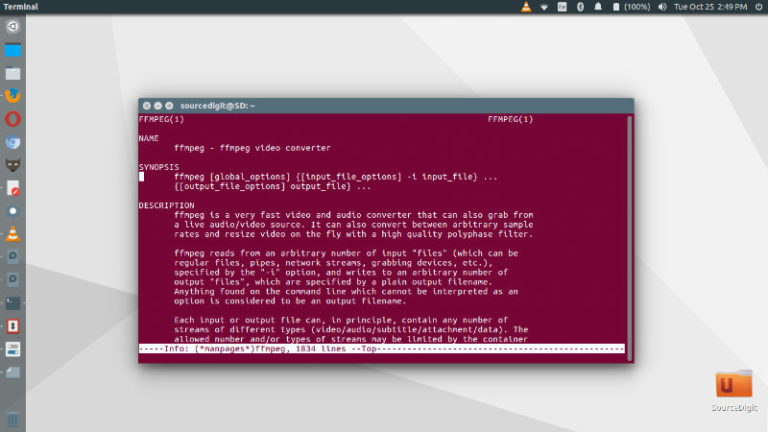
Install the latest Python in Ubuntu – How to install Python 3.7 (using PPA) in Ubuntu Linux. Terminal commands to install Python 3.7.x using PPA in Ubuntu and Linux Mint and other Ubuntu Derivatives. Install Python 3.7 Run the following commands in terminal to install Python 3.7 using PPA in Ubuntu and Linux Mint and […]
Install Kodi 18.2 Media Center in Ubuntu
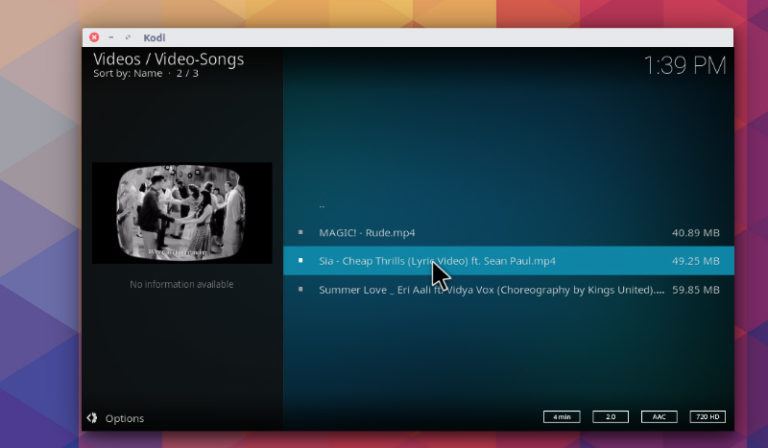
Kodi 18.2 has been released with an issue template and an automated verification system. Here is how to install Kodi Media Center 18.2 via PPA in Ubuntu Linux Systems. Kodi “Leia” 18.2 Kodi “Leia” 18.2 release has been implemented with an issue template and an automated verification system in the GitHub issue tracker. This makes […]
Install Kdenlive 19.04 Video Editor on Ubuntu
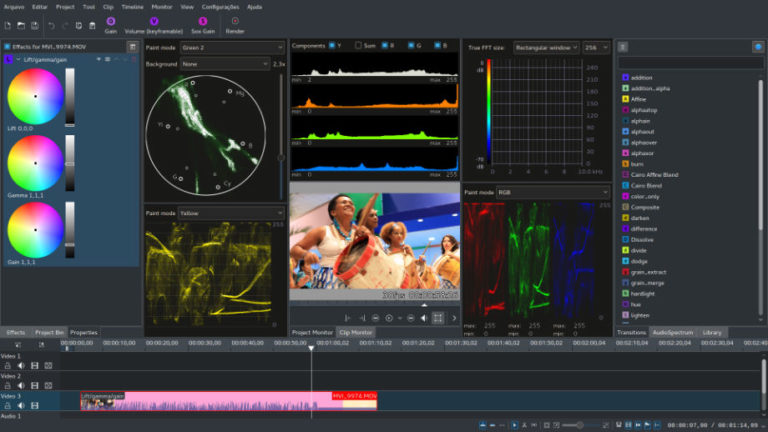
Install Kdenlive video editor on Linux Ubuntu. The Kdenlive 19.04 has gone through an extensive re-write of its core code as more than 60% of its internals has changed, improving its overall architecture. Kdenlive is video editor. It features an intuitive interface, allows you to capture from your webcam or import almost any video format […]