
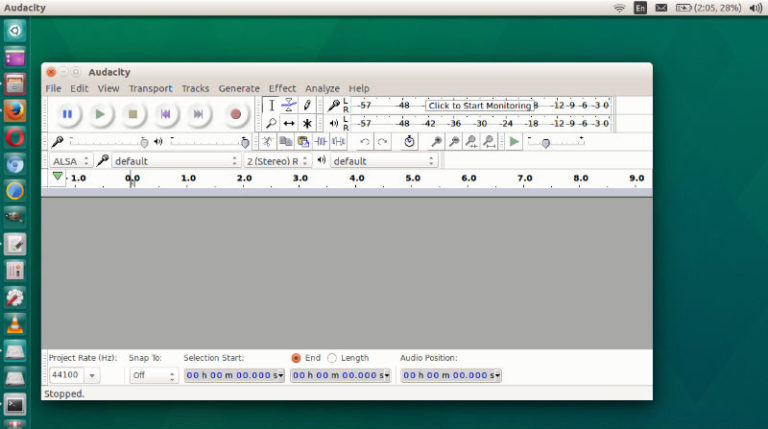
Audacity 2.3.1 released. Install Audacity via Ubuntu Terminal. Audacity is an easy-to-use, multi-track audio editor and recorder for Windows, Mac OS X, GNU/Linux and other operating systems. Developed by a group of volunteers as open source. Audacity 2.3.1 features: Audacity can record live audio through a microphone or mixer, or digitize recordings from other media. […]
Helping Your Business Survive the KRACK Wi-Fi Vulnerability

Wi-Fi has become an undeniable part of the modern day business world. With the rise in cloud computing and the increasing independence on the internet to help fulfill business tasks, it is nearly impossible to run a business without it. Furthermore, IoT devices such as wireless cameras and thermostats all depend on it to run […]
How to Fulfill Key GDPR Requirements with WorkExaminer

In just the first six months after GDPR started to be enforced the UK alone saw 8,000 reports being filed according to privacy watchdogs . The new regulations grant specific rights to EU citizens who give their data to businesses, and the onus falls to organizations to uphold those rights. If you want you can […]
Apt-Get Command In Linux Ubuntu With Examples
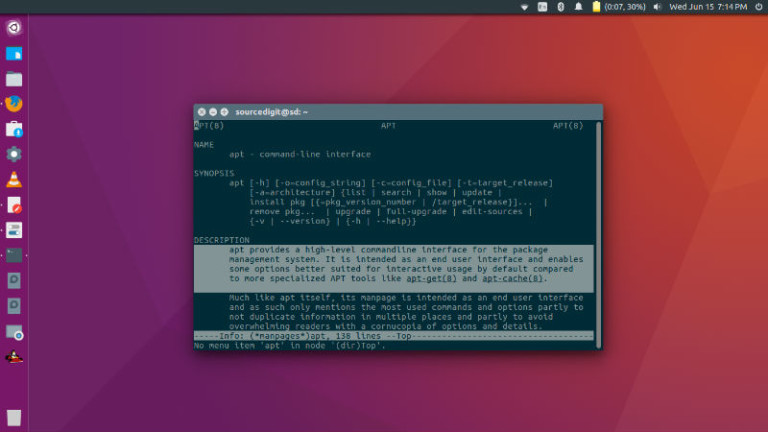
Understanding apt-get command in Linux Ubuntu with examples. We all use apt-get install options and apt-get update command in Ubuntu Linux, but there are some other useful options of apt command. This post explains the most popular variants of apt command. Read below: apt Command The apt command is a powerful command-line tool, which works […]
Install Microsoft Visual Studio Code via Snap

Install Microsoft Visual Studio Code for Linux Ubuntu via Snap. Visual Studio Code launches as a snap. João Moreno, Software Development Engineer, Microsoft Visual Studio Code said: “The automatic update functionality of snaps is a major benefit. It is clear there is a thriving community around snaps and that it is moving forward at great […]
Install Shutter Screenshot Tool in Ubuntu Linux
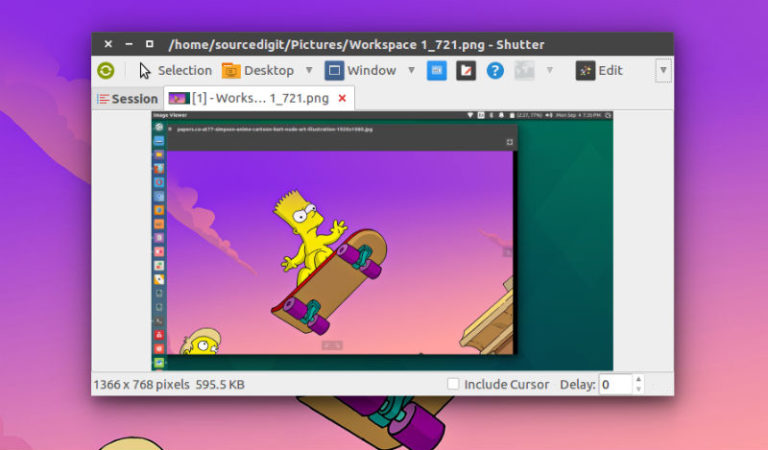
How to install Shutter via Ubuntu command line; how to use Shutter on Ubuntu. Ubuntu screen capture tool Shutter can be used to take screenshot on Linux Ubuntu Systems. The latest release of Shutter brings Dropbox upload and Imgur upload function. Shutter is a feature-rich screenshot program. You can take a screenshot of a specific […]