
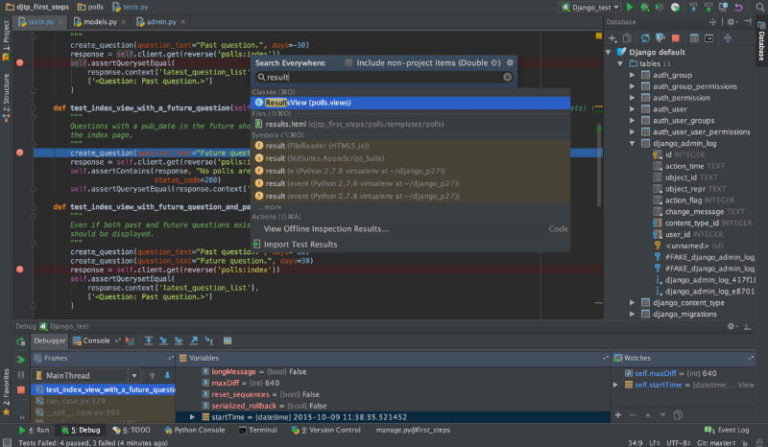
How to install PyCharm 2019.1 Python IDE in Ubuntu. PyCharm is Python IDE for Linux Ubuntu Systems, for Professional developers. PyCharm 2019.1 is out now with all-new Jupyter Notebook support, ‘recent location’ for navigation, custom theme plugins, and much more. New in PyCharm 2019.1 Jupyter Notebooks support has been completely redesigned. Direct editing of Notebooks […]
How to Install LibreOffice 6.2 in Ubuntu Linux
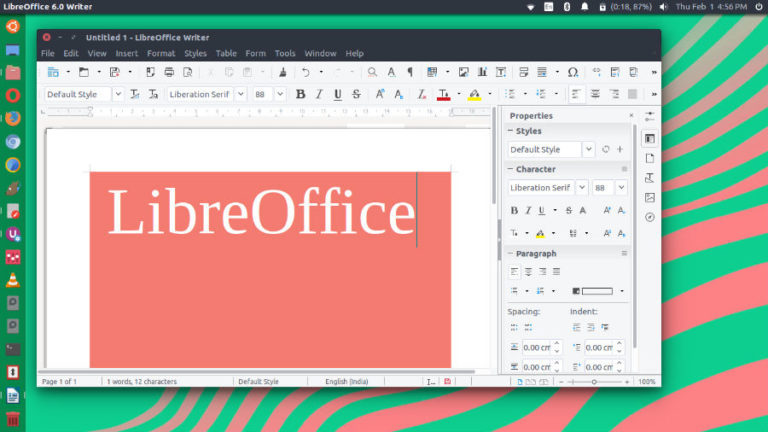
How to install LibreOffice 6.2 in Ubuntu Linux. LibreOffice 6.2 is released with NotebookBar, a significant major release of the free office suite which features a radical new approach to the user interface – based on the MUFFIN concept – and provides user experience options capable of satisfying all users’ preferences, while leveraging all screen […]
Install Vivaldi 2.4 Web Browser on Ubuntu
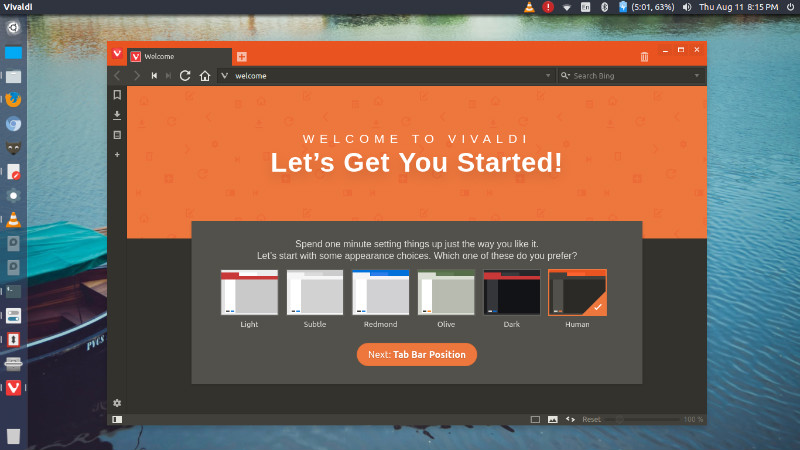
Vivaldi Browser 2.4 released. Install Vivaldi Web Browser on Linux Ubuntu Systems. For Vivaldi Browser 2.4, Chromium has been upgraded to 73.0.3683.88. Vivaldi Browser 2.4 brings a new level of customization – you can now build your own interface by moving or hiding buttons in the toolbars. In addition to hiding buttons, you can now […]
Seven Things Every New Mac User Should Know

Apple or Mac laptops have always been popular. They are a status symbol for almost every youngster and tech enthusiast in the world. However, switching from a Windows system to a Mac one can be a little tricky. Mainly because the functioning of both of these laptops is completely different. If you are planning to […]
Install KeePassXC 2.4.0 Password Manager in Ubuntu
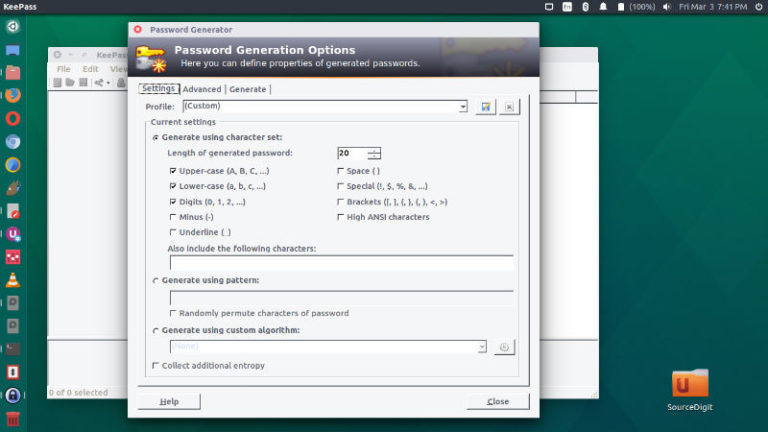
How to install KeePassXC 2.4.0 in Ubuntu via PPA and via Snap. KeePassXC is a password manager for Linux Ubuntu Systems. KeePassXC is a cross-platform community fork of KeePassX. Our goal is to extend and improve it with new features and bugfixes to provide a feature-rich, fully cross-platform and modern open-source password manager. Features Auto-Type […]
Install Avidemux 2.7.3 Video Editor on Linux Ubuntu
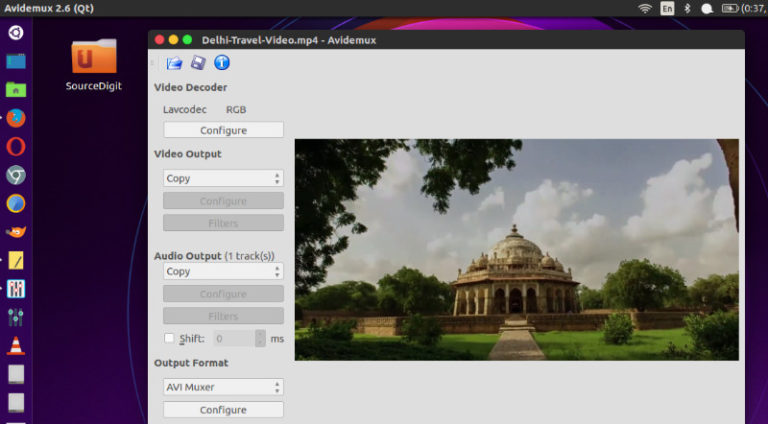
Install Avidemux Video Editor for Linux Ubuntu. Avidemux 2.7.3 Video Editor is now available with lots of great improvements, exciting new effects, tons of bug fixes, and more stability and performance enhancements. Avidemux Video Editor for Linux Ubuntu is one of the best video editors for Unix based Systems. Avidemux is a free video editor […]