
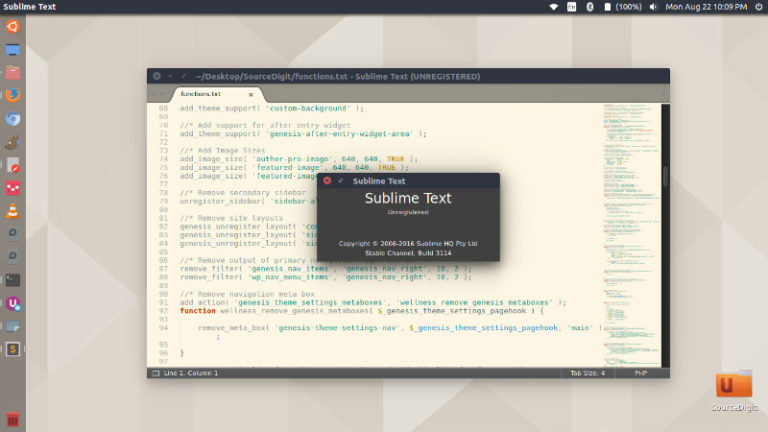
Install Sublime text editor on Ubuntu 16.10. Sublime Text 3 for Ubuntu is a sophisticated text editor for code, markup and prose. Sublime Text Editor allows for richer syntax highlighting and better performance. It also features a custom regex engine that significantly speeds up file loading and indexing. General Features Sublime Text Editor? Command Palette […]
Install Atom 1.11 Text Editor on Ubuntu 16.10 Systems
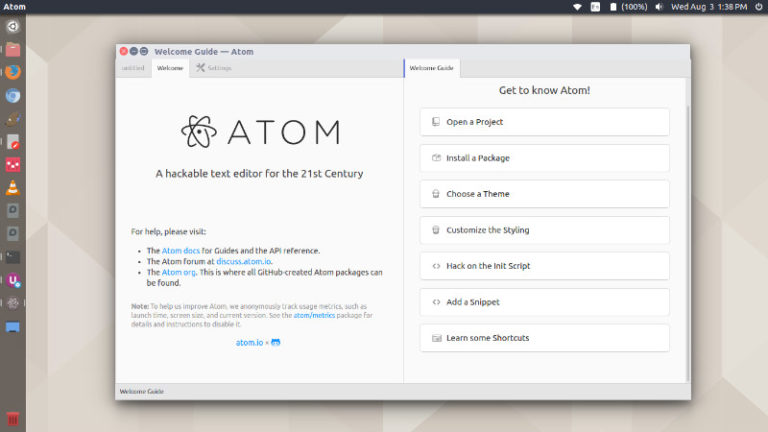
Atom 1.11 Text Editor released. Install Atom 1.11 Text Editor on Ubuntu 16.10 Systems. Atom 1.11 features performance and stability improvements and telemetry permission. On launching 1.11 for the first time, all users will be presented with this screen asking for their assistance in improving Atom by allowing us to collect information while they use […]
Install LibreOffice 5 On Ubuntu 16.10, via Terminal Command Line
LibreOffice 5.2.2 is the latest version of LibreOffice available for Ubuntu 16.10 Systems. Install LibreOffice 5.2.2 on Ubuntu 16.10, via Terminal command line. LibreOffice 5.2.2 has been released with few updates and new features. LibreOffice 5.2.2 GUI Changes Print to File now available within the list of printers in Print dialog. Video clips, charts and […]
Ubuntu 16.10 – How To Move Ubuntu Launcher At Bottom Of Screen

On Ubuntu 16.10, move Ubuntu launcher at the bottom of screen. Learn how to move Unity launcher to the bottom of Desktop (Ubuntu screen). Move The Unity Launcher By default, the Unity is placed on the left-hand side of the Desktop. But users can easily move it to the bottom of the screen. There are […]
How To Enable “Minimise On Click” On Ubuntu 16.10 Desktop
How to enable minimize on click on Ubuntu 16.10. Customize Ubuntu 16.10 mouse setting and enable “Minimise On Click” function on Ubuntu 16.10 Desktop. This enables toggle function for mouse click. Simultaneously double-clicking on an app icon can be used to minimise the app window on Ubuntu Desktop. By default, the minimise function isn’t enabled […]
Download Ubuntu 16.10 – Here Are The Ubuntu 16.10 ISO Download Links

Get Ubuntu 16.10. Download Ubuntu 16.10 Yakkety Yak (Desktop & Server). Ubuntu 16.10 ISO and Ubuntu 16.10 Torrent links to download Ubuntu 16.10 Desktop and Server editions. The following links are available – ubuntu-16.10-desktop-amd64.iso ubuntu-16.10-desktop-amd64.iso.torrent ubuntu-16.10-desktop-i386.iso ubuntu-16.10-desktop-i386.iso.torrent. Download Ubuntu 16.10 Desktop ubuntu-16.10-desktop-amd64.iso ubuntu-16.10-desktop-amd64.iso.torrent ubuntu-16.10-desktop-i386.iso ubuntu-16.10-desktop-i386.iso.torrent Server ubuntu-16.10-server-amd64.iso ubuntu-16.10-server-amd64.iso.torrent ubuntu-16.10-server-i386.iso ubuntu-16.10-server-i386.iso.torrent