
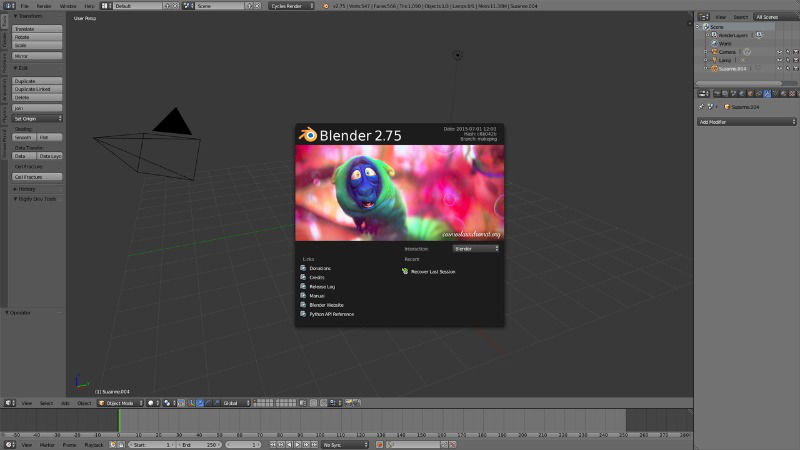
Install Blender 2.77 on Ubuntu 15.10, Ubuntu 15.04, Ubuntu 14.04 and Ubuntu 14.10 Systems. Blender is the free and open source 3D creation suite. It supports the entirety of the 3D pipeline—modeling, rigging, animation, simulation, rendering, compositing and motion tracking, even video editing and game creation. Advanced users employ Blender’s API for Python scripting to […]
Install Ambiance & Radiance Flat Colors Theme on Ubuntu Systems
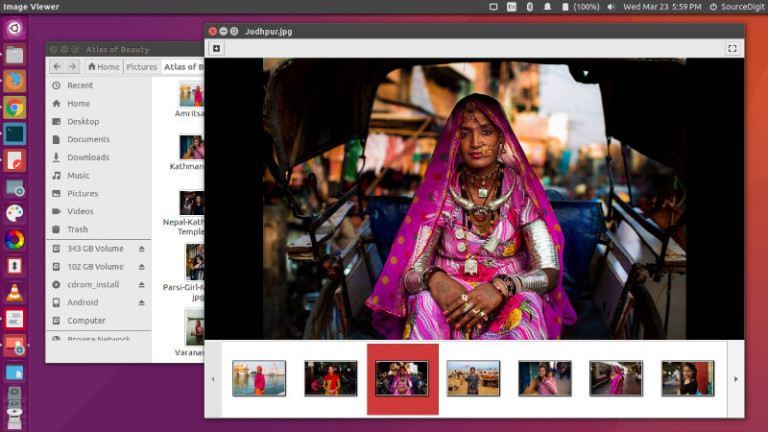
Install Ambiance & Radiance Flat Colors Theme on Ubuntu 16.04, Ubuntu 15.04, Ubuntu 14.04, Ubuntu 14.10 and Ubuntu 15.10 Systems. Ambiance & Radiance Flat is a Modern, Beautiful and Vivid Re-imagination of the Ambiance & Radiance Color GTK 2/3 Themes. It features a Modern, Clean And “Flat” look in your choice of 13 vibrant colors. […]
Install LiVES 2.6.0 Video Editor On Linux Ubuntu
Install LiVES 2.6.0 Video Editor and VJ Tool on Linux Ubuntu 15.10, Ubuntu 15.04, Ubuntu 14.04 and Ubuntu 14.10 Systems. LiVES is a Video Editing System. It is designed to be simple to use, yet powerful. It is small in size, yet it has many advanced features. LiVES mixes realtime video performance and non-linear editing […]
Wine Setup On Ubuntu – Install Vineyard To Configure Wine on Ubuntu

Install Vineyard on Ubuntu Systems. How to configure Wine on Ubuntu 16.04, Ubuntu 15.04 and Ubuntu 14.04 Systems. Vineyard is a collection of tools and libraries designed to make managing Windows programs on Linux easier. More specifically, it aims to improve the integration of Wine and the Free Desktop and to make it easier to […]
How To Install Pale Moon 26.1.1 (Firefox-Based Internet Browser) On Ubuntu
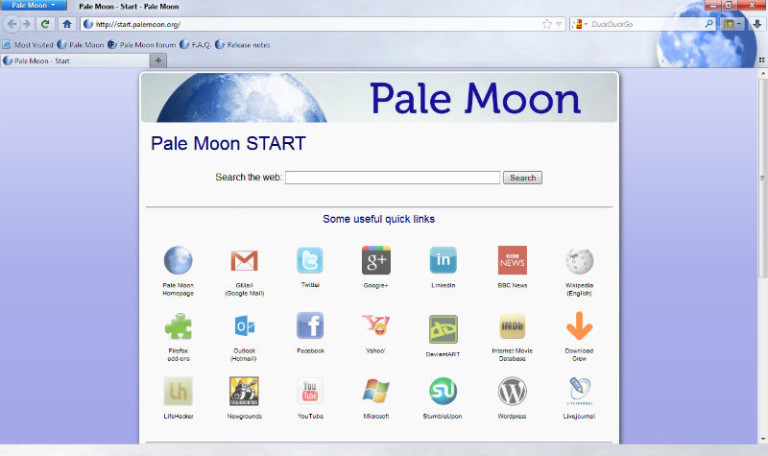
How to install Pale Moon 26.1.1 on Ubuntu 15.10, Ubuntu 15.04, Ubuntu 14.04 and Ubuntu 14.10 Systems. Pale Moon, Firefox-based Internet browser is claimed to be up to 25% faster then the original. Palemoon browser supports the official Firefox extensions, but does not support all of the Firefox features. Palemoon is based on Firefox and […]
Install Aptik Battery Monitor On Ubuntu 15.04 & Ubuntu 14.04
Install Aptik Battery Monitor on Ubuntu 15.10, Ubuntu 15.04 and Ubuntu 14.04. Aptik Battery Monitor is a small utility that displays the stats for your laptop battery such as the charge level and the discharge rate. The graph displays the battery charge level (black line) and the CPU usage (red line). Install Aptik Battery Monitor […]