
Ubuntu Make (Ubuntu Developer Tools Center). Install Ubuntu Make 16.01 on Linux Ubuntu 15.10, Ubuntu 15.04, Ubuntu 14.04 and Ubuntu 14.10. Ubuntu Make is a command line tool which allows you to download the latest version of popular developer tools on your installation. Ubuntu Make will always download, tests and support the latest available upstream […]
Install & Make GDebi Default For .deb Installation in Ubuntu 15.04 & Ubuntu 14.04
Install GDebi in Ubuntu 15.04, Ubuntu 14.04 and Ubuntu 14.10. Make GDebi default for .deb installation. Set GDebi default instead of Ubuntu Software Center on Ubuntu 14.04/14.10 system. GDebi is a dedicated program for installing (.deb) Debian executable files on Linux Ubuntu systems. GDebi is focused on installing .deb files and is extremely lightweight. GDebi […]
Install Avidemux 2.6.12 (Video Editing Software) On Ubuntu Systems
Avidemux Video Editing Tool for Linux Ubuntu Systems. How to install Avidemux 2.6.12 video editor on Ubuntu 15.10, Ubuntu 15.04, Ubuntu 14.04 and Ubuntu 14.10 Systems. Avidemux video editor can be used for cutting, filtering and encoding video files. The software supports AVI, DVD, MPEG files, MP4 and ASF files and variety of codecs. Avidemux […]
Install Atom 1.6.0 Text Editor On Ubuntu Systems
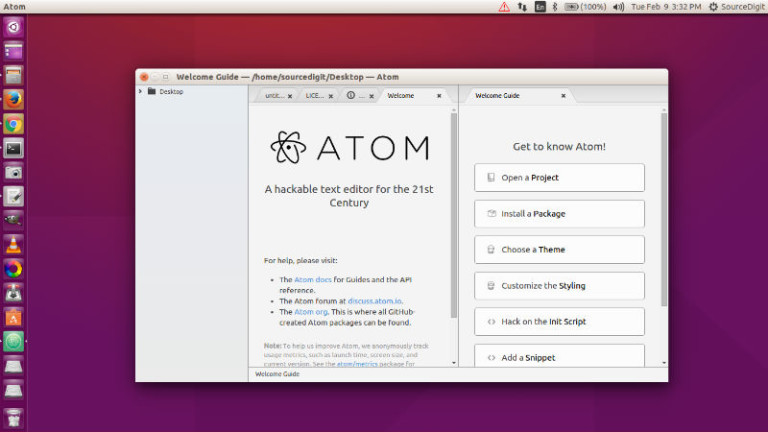
Install Atom 1.6.0 text editor on Linux Ubuntu Systems, via webupd8team PPA. Terminal commands to install Atom on Ubuntu 15.04, Ubuntu 14.04, Ubuntu 15.10 and Ubuntu 14.10. Atom is a powerful multi-platform text editor developed by GitHub. It is known for its powerful features and an intuitive graphical user interface. The Atom text editor supports macros, […]
You Can Soon Run Ubuntu On Windows 10
Finally, you’ll soon be able to run Linux Ubuntu on Windows 10. Microsoft and Canonical partners to bring Ubuntu on Windows OS. At the ongoing Developer Conference Build 2016, it was announced that Microsoft is adding the Linux command line to Windows 10, which will enable users to use Ubuntu on Windows 10. Blog post […]
Install OpenShot 2.0.7 Video Editor On Ubuntu Systems
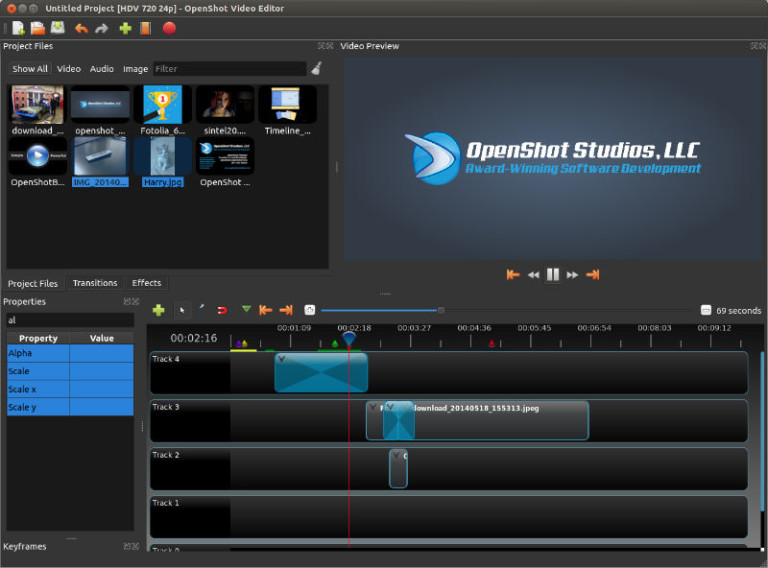
Download and install OpenShot video editor on Linux Ubuntu Systems. Terminal commands to install OpenShot 2.0.7 video editor on Ubuntu 15.04, Ubuntu 14.04, Ubuntu 14.10 and Ubuntu 15.10 Systems. OpenShot Video Editor is a free, open-source video editor for Linux licensed under the GPL version 3.0. OpenShot can take your videos, photos, and music files […]