
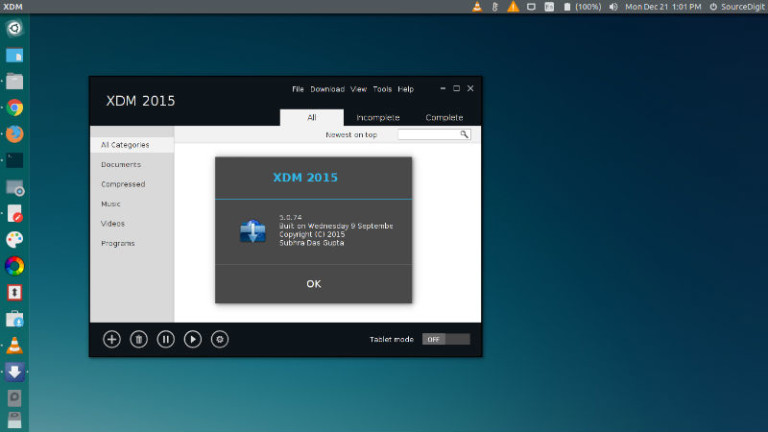
How to install Xtreme Download Manager (XDMAN) 5.0 On Ubuntu 15.10, Ubuntu 15.04 and Ubuntu 14.04. Xtreme Download Manager for Linux Ubuntu is a java based download manager which increases download speed up-to 500%, save videos from video sharing sites and can be integrated with any browser. Xtreme Download Manager Features Video Downloader – XDM […]
How To Take Screenshot Of Login Screen In Ubuntu 15.10, Ubuntu 15.04 & Ubuntu 14.04
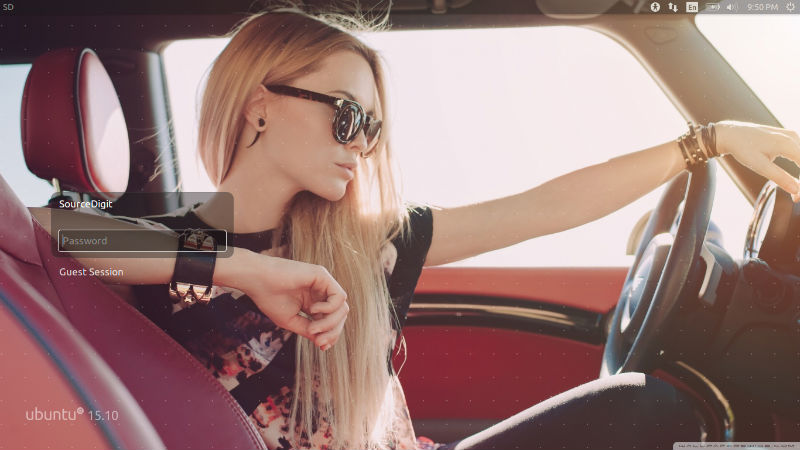
How to take screenshot of login screen in Ubuntu 15.10, Ubuntu 15.04 and Ubuntu 14.04. Terminal commands to capture screenshot of the LightDM Login Screen in Ubuntu 15.10, Ubuntu 15.04 and Ubuntu 14.04. You must have ImageMagick installed on your system to take screenshot of the Ubuntu login screen. ImageMagick is a powerful software program […]
How To Install Diodon Clipboard Manager on Ubuntu 15.10 & Ubuntu 14.04
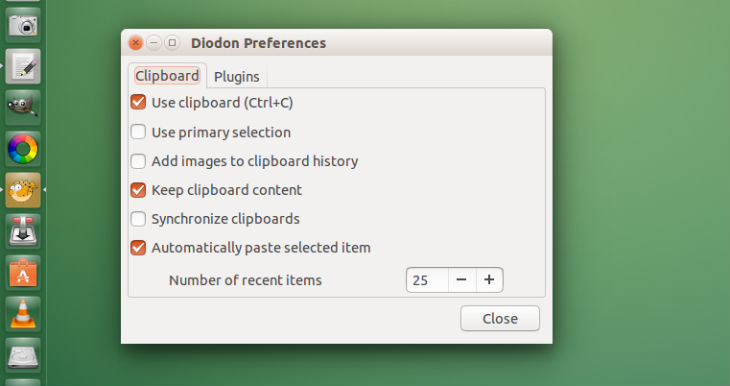
Diodon clipboard manager for the Gnome/Unity Desktop. Install Diodon clipboard manager on Ubuntu 15.10, Ubuntu 15.04, Ubuntu 14.04, Ubuntu 14.10 and Linux Mint Systems. Diodon clipboard manager is a simple, yet powerful application for GNOME and Unity Desktop. The app comes with application indicator support. The Diodon clipboard manager features a panel indicator and Unity […]
Install Lollypop GNOME Music Player On Ubuntu Systems
Install Lollypop on Ubuntu 15.10, Ubuntu 15.04 and Ubuntu 14.04. Lollypop is a GNOME music player application for Linux Systems. Lollypop is a Rhythmbox alternative. It is an open-source audio player developed in GTK+3. It supports various popular audio formats, including mp3, mp4, ogg and flac. It can also be used to visualize the songs […]
Install Wireshark Network Protocol Analyzer On Ubuntu
Download Wireshark is 2.0.1 stable release. Install Wireshark network protocol analyzer on Ubuntu 15.10, Ubuntu 15.04, Ubuntu 14.04 and Ubuntu 14.10. Wireshark is the world’s foremost network protocol analyzer. It lets you see what’s happening on your network at a microscopic level. It is the de facto (and often de jure) standard across many industries […]
Install Intel Graphics Installer 1.4.0 On Ubuntu 15.10
Intel Graphics Installer 1.4.0 released with Ubuntu 15.10 support. Terminal commands to install Intel Graphics Installer 1.4.0 on Ubuntu Systems. The Intel Graphics Installer allows you to easily install the latest Intel graphics and Intel video drivers for Intel graphics hardware. The installer allows to stay current with the latest enhancements and fixes to the […]