
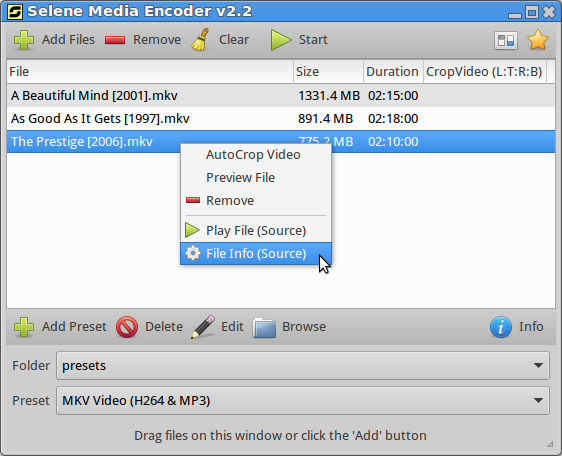
Convert audio and video files on Linux Ubuntu Systems. Selene 2.6.1 Audio/Video Converting Tool for Linux Ubuntu Systems. Install Selene Audio & Video Converter on Ubuntu 15.10, Ubuntu 14.04, Ubuntu 15.04, Ubuntu 14.10 and Ubuntu Derivatives. Selene Converter or Selene Media Encoder is a video converting tool, with support for the most popular video and […]
Install Linux Kernel 4.4 RC7 on Ubuntu 15.10 & Ubuntu 14.04
Install Linux Kernel 4.4 RC7 on Linux Ubuntu Systems. Terminal commands to install Linux Kernel 4.4 on Ubuntu 15.10, Ubuntu 14.04, Ubuntu 15.04, Ubuntu 14.10 and Derivatives. The latest release of Kernel 4.4 RC7 has been released by Linus Torvalds. Linux Kernel 4.4 RC7 brings various new features and changes. Install Linux Kernel 4.4 RC7 […]
How To Install Darktable 2.0 On Ubuntu 15.10 & Ubuntu 14.04
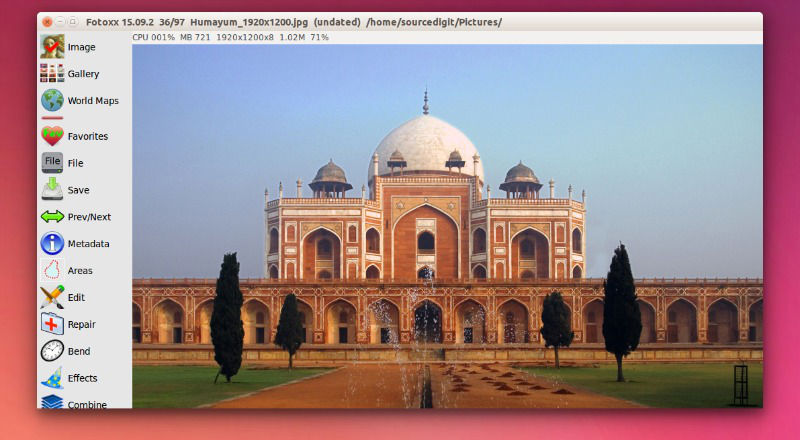
Install Darktable photo editor on Ubuntu Linux. How to install Darktable 2.0 photo workflow application (RAW developer) on Ubuntu 15.10, Ubuntu 14.04 and Derivatives. Darktable is one of the most popular photo application for managing digital negatives (RAW). Darktable 2.0 is the latest version available of the Darktable RAW Image Tool. Darktable 2.0 has been […]
How To Install Notepadqq 0.50.6 on Ubuntu And Arch Linux
Install Notepad Text Editor on Ubuntu Linux. How to install Notepadqq 0.50.6 (text editor) on Ubuntu 15.10 and Ubuntu 14.04 Systems. Notepadqq is similar to Notepad++ text editor. The Notepadqq 0.50.6 editor has many exciting editing features such as syntax highlighing, support for programming languages and text formatting features. It also support search, find and […]
How To Install APT 1.1.7 (Advanced Package Tool) On Ubuntu 15.10
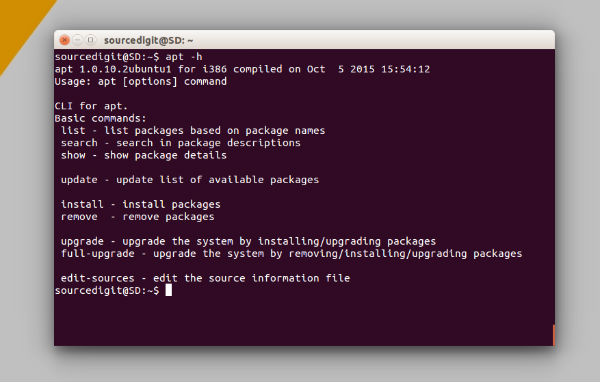
Install APT (Advanced Package Tool) on Linux Ubuntu Systems. How to install APT 1.1.7 on Ubuntu 15.10 and Ubuntu 14.04 Systems. Advanced Package Tool (APT) is the default package manager for Ubuntu and Debian Systems. In general, the APT Package Manager brings the following new features: apt list displays the installed and upgradable packages, similar […]
Install Entangle & Take Photos From Digital Camera, via Linux Ubuntu Desktop
Take photos with digital camera, via Linux Ubuntu Desktop. Install Entangle 0.7.0 “Charm” on Ubuntu 15.10. Entangle software is used for controlling the camera, via Linux Computer. Once installed, users can take photos using their digital cameras which is connected and controlled from the Linux System. Entangle 0.7.0 “Charm” is the latest version available of […]