

How to Migrate Windows 10 to a Solid State Drive (SSD). EaseUS Partition Magic software can help you to migrate Windows 10 to SSD, without data loss. EaseUS Partition Master is a free disk management software for Windows Systems. Besides the usual Disk Partition tasks the EaseUS disk partition software can be used to extend […]
How To Install Foxit Reader In Ubuntu 15.04 & Ubuntu 14.04

Foxit Reader 7 – the secure PDF Reader / Foxit Pdf Editor for Linux Ubuntu. How to install Foxit Reader in Ubuntu 15.04 and Ubuntu 14.04. The Foxit PDF Reader has an intuitive user interface with Microsoft Office 2013 Style Ribbon Toolbar. The Foxit Reader can be used to create standard compliant PDF’s that are […]
Install Spotify In Ubuntu 15.04 & Ubuntu 14.04
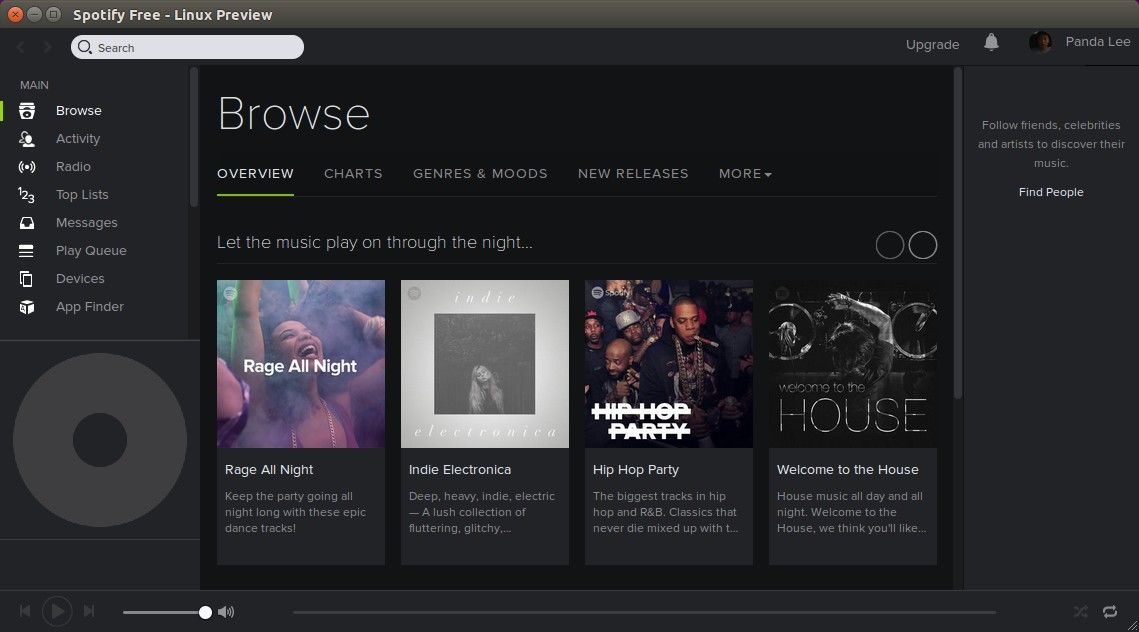
Install Spotify Client in Linux Ubuntu. How to install Spotify in Ubuntu 15.04 and Ubuntu 14.04. Fix Spotify not launching in Ubuntu 15.04 and Ubuntu 14.04. There are two PPAs for installing Spotify – Stable and Unstable. Open Terminal and run the following commands: Spotify Stable Repository / PPA echo deb http://repository.spotify.com stable non-free | […]
Install GNOME Flashback 3.18.0 On Ubuntu 15.04 & Ubuntu 14.04
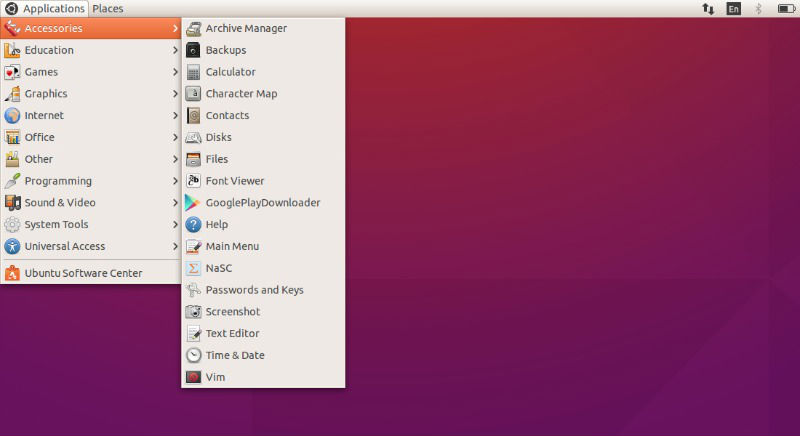
Get Gnome Classic Desktop in Ubuntu 15.04 and Ubuntu 14.04. Install GNOME Flashback 3.18.0 on Ubuntu. GNOME Flashback 3.18 gives a classic look to the GNOME 3.18 Desktop Environment Ubuntu 15.04 and Ubuntu 14.04 comes with a new design UI with enhanced performance and appealing looks. But, Ubuntu 15.04 and Ubuntu 14.04 lack the regular […]
How To Monitor Linux Ubuntu System Resources
Monitor Linux Ubuntu System resources like CPU, Disk IO and Network. Install Collectl, all-in-one performance monitoring tool for Linux Ubuntu. Collectl collects all the data that describes the current system status. The app write all the data from live system to file or display on Terminal. Collectl is a command-line utility for Linux Ubuntu System […]
How To Enable Java In Web Browser On Ubuntu Linux
Enable Java Plugin on Firefox. Enable and configure Java Plugin on Firefox and Chrome web browser. Follow these instructions to enable Java in your web browser on Ubuntu Linux. Google Chrome Become the root user by running the su command and then enter the super-user password. Type: sudo -s Create a directory called plugins if […]