

Install Panel Bar Indicators on Ubuntu 14.04/14.10 Unity Desktop. Install Brightness Indicator, Classic Menu Indicator, My-Weather Indicator, Search Files Indicator, System Monitor Indicator, Touchpad Indicator and Sticky Notes Indicator on Ubuntu system. 1: Brightness Indicator Brightness indicator allows you to control your laptop display brightness with indicator. sudo add-apt-repository ppa:indicator-brightness/ppa sudo apt-get update sudo apt-get […]
How To Format Write-Protected USB Drive and Memory Card
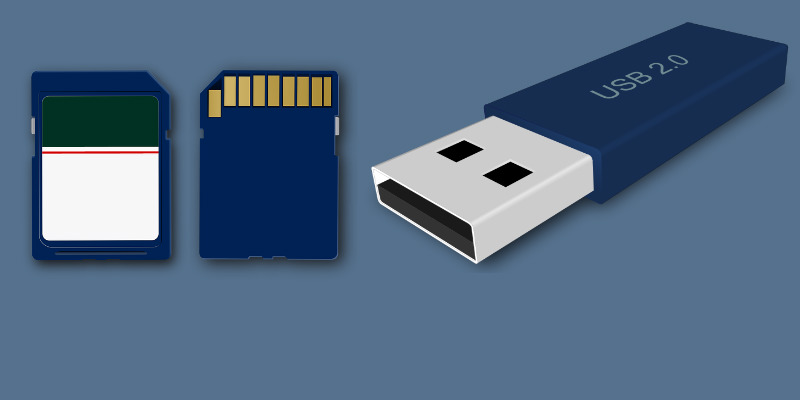
How to format USB drives and memory cards which are write protected. You cannot delete contents or make any new files on right protected USB drives and SD Cards. But there is a way to format USB drives which are right-protected. Let see how:
How To Install SeaMonkey 2.33 On Linux Ubuntu Systems

Install SeaMonkey 2.33 on Linux Ubuntu 14.04, Ubuntu 14.10 and Derivative Systems. SeaMonkey is an Internet suite that includes a Web-browser, advanced e-mail, newsgroup and feed client, IRC chat, HTML editor and web development tools. SeaMonkey is based on Mozilla Firefox. SeaMonkey has the following features: SeaMonkey suite Internet browser uses the same rendering engine and […]
How To Install Calligra Office Suite 2.9 On Ubuntu 14.10
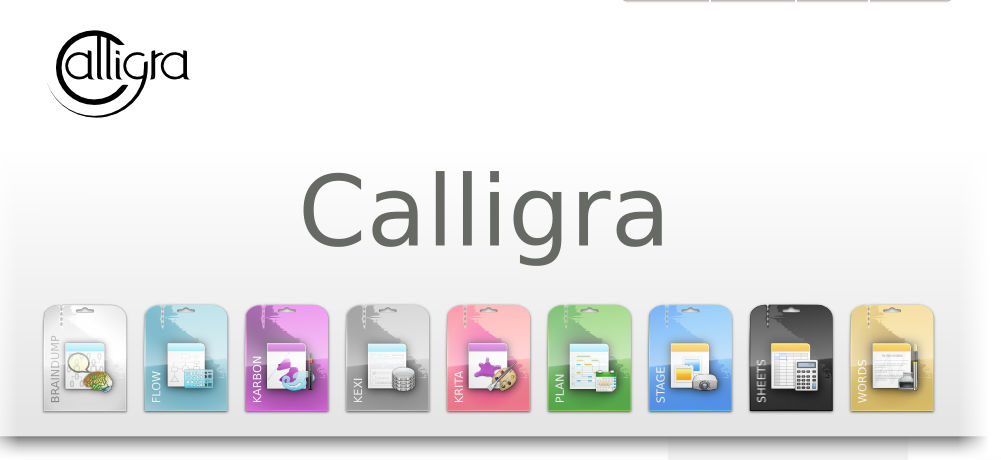
Download and install Calligra 2.9.1 on Linux Ubuntu 14.10. Calligra Office Suite is similar to LibreOffice or OpenOffice Suites for Linux Ubuntu systems. It is available on Kubuntu and other KDE-based Linux systems. The Calligra Office Suite contains the following applications: Words, Stage, Sheets, Flow, and Kexi, Krita and Plan. The latest Calligre Suite 2.9.1 […]
Upgrade and Install Krita 2.9.1 Image Editing Software on Ubuntu 14.10/14.04/12.04
Upgrade and Install Krita 2.9.1 on Linux Ubuntu 14.10/14.04/12.04. Krita 2.9 is an image editing software and an excellent Photoshop alternative for Ubuntu Systems. Install Krita 2.9.1 in Ubuntu Systems Open Terminal and run the following commands to update the local repository index and install the krita-2.9 and krita-2.9-dbg packages: sudo add-apt-repository ppa:dimula73/krita sudo apt-get […]
How To Install Linux Kernel 4.0 RC4 On Ubuntu 14.10 and Ubuntu 14.04
How to install Kernel 4.0 RC4 on 32 bit and 64 bit Ubuntu 14.10, Ubuntu 14.04 and Derivatives. Linux Kernel 4.0 RC4 has been released with ARM updates, architecture improvements and networking fixes. You can install Kernel 4.0 RC4 on Ubuntu 15.04/14.10/14.04, Linux Mint 17 and other Ubuntu derivative systems. To install Linux Kernel 4.0 RC4, […]