
Unsettings 0.09 – Unity Configuration Tool for Ubuntu. Install Unsettings 0.09 in Ubuntu 14.10, Ubuntu 14.04 and Ubuntu 12.04. Unsettings is the graphical configuration tool for Unity desktop. The latest version Unsettings 0.09 supports Ubuntu 14.10 and Ubuntu 14.04. Versions older than Ubuntu 12.04 “Precise Pangolin” are not supported. What is Unsettings? Unsettings is a […]
How To Install Atom Text Editor On Ubuntu 14.10 & Ubuntu 14.04
Install latest release of Atom Text Editor – Atom 0.187.0 on Linux Ubuntu systems. How to Install Atom Text Editor on Ubuntu 14.10, Ubuntu 14.04, Ubuntu 12.04 and Ubuntu derivatives. Atom is an open-source, multi-platform text editor developed by GitHub. Atom Text Editor have a simple graphical user interface with lots of interesting features for editing […]
How to Install Firefox 36.0.3 on 32 bit/64 bit Linux Ubuntu systems
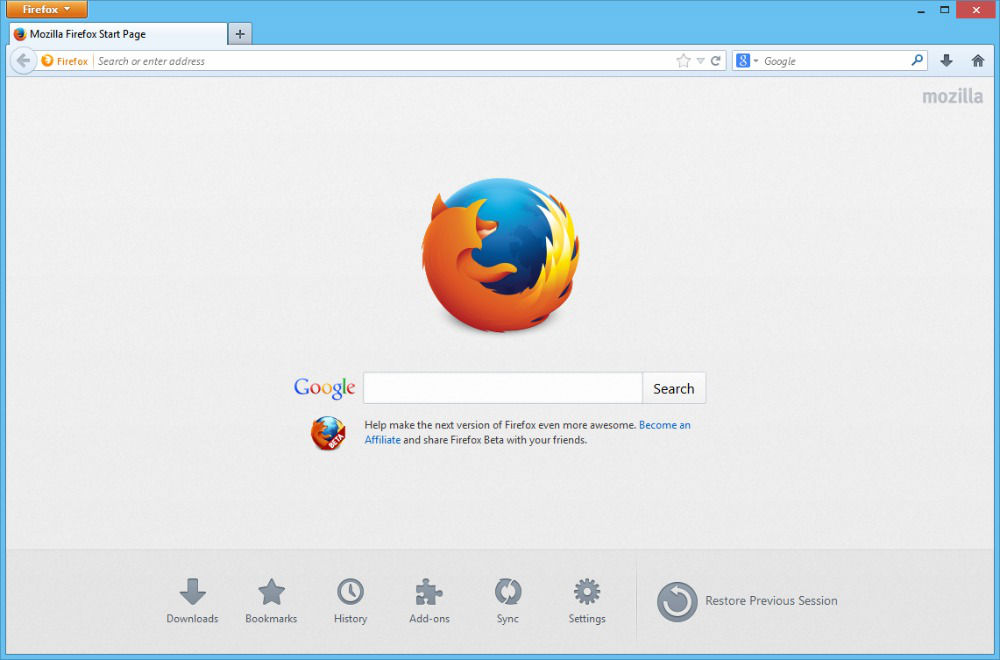
Install Firefox 36.0.3 on 32 bit/64 bit Linux systems. How to install Firefox 36.0.3 on Ubuntu 14.10/14.04, Linux Mint 17.1/17/13 and other Linux Ubuntu derivatives. Firefox 36+ brings support for HTTP/2 and HTML5 YouTube playback. Firefox 36.0.1 can be updated and installed via the official repository. You can also download Firefox 36.0.1 from the Mozilla […]
Turn Off & Disable Update Manager (Ubuntu Automatic Updates) in Ubuntu 14.04/14.10
Turn off & disable Ubuntu Update Manager (Ubuntu Automatic Updates) in Ubuntu 14.04/14.10. Here’s how to disable Ubuntu Update Notifier from autostart (opening automatically). Most people doesn’t know, but you can stop Update Manager (Ubuntu 14.04/14.10) from startup – turn off Ubuntu automatic updates. Here’s how to disable the update manager popup in Linux Ubuntu […]
How to Fix PPA “404 Not Found” Error When Running “apt-get update”

Fix a 404 Error when using a PPA or updating package lists. Solve PPA “404 Not Found” error when running “apt-get update”. This tutorial explains how to fix 404 Error using the Ubuntu archives? What are 404 errors The 404 or Not Found error message is a HTTP standard response code indicating that the client […]
How To Install GNOME 3.14 In Ubuntu 14.04/14.10
This tutorial explains how to install GNOME 3.14 in Ubuntu GNOME 14.10. Ubuntu GNOME 14.10 (Utopic Unicorn) ships with GNOME 3.12. Luckily, you can install the latest GNOME (3.14) in Ubuntu 14.10 using a PPA. The latest GNOME 3.14 comes with a system-wide multitouch gestures (for touchscreen devices), new animations for the Activities Overview, new […]