
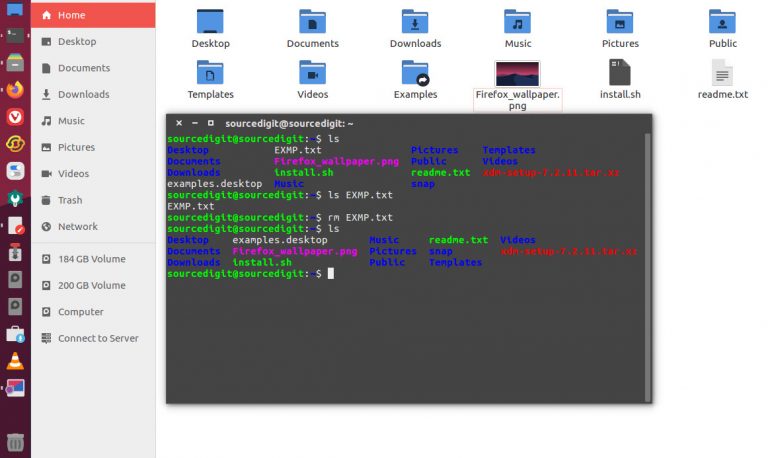
Learn how to use rm command in Ubuntu terminal. Understand the rm command in Linux with examples. This post will help you to learn how to delete a file in Linux using terminal command line. rm Command in Linux To remove files you can use the rm command. The rm (remove) command is used to […]
How To Get Instagram Analytics Without Business Account

How to get monthly Instagram analytics? Using best free Instagram analytics app to check your Instagram story analytics and Instagram post engagement analytics. Instagram Analytics Explained Instagram Analytics lets you learn more about your followers and about how your content performs with your audience. For example, you’ll find insights such as gender, age range and […]
How To Check Total Hard Disk Size In Ubuntu Terminal
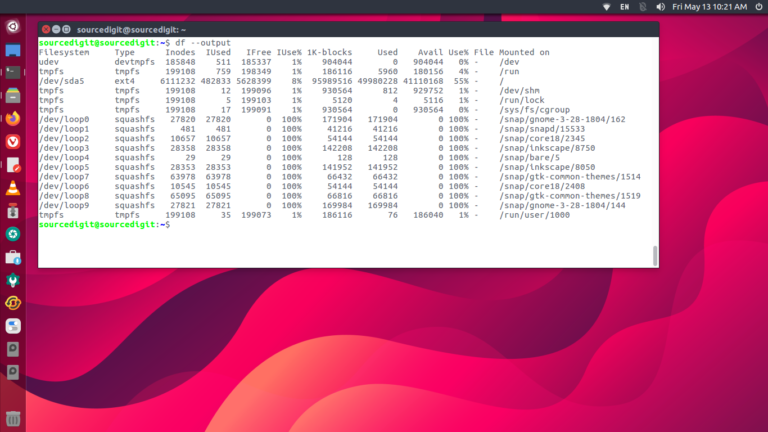
How to check total hard disk size in Ubuntu terminal. Here is a Linux hard disk info command to check hard drive in Ubuntu terminal. Command to Check Hard Disk Size in Linux Ubuntu Two most popular commands to check hard disk size in Linux Ubuntu are: df command – Shows the amount of disk […]
How to Install Kernel 5.18 in Ubuntu 22.04
How to install Kernel 5.18 in Ubuntu 22.04. Users can install Linux Kernel 5.18 in Ubuntu 22.04 via terminal command line. The same can also be installed on other Linux Ubuntu Systems. Linux Kernel 5.18 brings new razer driver & tablet improvements, sigma micro keyboard control ics support, amd hsmp driver and intel alder lake […]
Best Free Live Chat Plugin For WordPress Website

Which is the best free live chat plugin for WordPress website? Here is the collection of WordPress plugin for WhatsApp chat and WordPress plugin for Facebook chat. 1. Zendesk Chat It is one of the most popular chat plugins for WordPress. The Zendesk Chat app will let you answer your customer’s questions in real time […]
How To Open Terminal As Root In Ubuntu
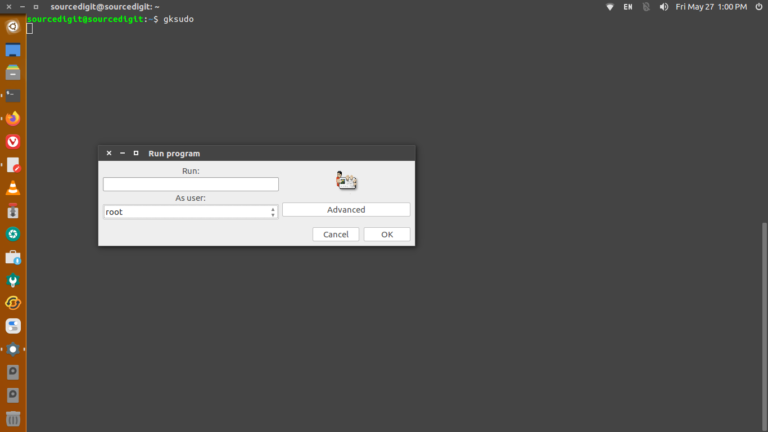
Learn how to open terminal as administrator in Ubuntu. If you are looking for how to make user superuser in Ubuntu, you can open terminal as root in Ubuntu. Using Sudo Command sudo allows a permitted user to execute a command as the superuser or another user, as specified by the security policy. Users can […]