
• Skip to primary navigation
  • Skip to main content
  • Skip to primary sidebar
Source Digit

Source Digit

Linux, Ubuntu Tutorials & News, Technology, Gadgets & Gizmos

  • Home
  • How To
  • Ubuntu
  • Instagram
  • Blogging
  • Android
  • WordPress
  • +More
    • Cloud Computing
    • Gadgets
    • Social Media
    • Technology
  • Write for Us
Home / Archives for How to Install Tor Browser on Ubuntu

How to Install Tor Browser on Ubuntu

How To Install Tor Browser On Ubuntu 15.10 & Ubuntu 14.04

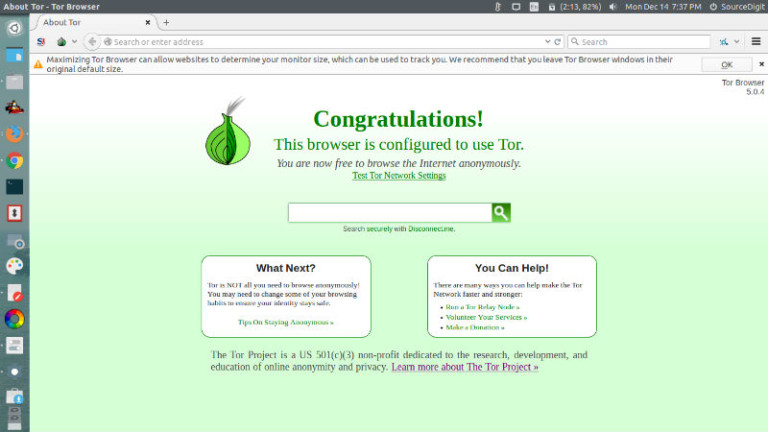
How to install Tor Browser on Ubuntu 15.04, Ubuntu 14.04 and Ubuntu Derivatives. Install Tor Browser on Ubuntu, via PPA or via official Tor archive. Tor is free software and an open network that helps you defend against traffic analysis, a form of network surveillance that threatens personal freedom and privacy, confidential business activities and […]

Download & Install Tor Browser Bundle 4.0.3 on Ubuntu 14.04 & Ubuntu 14.10

Download and install Tor Browser Bundle 4.0.3 on Ubuntu 14.04/Ubuntu 14.10. Install and use the Tor Browser to surf the web anonymously on Linux Ubuntu systems. The Tor software protects you identity by bouncing the communications around a distributed network of relays. It prevents somebody watching your Internet connection and prevents others from knowing/tracking what […]

Primary Sidebar

Latest Posts

Using Linux Terminal How To Get Total Disk Size In GB

Count And Find Number Of Files In A Linux Directory Using Command

Check How Many Users Are Created In Linux Ubuntu

How To Check User Permissions In Linux Using Command

Check Which Folder Is Taking More Space In Ubuntu Linux

How to Install Claude Desktop App in Ubuntu Linux

Job Scheduling Using At Command In Linux With Examples

How To Check Permissions Of A Directory In Linux Command

Delete Directory And Contents Recursively Without Prompt On Linux

Check User Login History In Ubuntu Linux Command Line

© 2026 Source Digit • Linux, Ubuntu Tutorials & News, Technology, Gadgets & Gizmos

  • Home
  • About
  • Privacy Policy
  • Terms & Conditions
  • Contact Us
  • Sitemap