
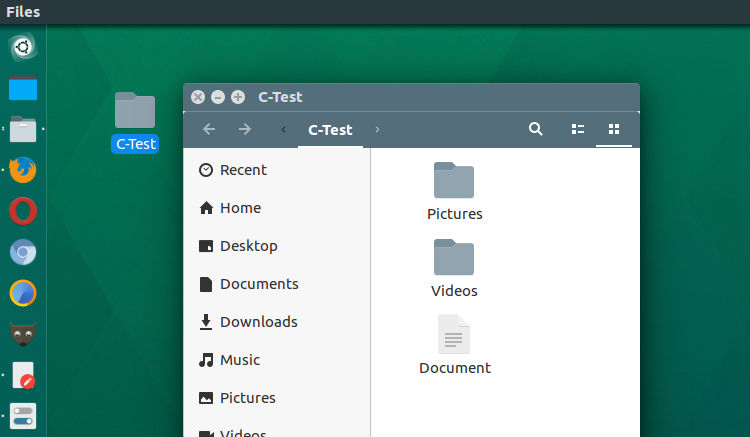
Install Classifier file organizer on Ubuntu Linux. It is an advanced file manager for Linux Ubuntu that organize files in your directory instantly, by classifying them into different folders. Install Classifier File Organizer The Classifier file organizer can easily be installed and used on Ubuntu Linux Systems. Run the following commands to install the Classifier […]
Nemo File Manager
Install The Latest Nemo File Manager On Ubuntu, Via PPA
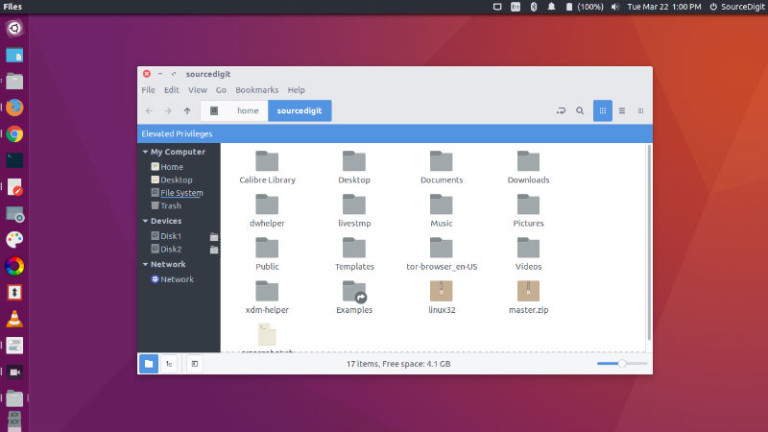
Install the latest Nemo file manager on Ubuntu, via PPA. Download and install Nemo with extensions and patches on Ubuntu Systems. Nemo lets you open as root/administrator in Ubuntu. Nemo file manager has a built in “open as root” context menu option. Best of all, it displays an “elevated privileges” banner (see screenshot below) when […]
How to Set Nemo as Default File Manager in Ubuntu
How to set Nemo as default file manager in Ubuntu. Change default filemanager to Nemo and make Nemo the default file browser in Ubuntu. I assume you have installed the Nemo File Manager. If not, you can follow the link given below: Install Nemo File Manager in Ubuntu (Unity Desktop) You must stop Nautilus from […]
How to Install Nemo File Manager in Linux Ubuntu 14.04
How to install Nemo File Manager in Linux Ubuntu 14.04. You can install Nemo File Manager in Ubuntu 14.04 with Unity patches and without Cinnamon dependencies In Ubuntu 14.04. Install Nemo File Manager (With Unity Patches) In Ubuntu 14.04 By default, if you want to install and use the Nemo, the default Cinnamon file manager, […]