
Download Google Chrome for Ubuntu 64 Bit. Install Google Chrome Browser on Ubuntu 16.04. Terminal commands to install Google Chrome 48.0.2564.116 on Linux Ubuntu 16.04 Systems. Please note that Google has removed and disabled support for Google Chrome on 32 bit Ubuntu Systems. That means, to use and run Google Chrome on Ubuntu, upgrade to […]
Ubuntu
Latest Ubuntu news updates, Ubuntu tutorials and tips for Ubuntu Linux. Learn to use one the most popular Linux distros. Get the updates and latest releases for Ubuntu.
Install qBittorrent BitTorrent Client On Ubuntu 16.04
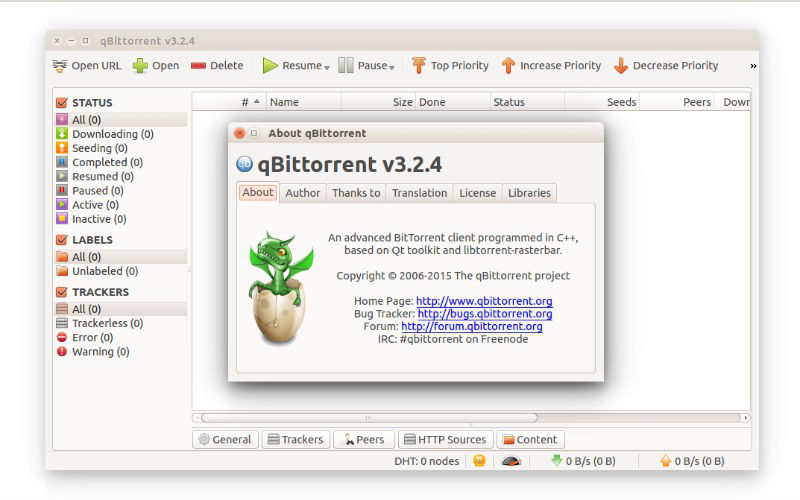
qBittorrent 3.3.5 for Linux Ubuntu Systems. Install qBittorrent BitTorrent Client on Ubuntu 16.04 Systems. The qBittorrent BitTorrent Client is a powerful alternative to µTorrent. qBittorrent is a powerful BitTorrent Client supports torrents queueing and prioritizing and simultaneous search in most famous BitTorrent search sites. qBittorrent supports all Bittorrent extensions such as DHT, Peer Exchange, Full […]
How To Install Komodo Edit Code Editor on Ubuntu 16.04
How to install Komodo Edit Code Editor on Ubuntu 16.04. Komodo Edit 10 code editor can be installed on Ubuntu, via PPA. Komodo Edit is the free and Open-Source counterpart of Komodo IDE. Features of Komodo Edit 10: New Interface: The entire user interface has been given a big facelift. This facelift isn’t just about […]
How To Install TextSuggest Linux Autocomplete Tool On Ubuntu 16.04

How to install TextSuggest on Linux Ubuntu 16.04. TextSuggest is a Linux autocomplete tool, a simple Linux Ubuntu utility to autocomplete words in the GUI. Install TextSuggest Before installing TextSuggest make sure the system have xdotool, xclip and dmenu installed. Once TextSuggest is installed, assign keyboard shortcuts to python3 /path/to/TextSuggest.py python3 /path/to/TextSuggest.py –noselect Deb Package […]
How To Install Wine 1.8.3 In Ubuntu, Via Command Line

How to install Wine 1.8.3 in Ubuntu, via command line. How to configure and use Wine on Ubuntu. Wine 1.8.3 can be installed via PPA on Linux Ubuntu and Linux Mint Systems. Wine 1.8.3 is the Wine maintenance release and the release brings various bug fixes (see below) and a lot of NVidia cards added […]