
How to fix “E: Unable to correct problems, you have held broken packages” in Ubuntu Linux Systems. When you get error messages such as “the following packages have unmet dependencies” you can easily fix it by fixing broken packages in Ubuntu command line. Here is how to fix the above errors: Broken packages can result […]
Ubuntu
Latest Ubuntu news updates, Ubuntu tutorials and tips for Ubuntu Linux. Learn to use one the most popular Linux distros. Get the updates and latest releases for Ubuntu.
Re Execute The Previous Command In Linux Ubuntu Command Line
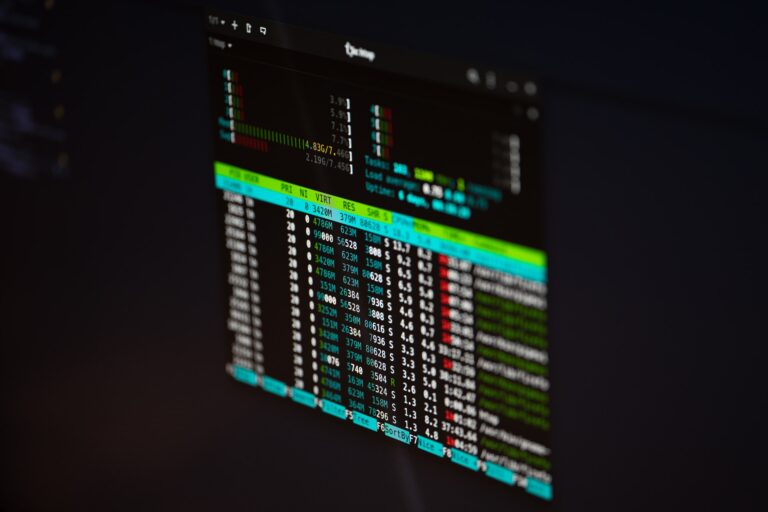
Know which command is used to repeat the last command in Unix Systems. Here is how to get previous command in Linux Ubuntu command line. Let us learn more about re-executing previous commands. Method 1 – Run Last Command using Exclamation Marks To execute the last executed command, just type double exclamation marks, and press […]
How Much RAM Is Needed For Ubuntu PC
How much RAM is needed for Ubuntu PC? The minimum system requirements for Linux Ubuntu has been amped. Ubuntu’s recommended system requirements has been revised and Ubuntu 26.04 LTS now requires 6 GB of RAM and a dual-core 2GHz processor, which is way higher than Windows 11’s 4 GB RAM requirement. Ubuntu 26.04 LTS needs […]
How To Find Large Files And Directories In Linux Command Line
Linux users can run the following command to find the top 10 largest files and directories in the current file system. 1. Find Top 10 Largest Files and Directories (Current Directory) To analyze disk usage within your current working directory, use: In the above command: This command is very useful in quickly identifing space-heavy files […]
How To Use Clear Command History In Linux Terminal

How to use clear command history in Linux terminal. To delete the last 10 lines from your Linux history in the current session, follow the steps given below: There are three ways to clear command history in Linux Ubuntu: Let us learn about each one of these, one by one: 1. Clear Entire Command Line […]
Linux Command To Check RAM Size In Ubuntu Terminal In GB

How to check RAM size in Ubuntu terminal on Unix and Linux Systems. On this page learn to check ram size in Linux command line in gb (Gigabytes). free Command free displays the total amount of free and used physical and swap memory in the system, as well as the buffers and caches used by […]