

Download and install GalliumOS Linux Distro. GalliumOS is a fast and lightweight Linux distro for ChromeOS devices. GalliumOS, the Xubuntu-based OS for Chromebooks. GalliumOS is a Linux distribution which has been carefully optimized for performance and compatibility on Chromebooks and Chromeboxes. The goal is to outperform ChromeOS on the same hardware, while delivering a full […]
Ubuntu
Latest Ubuntu news updates, Ubuntu tutorials and tips for Ubuntu Linux. Learn to use one the most popular Linux distros. Get the updates and latest releases for Ubuntu.
How To Record And Share Ubuntu Desktop With Open Broadcaster Studio
Install Open Broadcaster Software ‘obs-studio’ in Ubuntu 15.10. How to record and share Ubuntu desktop with Open Broadcaster Studio 0.12.3. Terminal commands to install OBS-Studio in Ubuntu, via PPA. Open Broadcaster Studio (OBS) is an application for recording and sharing the desktop. OBS project is a rewrite of what was formerly known as “Open Broadcaster […]
Install Linux Kernel 4.4 On Linux Ubuntu 15.10 & Ubuntu 14.04
Install Linux Kernel 4.4 on Ubuntu 15.10, Ubuntu 14.04 and Derivatives. Kernel 4.4 RC4 has been released with impressive new features and changes. Kernel 4.4 RC4, released by Linus Torvalds, can be installed via kernel.ubuntu.com repository. Linux Kernel 4.4 Date: Sun, 6 Dec 2015 16:13:15 -0800 Subject: Linux 4.4-rc4 From: Linus Torvalds Another week, another […]
How To Install Darktable 1.6.8 On Ubuntu 15.10
How to install Darktable 1.6.8 on Ubuntu 15.10, Ubuntu 14.04 and Derivatives. Darktable 1.6.8 is the latest version available of the Darktable photography application. Darktable is an open source photography workflow application and RAW developer. A virtual lighttable and darkroom for photographers. It manages your digital negatives in a database, lets you view them through […]
Install The Latest Version Of Chrome (Beta) On Linux Ubuntu
Chrome 48 (48.0.2564.23) Beta for Linux Ubuntu Systems. Install the latest version of Chrome (Beta) on Linux Ubuntu 15.10, Ubuntu 14.04, Debian and Derivatives. Chrome 48 Beta: Present to Cast, custom notification buttons, and network estimation. Other features in this release The new DevTools security panel enables developers to understand the security state of a […]
Install Lightzone Digital Photo Editor on Ubuntu 15.10
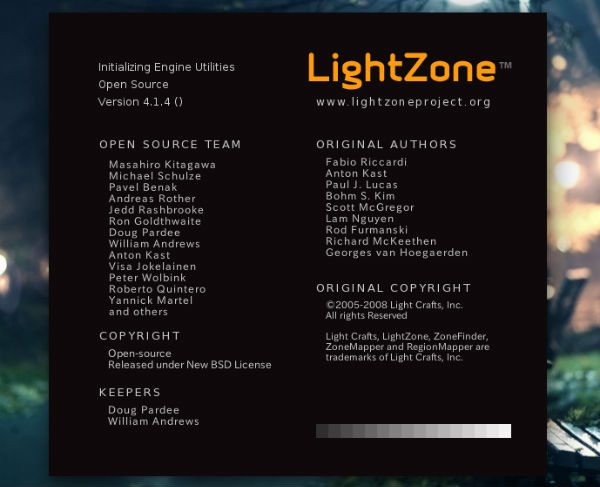
Install Lightzone digital photo editor application. Terminal commands to install Lightzone image editor on Ubuntu 15.10, Ubuntu 14.04 and Derivatives. LightZone image editing program is similar to DarkTable or Adobe Lightroom. It supports popular image formats, RAW included. LightZone v4.1.4 is the latest release of the Lightzone Photo Editor app. LightZone v4.1.4 has been released […]