
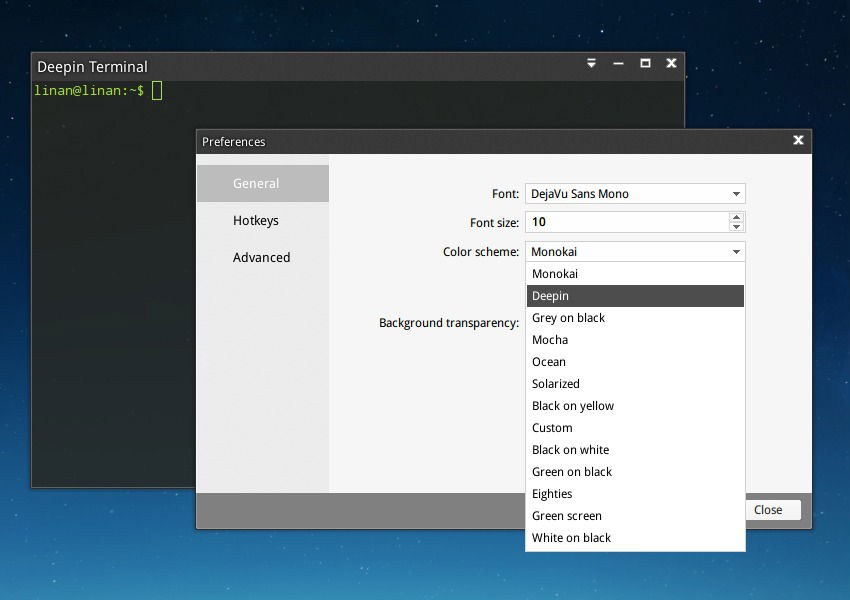
How to install Linux Deepin Terminal in Ubuntu 14.10, Ubuntu 14.04. You can also install Linux Deepin Terminal via PPA in Ubuntu 12.04, Linux Mint and other popular Ubuntu derivatives. The Deepin Terminal is default terminal in Linux Deepin distribution and comes with a lot of exciting features. The Deepin Terminal Emulator is a new […]
Ubuntu
Latest Ubuntu news updates, Ubuntu tutorials and tips for Ubuntu Linux. Learn to use one the most popular Linux distros. Get the updates and latest releases for Ubuntu.
Install Google Chrome 47.0 On Ubuntu 15.10
Install the latest stable release of Google Chrome in Ubuntu, via Repository (PPA). Terminal commands to install Chrome on Ubuntu 15.10, Ubuntu 14.04 and Derivatives. Chrome 47.0.2526.73 contains a number of fixes and improvements. This update includes 41 security fixes. Run the following commands in Terminal to install Chrome on Ubuntu Systems: $ sudo sh […]
How To Install Unity 8 On Ubuntu 15.10 and Ubuntu 14.04
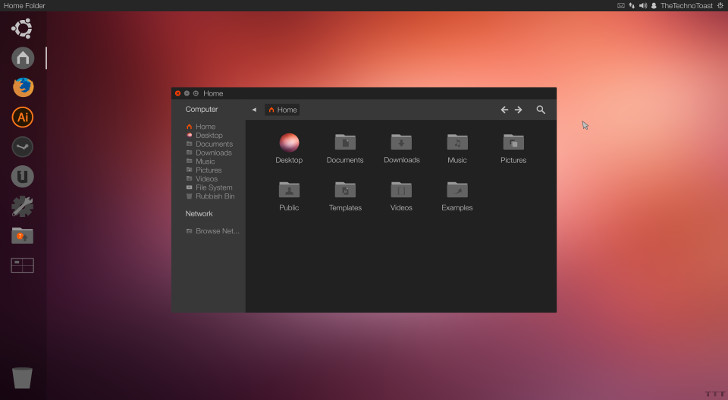
Unity 8 Desktop on Ubuntu 16.04. How to Install Unity 8 on Ubuntu 16.04 LTS, Ubuntu 15.10 and Ubuntu 14.04. The Unity 8 shell is the primary user interface for Ubuntu devices. Unity is a desktop experience that sings. Designed by Canonical and the Ayatana community, Unity is all about the combination of familiarity and […]
Install Fotoxx 15.12 Image Editor On Ubuntu 15.10 & Ubuntu 14.04

Install Fotoxx 15.12 image editor on Ubuntu 15.10, Ubuntu 14.04, Ubuntu 14.10, Ubuntu 15.10 and Ubuntu Derivative Systems. Fotoxx is a free open source Linux program for photo and image editing and collection management. Fotoxx 15.12 is the latest relase of the Fotoxx Image Editor. Fotoxx 15.12 Changelog Fotoxx 15.12 has been released with the […]
How To Record Audio On Ubuntu Systems
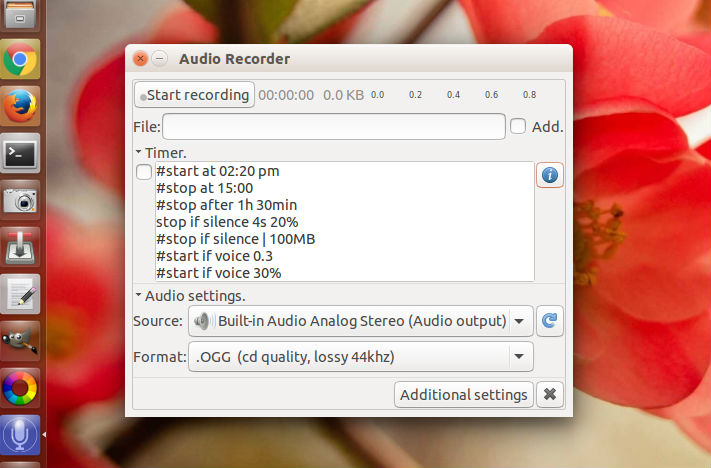
Voice Recorder for 14.04. How to record audio on Ubuntu Systems, with Sound Recorder application. Here’s how to record streaming audio in Ubuntu 15.10, Ubuntu 14.04 and Derivatives. Audio Recorder software can be used for recording music to audio files on Ubuntu Systems. The software uses the system’s card and microphone (with in-built microphone) and […]
eSpeak For Ubuntu: Read Text To Speech, Via Command Line
Ubuntu text to speech via Command Line. Espeak is a Linux command-line text to speech converter. Ubuntu Espeak app is “Ubuntu Text To Speech” (Ubuntu Speech Recognition) software that can be used to read text to speech on Ubuntu Systems. eSpeak uses a “formant synthesis” method. This allows many languages to be provided in a […]