
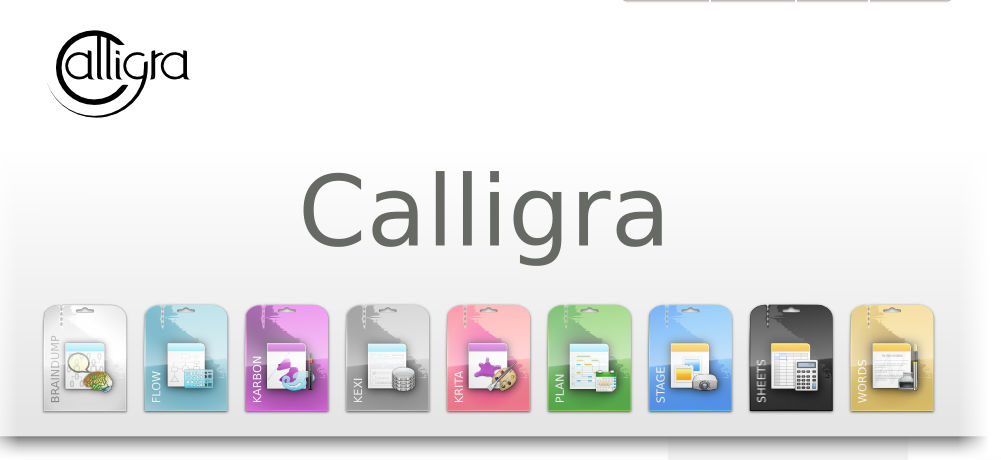
Download and install Calligra 2.9 on Linux Ubuntu 14.10. Calligra Office Suite is similar to LibreOffice or OpenOffice Suites for Linux Ubuntu systems. It is available on Kubuntu and other KDE-based Linux systems. The Calligra Office Suite contains the following applications: Words, Stage, Sheets, Flow, and Kexi, Krita and Plan.
The latest Calligre Suite 2.9.0 vesrions comes with many new exciting changes. For example, the Krita application comes with the following changes:
- Support for loading and showing multiple images in one window, and viewing any given image in multiple views and windows.
- Fully integrated the G’Mic set of image manipulation tools, enabling artists to, for instance, greatly speed-up their workflow.
- Greatly extended support for painting in HDR mode, making it a truly creative tool.
- New perspective painting assistants to new color selectors, improved transform tools and non-destructive transformation masks, brush engine improvements, workflow improvements, new filters, support for creating and installing resource packs (brushes, gradients, patterns) and many more.
Install Calligra Office Suite 2.9 On Ubuntu 14.10
Although you can install Calligra Office Suite 2.9.0 on Ubuntu 14.10, it is advised to install Calligra Office Suite 2.9.0 on KDE-based Linux systems. Run the following command to install Calligra Suite 2.9.0 on Ubuntu 14.10 and derivative systems via PPA:
sudo add-apt-repository ppa:kubuntu-ppa/backports

sudo apt-get update

sudo apt-get install calligra
If you want to uninstall and remove the Calligra Office Suite 2.9.0, run:
sudo apt-add-repository --remove ppa:kubuntu-ppa/backports

sudo apt-get update

sudo apt-get remove calligra
You can download the source code of the Calligra release from here: calligra-2.9.0.tar.xz. Alternatively, you can download binaries for many Linux distributions and for Windows.