
How to install KDE Plasma Desktop Environment in Ubuntu. Terminal commands to install KDE Plasma 5.4 on Ubuntu 15.04 or Kubuntu 15.04 or Ubuntu 14.04.
KDE Plasma 5.4 or KDE Plasma Desktop Environment has been released with many new features. KDE Plasma 5.4 brings a new alternative launcher and a new stable release of the Plasma desktop.
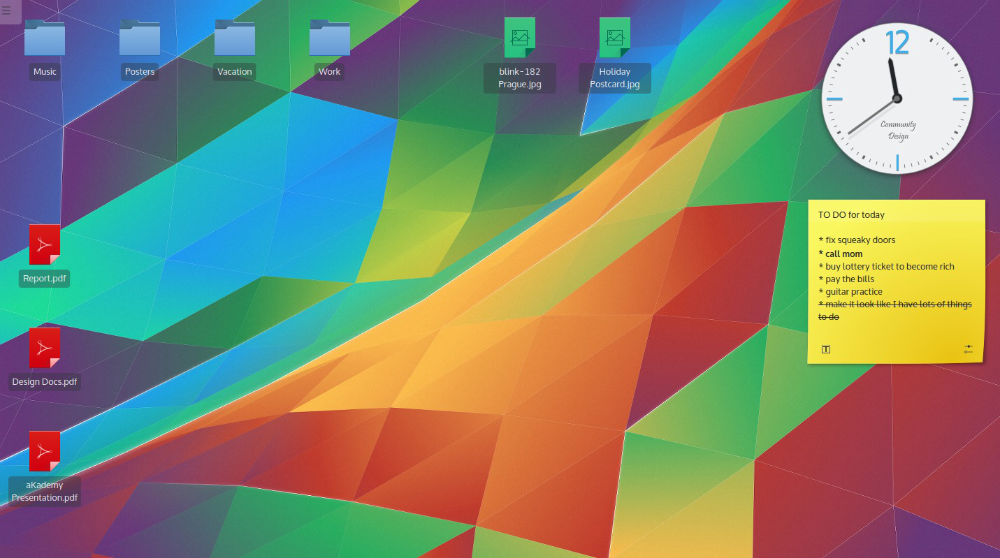
The latest release of Plasma (KDE Plasma 5.4) brings many nice touches for our users such as much improved high DPI support, KRunner auto-completion and many new beautiful Breeze icons. It also brings few new components such as an Audio Volume Plasma Widget, monitor calibration tool and the User Manager tool. Other notable changes are:
- The KDE Plasma 5.4 Audio Volume Applet works directly with PulseAudio, the popular sound server for Linux, to give you full control over volume and output settings in a beautifully designed simple interface.
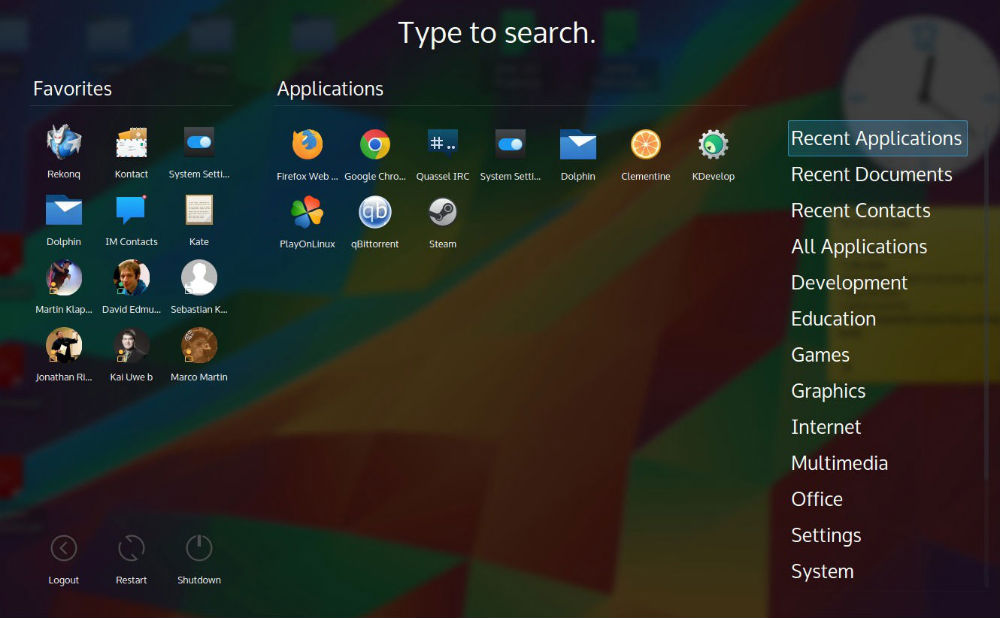
- The KDE Plasma 5.4 Dashboard alternative launcher brings an entirely new fullscreen launcher Application Dashboard in kdeplasma-addons: Featuring all features of Application Menu it includes sophisticated scaling to screen size and full spatial keyboard navigation.
- The KDE Plasma 5.4 brings over 1400 new icons. The latest release of the Plasma brings a revamped KRunner and Network Applet. The KRunner now remembers your previous searches and automatically completes from the history as you type.
- The Networks applet is now able to display network traffic graphs. It also supports two new VPN plugins for connecting over SSH or SSTP.
Install KDE Plasma 5.4 On Ubuntu
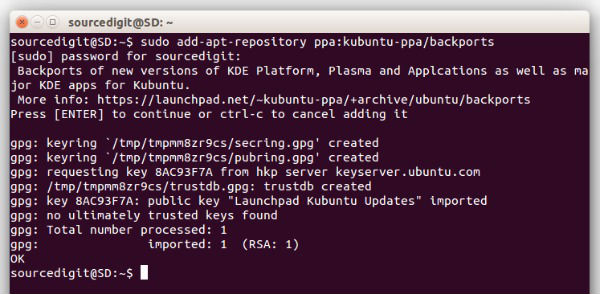
Installing KDE Plasma 5.4 on Ubuntu 15.04, Ubuntu 14.04 or Kubuntu 15.04/14.04 is very easy. All you have to do is add the Kubuntu Backports PPA repository and install KDE Plasma 5.4.
To install KDE Plasma 5.4 in Ubuntu Systems, run the following command:
sudo add-apt-repository ppa:kubuntu-ppa/backports

sudo apt-get update

sudo apt-get dist-upgrade

sudo apt-get install kubuntu-desktop
Please note the KDE Plasma 5.4 file is heavy (966MB) and it will take enough time depending on your Internet conenction.
Uninstall KDE Plasma 5.4 From Ubuntu
To uninstall KDE Plasma 5.4 from Ubuntu and downgrade the Kubuntu PPA-Backports, run the commands given below:
sudo apt-get install ppa-purge

sudo ppa-purge ppa:kubuntu-ppa/backports

sudo apt-get remove kubuntu-desktop