
DeaDBeeF 1.8.1 has been released. Install DeaDBeeF audio player on Ubuntu Linux. DeaDBeeF is a audio player for Linux Ubuntu and other UNIX-like systems. DeaDBeeF lets you play variety of audio formats, convert between them, customize the UI almost any way you want, and use many additional plugins which can extend it even more.
DeaDBeeF Plays nearly anything:
- Mp3, ogg vorbis, flac, ape, wv/iso.wv, wav, m4a/m4b/mp4 (aac and alac), mpc, tta, cd audio, and many more
- Nsf, ay, vtx, vgm/vgz, spc and many other popular chiptune formats
- SID with HVSC song length database support for sid
- Tracker modules – mod, s3m, it, xm, etc
- And even more formats using FFMPEG
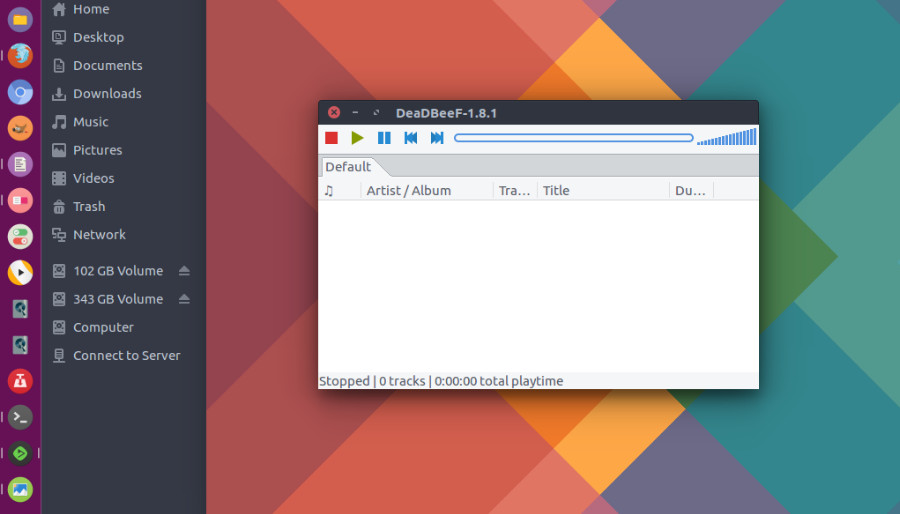
Other Notable Fatures
- DeaDBeeF comes with advanced Converter plugin, which allows to transcode files to other formats
- Especially useful for transferring music to mobile devices on most modern platforms
- You can even preprocess the files before converting — for example, downsample to lower rate, or apply Equalizer.
- Title formatting is available for naming the files
- Folder structure may be preserved optionally
DeaDBeeF 1.8.1 – changelog since 1.8.0
- Fixed audio freeze while sorting
- Fixed crash when resuming playback of a file that’s been deleted
- Fixed error messages when loading PLS playlist with relative paths
- Fixed adjusting shuffle queue after a user initiated track change
- Write Album Artist field into Ogg files as “ALBUMARTIST”
- Load external album covers before embedded
- Removed the unmaintained sndio plugin
- Fixed localization of status bar
- Changed supereq DSP configuration to be more compact horizontally and to have more slider precision
- Updated Repeat and Shuffle hotkey names to match the menus
- Fixed rounding bug of total playtime in statusbar
- Fixed design mode splitter handles dragging beyond the window edges
- Fixed setting album art size based on larger dimension (by ToadKing)
- Fixed regression causing custom layouts with splitters look wrong
- Added FLAC plugin option to ignore corrupted stream errors
- Fixed supereq reentrancy bug, potentially causing crash after changing audio output configuration
- Fixed reloading replaygain info
- Fixed writing replaygain info to APEv2 tags
How to Install DeaDBeeF 1.8.1 in Ubuntu
Run the following commands in terminal to install DeaDBeeF audio player on Ubuntu Linux:
sudo add-apt-repository ppa:starws-box/deadbeef-player

sudo apt-get update

sudo apt-get install deadbeef
Once installed, open DeaDBeeF from Ubuntu Dash or Terminal.