
Which is the best RSS reader for Ubuntu Linux. Install these 3 best RSS feed reader for Ubuntu. These Linux rss reader command line and GUI are best to stay updated.
1. Liferea
Liferea Ubuntu desktop feed reader/news aggregator that brings together all of the content from your favorite subscriptions into a simple interface that makes it easy to organize and browse feeds. Its GUI is similar to a desktop mail/newsclient, with an embedded graphical browser.
Distinguishing Features
- Read articles when offline.
- Synchronizes with
- InoReader (git master)
- Reedah (git master)
- TheOldReader (since 1.10)
- TinyTinyRSS (since 1.8)
- Permanently save headlines in news bins.
- Match items using search folders.
- Play Podcasts in Liferea
Run the following commands in terminal to install Liferea Feed Reader on Ubuntu and Linux Mint Systems:
 sudo add-apt-repository ppa:ubuntuhandbook1/apps
 sudo apt-get update
 sudo apt-get install liferea
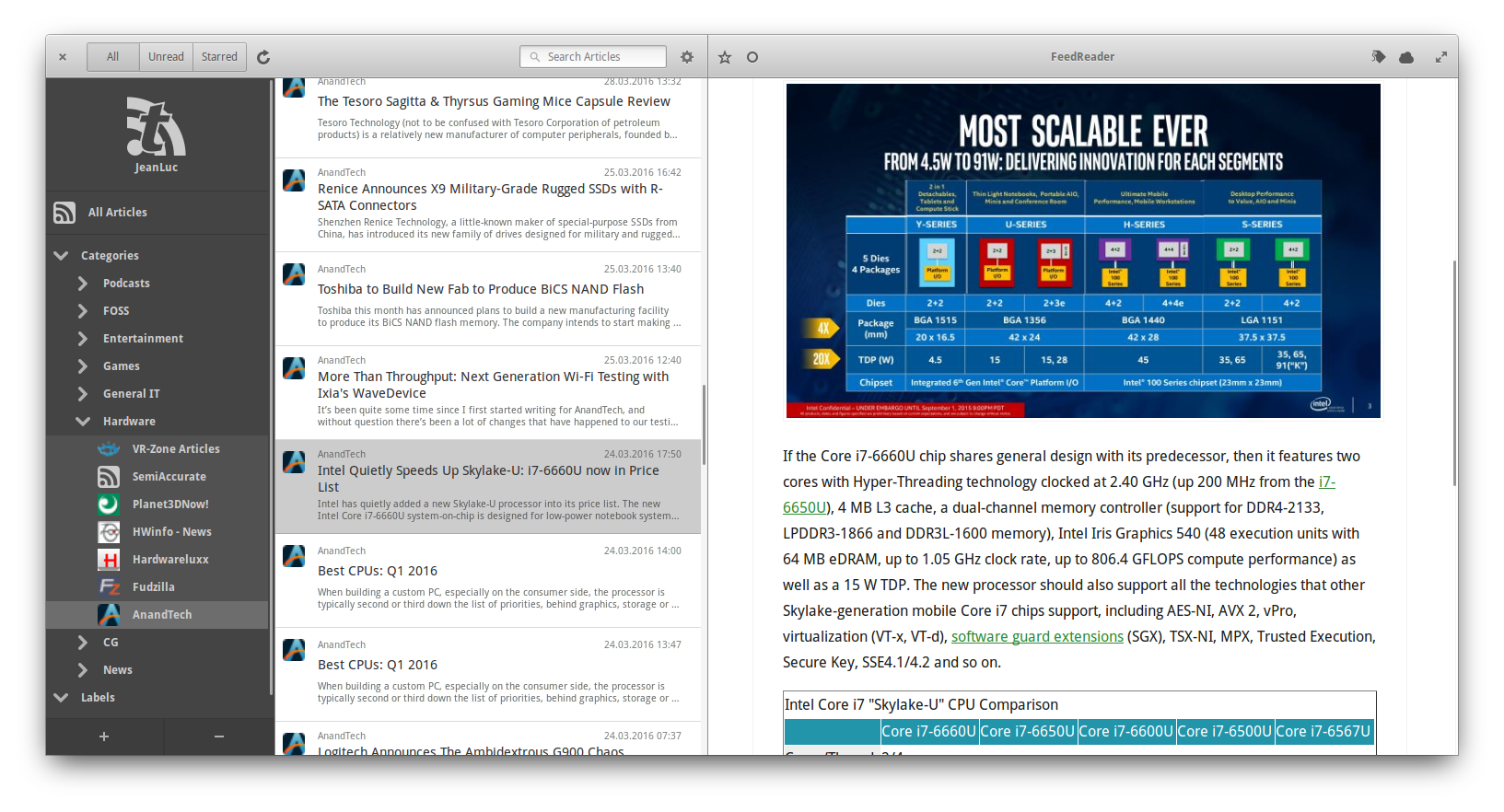
2. FeedReader
FeedReader is a modern desktop application designed to complement existing web-based RSS accounts. It combines all the advantages of web based services like synchronisation across all your devices with everything you expect from a modern desktop application.
Run the following commands in terminal to install FeedReader news feeds reader:
sudo apt-get update

sudo apt-get install flatpak

flatpak remote-add --if-not-exists flathub https://flathub.org/repo/flathub.flatpakrepo

flatpak install flathub org.gnome.FeedReader
The Flatpak build works on any distro and will always track the newest release. For that reason, it’s the only way we recommend that you install FeedReader (we really don’t have the resources to support multiple distro-specific package). For more information about Flatpak and how to use or install it for your distribution see the Flatpak webpage.
3. QuiteRSS
QuiteRSS is a open-source cross-platform RSS/Atom news feeds reader. It has many features such as embedded browser (Webkit core), feed and news filters: new, unread, starred, deleted (for news until restart application), user filters, proxy configuration: automatic or manual, feed import wizard: Search feed URL if site URL was entered, adblock, mark news starred, automatic update feeds: on startup, by timer, automatic cleanup on close using criterias, enable/disable images in news preview, ability to quickly hide feed tree (for comfortable viewing), open feed or news in own tab, quick news filter and quick search in browser, sound and popup notification on new news, show new or unread news counter on tray icon and import/export feeds (OPML-files).
Run the following commands in terminal to install QuiteRSS RSS/Atom news feeds reader:
sudo add-apt-repository ppa:quiterss/quiterss

sudo apt-get update

sudo apt-get install quiterss