
How to find id of a process in Ubuntu using Terminal? Command to get Linux process id by name or to find process id in Ubuntu terminal. On Linux, get pid of process by name in Terminal.
Get Pid Of Process Linux – By Name
The most suitable and easy way to find process id of any task/application in by using pidof command. Simply execute the command with the name of the process or application.
$ pidof [process_name]
The pidof command is used find the process ID of a running program. Pidof finds the process id’s (pids) of the named programs. It prints those id’s on the standard output.
By default the command will return/display all the instances of the pid of the process. To limit the result you can use -s command argument with command. The -s command option is for Single shot and this instructs the program to only return one pid.
Similarly, use -c to only return process ids that are running with the same root directory. This option is ignored for non-root users, as they will be unable to check the current root directory of processes they do not own.
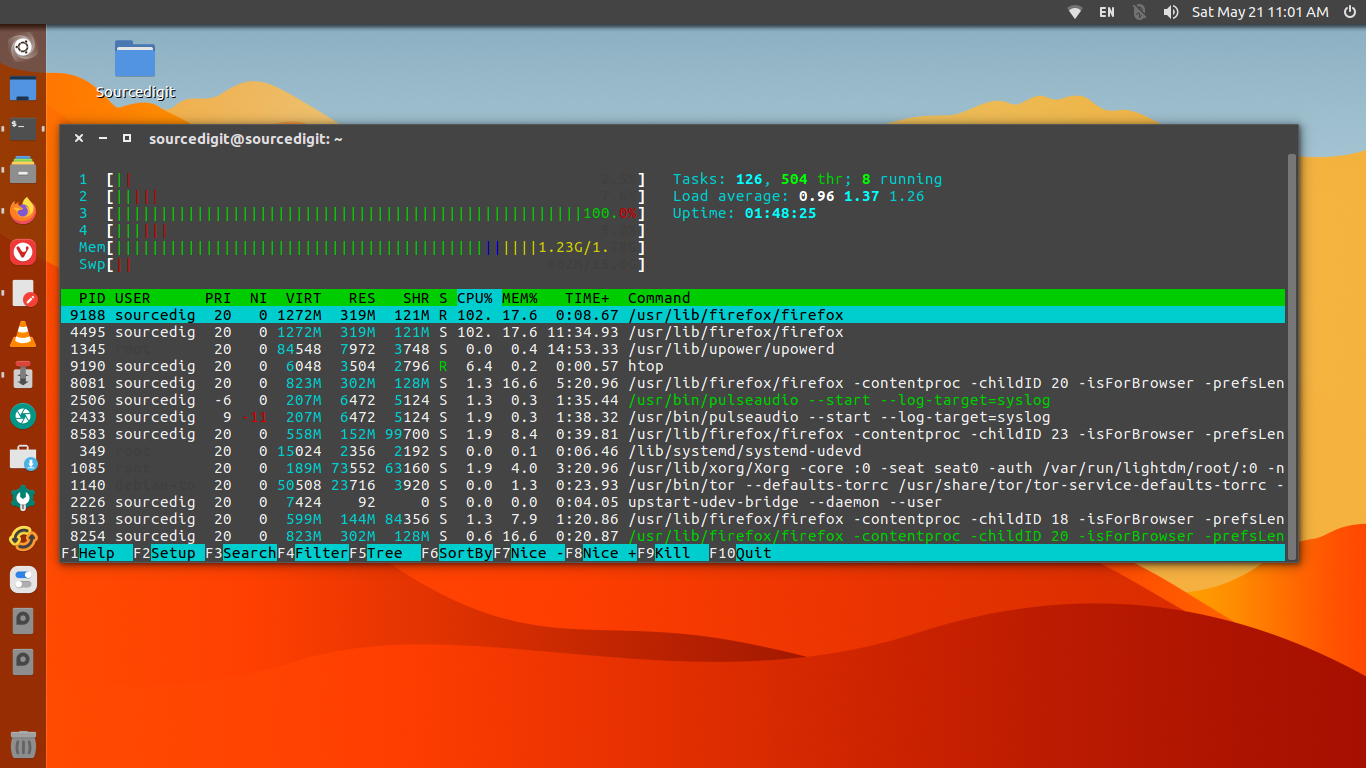
Other commands can also be used to find the pid of the process. Some popular commands are:
$ pidof vlc.$ pgrep vlc.$ lsof | grep vlc.$ ps –A|less$ ps aux | grep “vlc”$ pstree | grep “vlc”$ pstree | grep “vlc” | head -1.$ ps aux$ top
That’s how you find the process id of an application in Linux Ubuntu.