
• Skip to primary navigation
  • Skip to main content
  • Skip to primary sidebar
Source Digit

Source Digit

Linux, Ubuntu Tutorials & News, Technology, Gadgets & Gizmos

  • Home
  • How To
  • Ubuntu
  • Instagram
  • Blogging
  • Android
  • WordPress
  • +More
    • Cloud Computing
    • Gadgets
    • Social Media
    • Technology
  • Write for Us
Home / How To / How To Upgrade Not Upgraded Packages In Ubuntu

How To Upgrade Not Upgraded Packages In Ubuntu

By Sourabh / January 7, 2024 Category: How To, Ubuntu

How to upgrade all upgradable packages in Ubuntu? Get apt-get list available packages and know which of the following packages have been kept back.

Here is how to check available updates in Ubuntu:

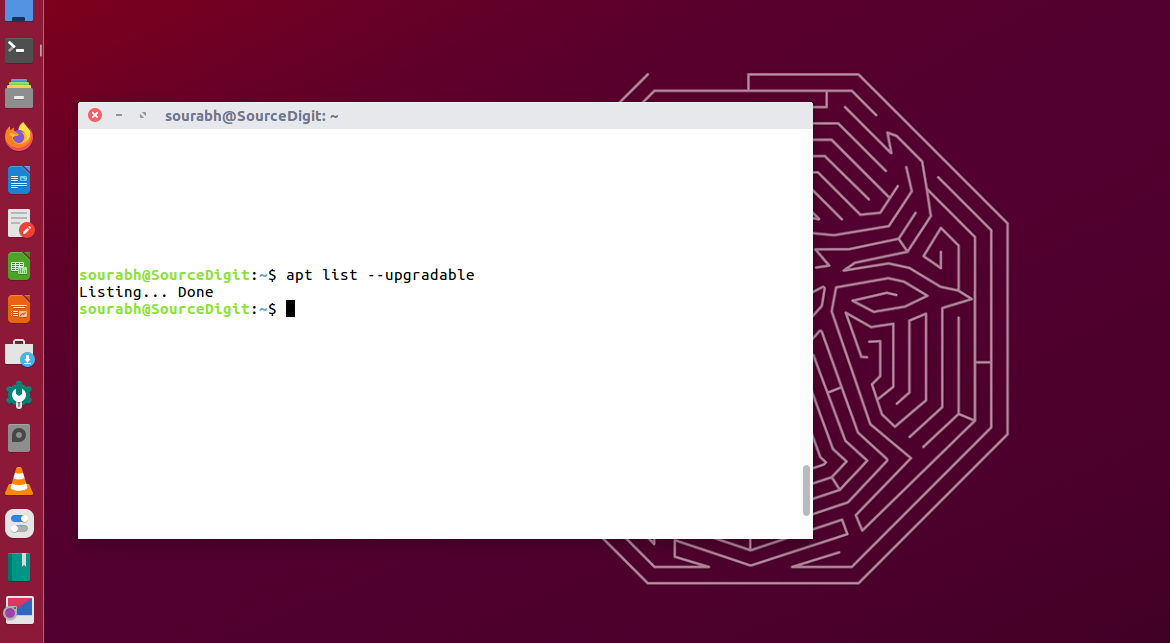
To get a list of upgradeable packages in Ubuntu Linux Systems, use the following command to print the packages list that can be upgraded:

apt list --upgradable

This command is useful as it lists down all those packages that can be upgraded.

Once you get the full list of upgradable packages, one can select the package/software that needs to be upgraded.
Users can manually select and upgrade a single package or upgrade of multiple packages one by one.

Linux Users can manually select and upgrade the single package using the following command:

sudo apt --only-upgrade install package_name

Note that the command apt list –upgradable may not show any new kernel versions available which are to updated or upgraded.

To update the list of packages in the Ubuntu repository; we run “sudo apt update” command to update the list of packages on the repository. Similarly to upgrade the packages that are pending updates, we run “sudo apt upgrade” command.

sudo apt update
sudo apt upgrade

Remember, it’s wise to keep your system updated.

Primary Sidebar

Latest Posts

How To Run Fsck Manually In Linux To Fix Unexpected Inconsistency

How To Fix Broken Packages On Ubuntu From Terminal

Re Execute The Previous Command In Linux Ubuntu Command Line

How Much RAM Is Needed For Ubuntu PC

How To Find Large Files And Directories In Linux Command Line

How To Use Clear Command History In Linux Terminal

Linux Command To Check RAM Size In Ubuntu Terminal In GB

How To Install Proprietary Drivers In Linux Ubuntu Using Terminal

How To Shutdown Linux With A 15 Minute Delay And Message

Free AI Courses With Certificate For Beginners In India

© 2026 Source Digit • Linux, Ubuntu Tutorials & News, Technology, Gadgets & Gizmos

  • Home
  • About
  • Privacy Policy
  • Terms & Conditions
  • Contact Us
  • Sitemap