
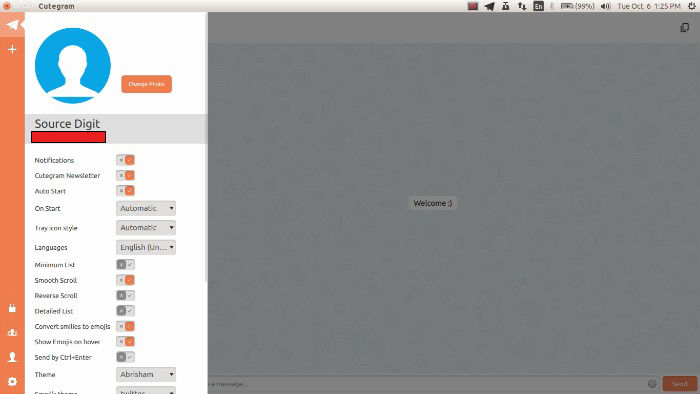
Cutegram Telegram Client for Linux. Install Cutegram 2.7.0 on Ubuntu 15.04, Ubuntu 14.04, Ubuntu 15.10 and Ubuntu Derivatives. Cutegram is a free and opensource telegram clients for Linux, Windows, OS X and OpenBSD.
The Cutegram focuses on user friendly, compatibility with desktop environments. Cutegram using Qt5, QML, libqtelegram, libappindication, AsemanQtTools technologies and Faenza icons and Twitter emojies graphic sets. It’s free and released under GPLv3 license.
What is Telegram?
Telegram is a powerful messaging and file sharing app. Telegram groups can have up to 200 members, we support replies, mentions and hashtags that help maintain order and keep communication in large communities efficient. In case you’re more into pictures, Telegram has animated gif search, a state of the art photo editor and an open sticker platform. They also offer device-specific Secret Chats with self-destructing messages, photos and videos — and lock your app with an additional passcode.
Install Cutegram 2.7.0 on Linux Ubuntu
Cutegram 2.7.0 has been released with a number of new features. The latest release of Cutegram Telegram Client has an improved the GUI (Graphical User Interface) with new fonts for different languages. For security improvements, Cutegram 2.7 now stores encrypted messages on the software’s internal database and uses encrypted authentication file implementation.
Other features that have been relesed with Cutegram 2.7.0 are:
- Add Sticker-Set support
- All messages stored encrypted on the database now
- Encrypted authentication file
- KWallet support (under kde)
- Add supports for different font for different languages
- Add apple-emojis (twitter emojis is default)
- Add an option to send messages using Ctrl+Enter
- Many improvement on UserInterface
- Show username in the user info panel.
- Media caption message support
- Many improvement on OSX version
- Native titlebar on the OSX Yosemite and El-capitan (experimental)
- Add OSX fullscreen support (Normal titlebar only)
- Update Cutegram icon
- Update translations
- Add new demos on TelegramQml repository for developers
- Many other improvements and bugfixes
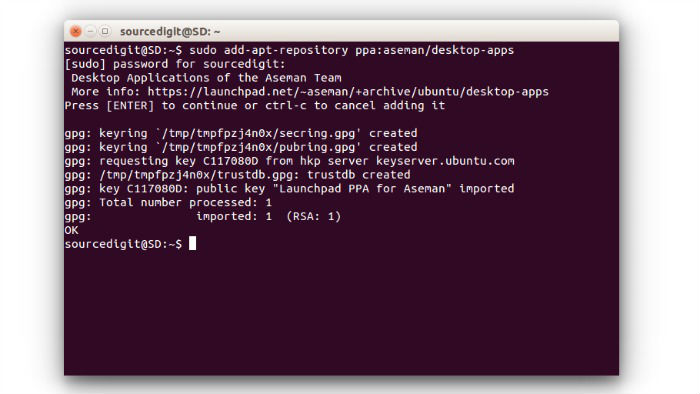
Run the following commands in Terminal to install Cutegram 2.7.0 in Ubuntu Systems:
$ sudo add-apt-repository ppa:aseman/desktop-apps

$ sudo apt-get update

$ sudo apt-get install cutegram
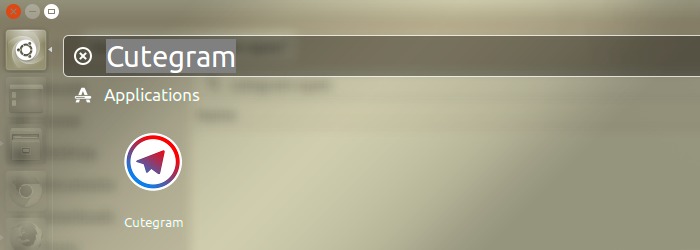
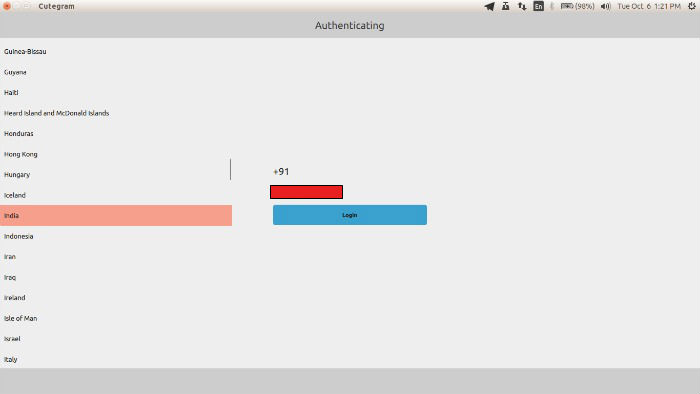
Once installed, you can open Cutegram app from Ubuntu Dash.
Download Cutegram 2.7.0
Install Cutegram Dependencies
Install gcc, g++, openssl, git, Qt5Core, Qt5DBus, Qt5Gui, Qt5Multimedia, Qt5MultimediaQuick_p, Qt5Network, Qt5PrintSupport, Qt5Qml, Qt5Quick, Qt5Sql, Qt5Svg, and Qt5Widgets.
on Ubuntu:
sudo apt-get install g++ gcc git qtbase5-dev libqt5sql5-sqlite libqt5multimediaquick-p5 libqt5multimedia5-plugins libqt5multimedia5 libqt5qml5 libqt5qml-graphicaleffects libqt5qml-quickcontrols qtdeclarative5-dev libqt5quick5
on Fedora (tested on Fedora 20):
yum install qt5-qtbase qt5-qtbase-devel qt5-qtdeclarative qt5-qtquick1 qt5-qtquick1-devel kde-plasma-applicationname kde-plasma-nm qt5-qtdeclarative-devel qt5-qtdeclarative-static qt5-qtgraphicaleffects qt5-qtquickcontrols openssl-devel libappindicator-devel
Also you should install AppIndicator and Gtk2 if you want to enable UnitySystemTray plugin.
sudo apt-get install libappindicator-dev libgtk2.0-dev
For other distributions search for the corresponding packages.